
Your laptop won't boot, your phone's taken a swim, or your NAS, a shared storage box, beeped once and went silent. The family photos, school assignments and work folders suddenly feel very far away. Stop using the device and stop attempting home fixes now. Repeated power-ons can make a failing drive harder to recover, and installing software can overwrite the files you're trying to save.
A device that won't start doesn't automatically mean your files are gone forever. The best data recovery choice depends on what happened: a specialist lab for physical damage, a local service centre for an assessment, or careful DIY recovery after simple deletion on healthy storage. Check existing backups from another device first, without reconnecting anything you suspect is infected.
These seven Singapore options differ in device coverage, pricing transparency and how clearly they explain their process. Choose the right help now, then strengthen your data loss prevention strategy once your files are safe.
Table of Contents
- 1. Singapore Data Recovery Service Centre
- 2. CBL Data Recovery
- 3. Singapore Data Recovery Centre (SDRC)
- 4. Data Savers
- 5. Accplus Technologies
- 6. ITS Data Recovery
- 7. PCSOS
- Singapore Data Recovery Options at a Glance
- Your Next Step to Get Your Files Back Without the Stress
1. Singapore Data Recovery Service Centre
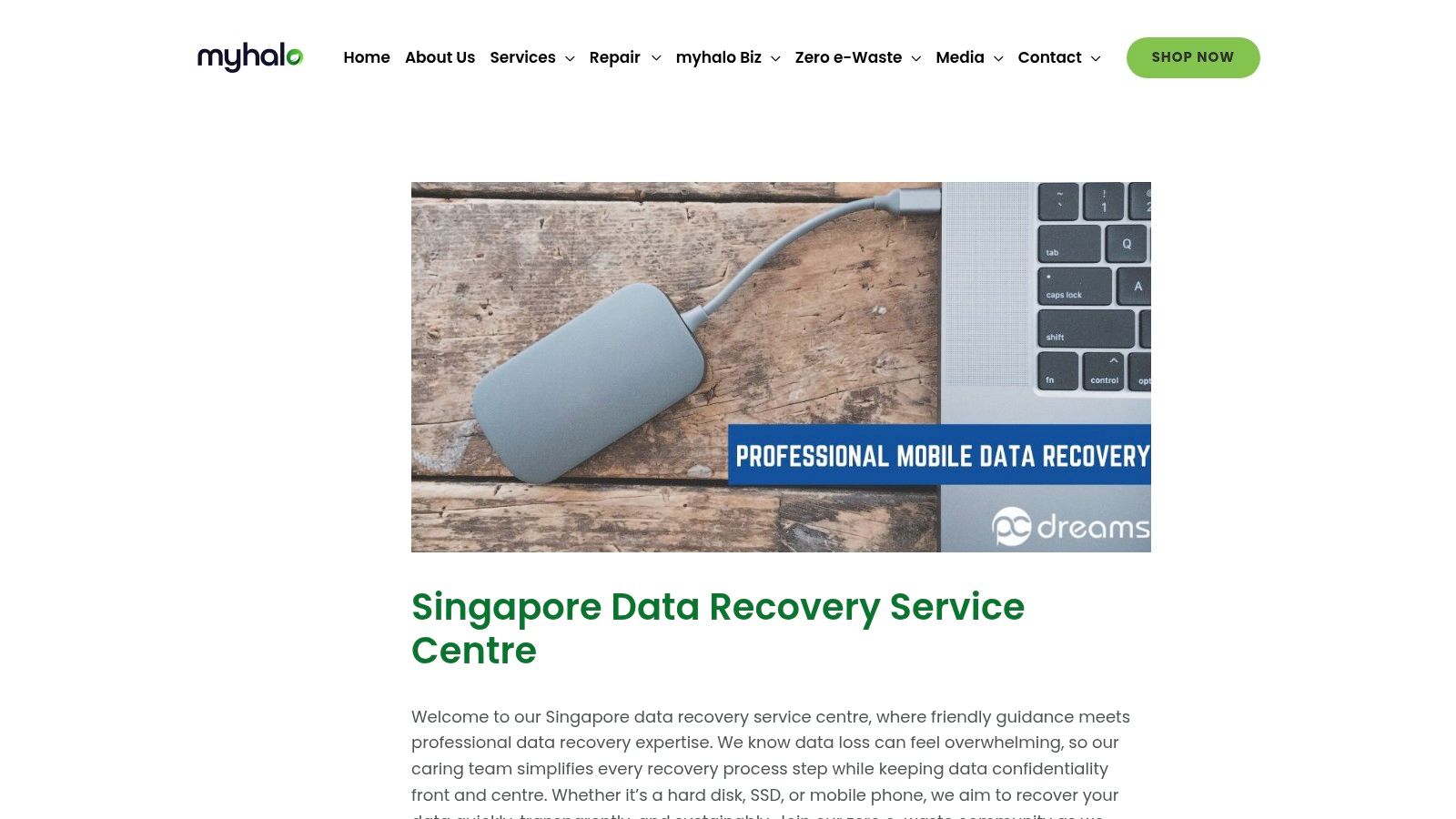
Best for a supported first assessment when you don't know what's wrong. The Singapore Data Recovery Service Centre guide explains recovery for hard drives, SSDs, which store files without moving parts, mobile phones and other devices. It also addresses assessment, recovery methods and confidentiality, rather than presenting every failure as the same job.
At myhalo, we offer Data Recovery, Repair & Rescue and e-Xtender Subscription services. Tell our repair team what happened, whether the laptop stopped charging or an external drive disappeared, and we'll help identify the right solution. We strictly adhere to ISO-certified data management processes when handling customers' devices.
Choose the route before choosing the recovery method
For accidental deletion on an otherwise healthy device, careful software recovery may be appropriate. Clicking, water damage, repeated disconnections or a device that won't stay powered on call for professional assessment instead. Don't open a mechanical hard drive at home.
- Strengths: Broad device coverage, an explained assessment process and attention to confidential files.
- Limits: Recovery depends on the damage. The service description doesn't establish specific prices, turnaround times, free-diagnosis terms or a no-recovery/no-charge policy.
- Before handing over: Get the proposed work, charges and data-return arrangements recorded in writing.
Use our Singapore recovery cost and success-rate guide to prepare for the conversation. You can also explore data recovery services to understand how professional recovery differs from ordinary computer repair.
Privacy matters: Singapore's PDPC protection guidance addresses unauthorised access, disclosure and loss involving personal data. Getting your files back should never mean losing control of who can read them.
2. CBL Data Recovery
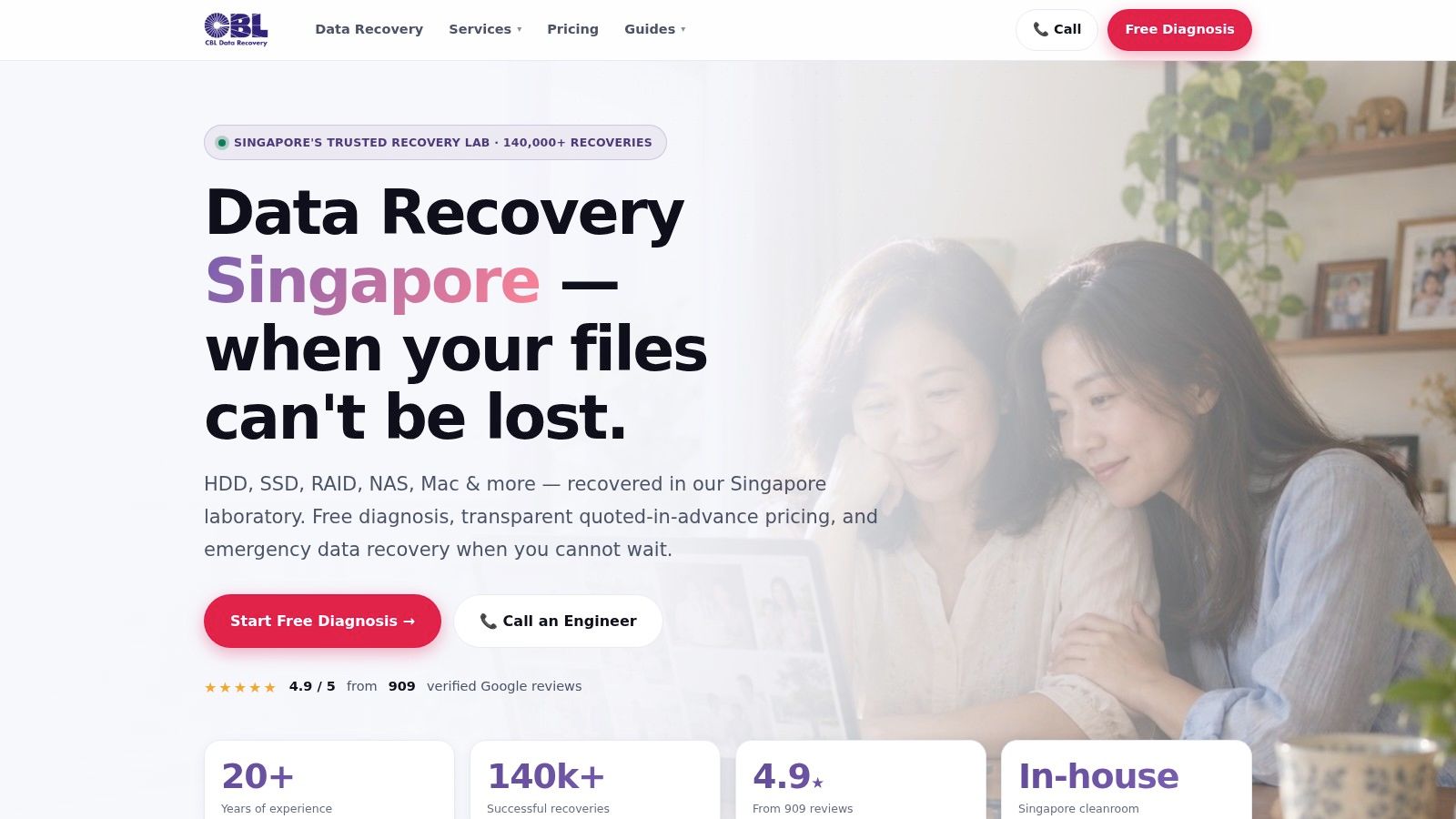
Put CBL on your shortlist for physical drive failures and complicated business storage. CBL Data Recovery advertises local recovery work, an in-house cleanroom, free diagnosis and a written quote before recovery begins. Its coverage includes hard drives, SSDs, Macs, USB drives, memory cards, servers and RAID/NAS systems, which combine or share storage across drives.
The company describes sector-by-sector imaging, meaning it copies readable parts of a drive so technicians can work from a copy rather than repeatedly scanning the original. That's a useful process detail when a damaged drive struggles to stay readable.
Strong process visibility, case-specific pricing
CBL states that there's no charge if it cannot recover data. Before authorising work, define what counts as success: retrieving an unimportant folder isn't the same as recovering your accounts database or wedding photographs.
- Advantages: Broad consumer and business coverage, a described local process and a quote before work begins.
- Trade-offs: There's no universal price list. Physical damage and complicated multi-drive failures require individual assessment.
- Cleanroom check: Confirm whether your case needs the drive opened and whether that work happens in the advertised facility.
The company reports a 4.9/5 rating from 909 Google reviews on its website. Treat reviews as supporting context, not proof that your particular device is recoverable.
For a budget-conscious comparison, use our guide to finding affordable data recovery in Singapore. Compare written scopes, not just the lowest headline quote.
3. Singapore Data Recovery Centre (SDRC)
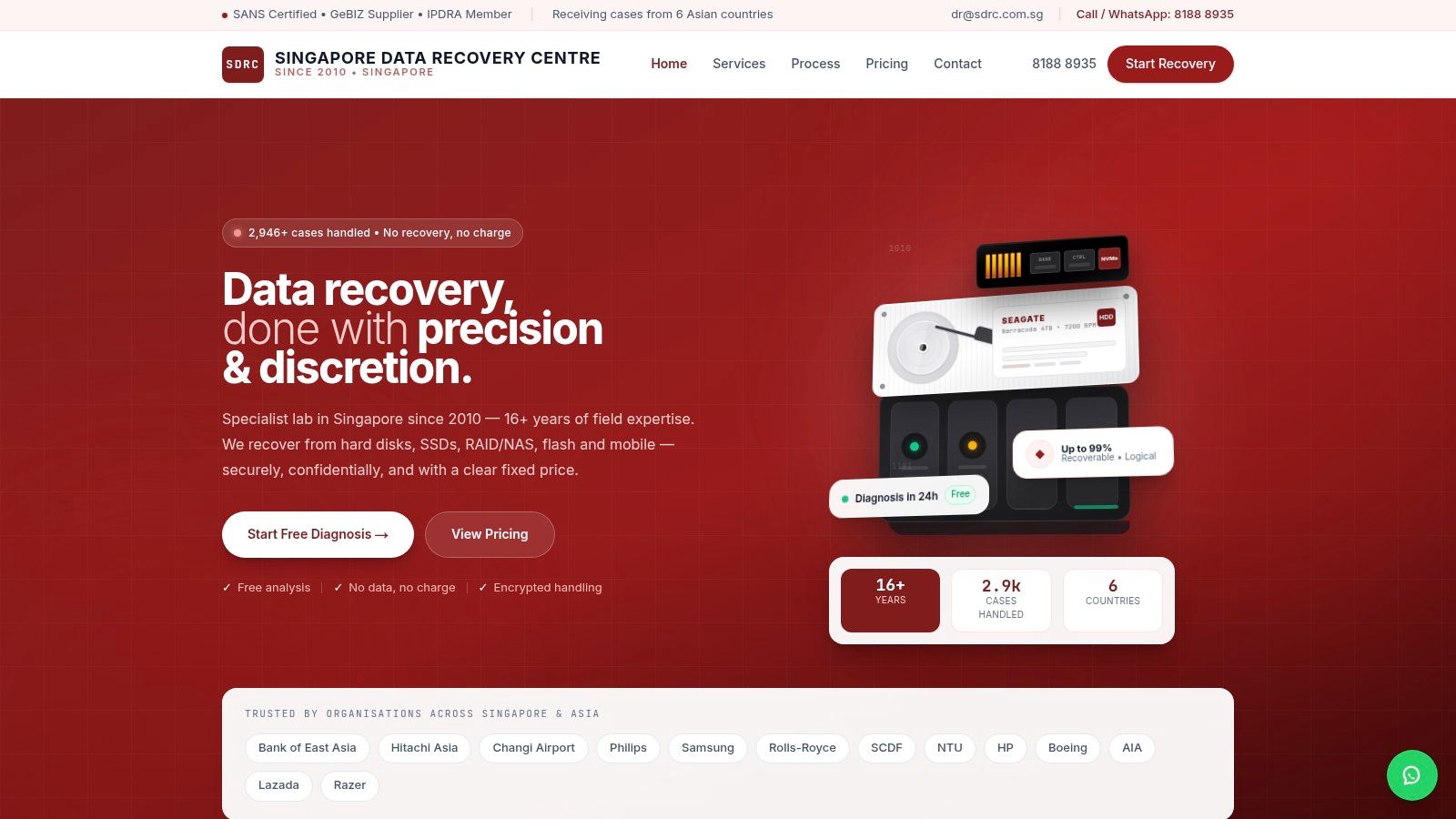
Start with SDRC if upfront pricing guidance is your priority. Singapore Data Recovery Centre publishes indicative ranges by device and fault, offers free analysis, and says customers receive a fixed quote before deciding whether to proceed. Book an appointment before visiting.
Its device coverage includes hard drives, SSDs, USB drives, memory cards, mobile phones and server storage. It also describes support for RAID configurations and Synology and QNAP NAS systems, useful when your missing files live in a shared office storage box rather than a laptop.
Published ranges are a starting point, not a promise. A drive with a damaged connection and one with internal mechanical damage can need very different work, even if their cases look identical.
- What stands out: Public pricing guidance and a no-obligation assessment make initial comparisons easier.
- What to clarify: Whether the fixed quote includes replacement parts, a destination drive and the return of your original device.
- Privacy signal: SDRC states that data handling is encrypted, meaning information is protected against reading without the appropriate access.
Ask what happens to temporary copies after you collect your files. Encryption helps protect stored data, but it doesn't answer who can access it or how long it stays there.
SDRC states a no-recovery/no-charge policy. Agree on your priority files before work begins, and confirm how the policy applies if only part of your requested data comes back.
4. Data Savers
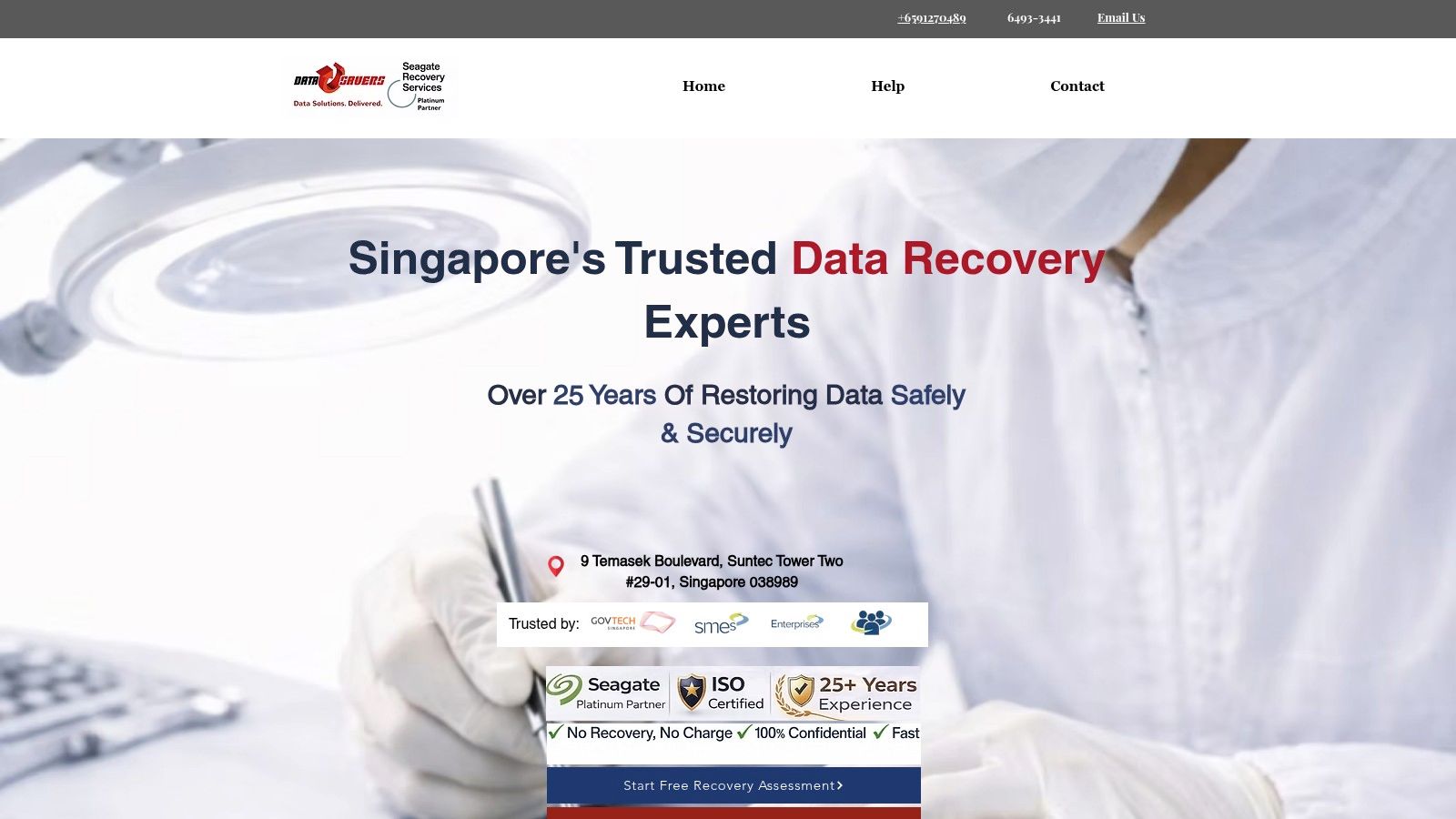
An urgent deadline changes what you need from a recovery provider. Data Savers is a sensible contact when emergency support matters, but get the emergency scope and any extra fees in writing before approving it.
Data Savers says it has provided recovery services since 2000, covering hard drives, SSDs, RAID/NAS systems, USB drives, memory cards and Macs. It also advertises forensic recovery, which focuses on retrieving information while preserving evidence of what happened.
Separate urgency from a recovery promise
The provider advertises free diagnostics, quotes and a no-data/no-charge policy, alongside emergency and rapid-turnaround options. Those are useful starting points, but a fast assessment doesn't guarantee fast recovery.
- Good fit: Time-sensitive personal or business cases that need an emergency contact route.
- Pricing caution: Treat the older pricing information on its FAQ page as historical guidance, not a current offer.
- Handover details: Confirm the service location, expected assessment window, shipping arrangements and emergency charges.
If the incident involves ransomware, don't reconnect the affected storage to your office network. The PDPC data-breach landscape report recommends regular, secure off-site backups for restoration; recovered files also need checking before they return to everyday use.
For a drive that clicks or repeatedly disappears, follow our failed hard drive recovery guidance instead of running another repair scan. Preserve the original device and explain every attempted fix to the technician.
5. Accplus Technologies
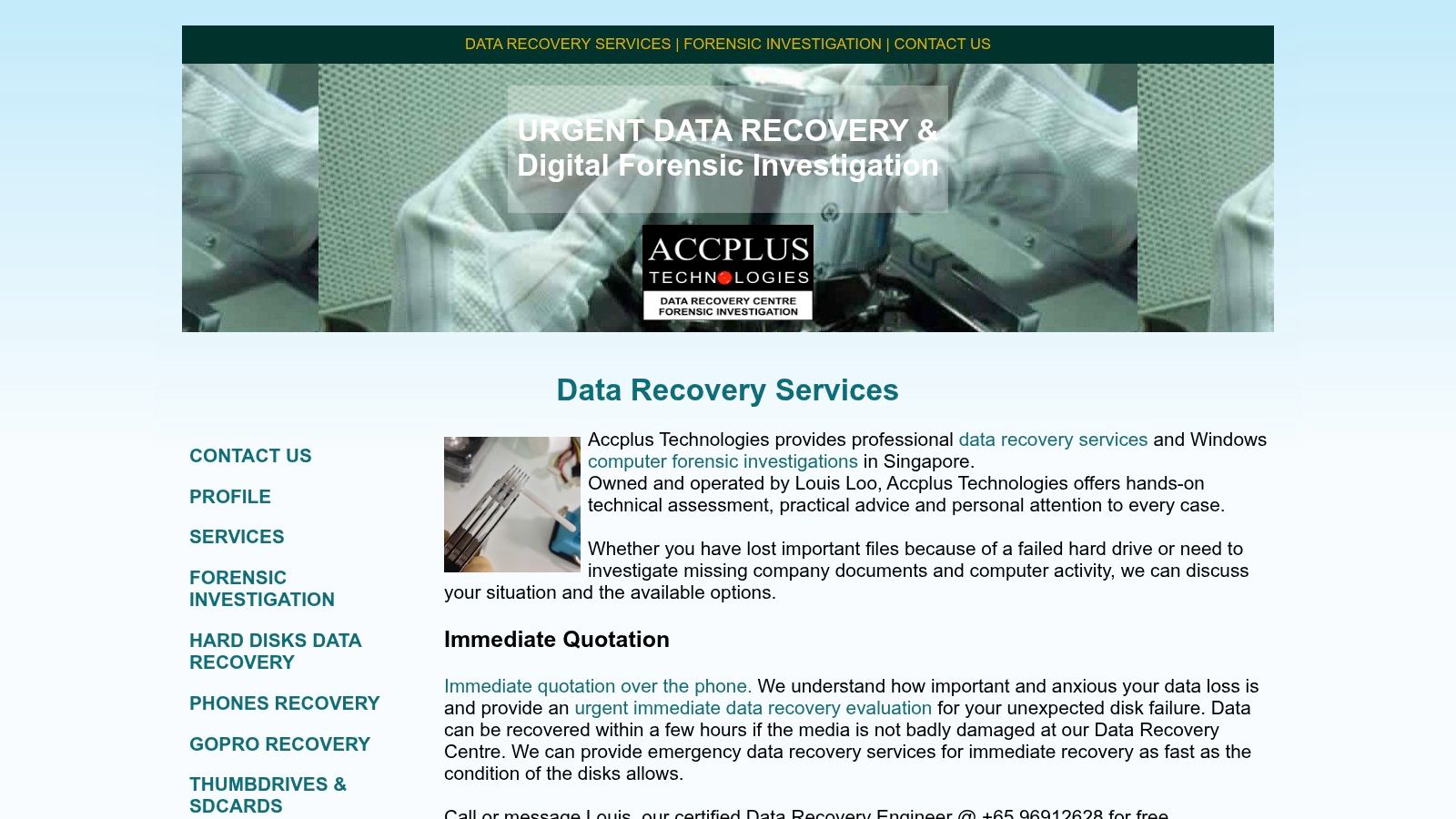
Choose Accplus for direct discussion with a recovery engineer. That's especially helpful when you want someone to explain whether the problem lies in the connector, the electronics or the storage itself.
Accplus Technologies offers recovery for hard drives, flash storage and mobile phones, and describes its Singapore facility as having a Class 100 cleanroom. The company also reports more than 500 five-star reviews. These are company-reported signals, not independent guarantees of recovery.
A cleanroom is a controlled workspace that reduces airborne contamination when technicians open sensitive drives. It matters for relevant mechanical repairs, but it doesn't solve overwritten files or automatically improve every phone recovery case.
A personal explanation before a decision
Accplus advertises free consultation and evaluation, with the option to decline its recovery quote. Some evaluation work can be observed by appointment, which gives customers another way to understand the proposed work.
- Advantages: Engineer access, a free initial assessment and an opportunity to ask practical questions directly.
- Limitations: There isn't a dependable current price list to use as your final budget. Request a written, device-specific estimate.
- Visit planning: Arrange an appointment and confirm which evaluation work you can observe.
Ask the engineer to distinguish repairing the device from recovering the files. A phone may need temporary component work to allow data extraction without becoming suitable for daily use again. Your approval should make clear which outcome you're paying for.
6. ITS Data Recovery
A failed office server or an old backup tape needs different expertise from a deleted holiday photograph. ITS is a useful comparison for business-critical systems and older storage media, alongside individual drives.
ITS Data Recovery says it has operated since 1995 and supports hard drives, SSDs, server RAID, NAS, USB drives and tape. Its process begins with free consultation and evaluation, followed by a quote customers can consider before proceeding.
The provider says customers can review recovered data before it's copied to a backup drive or cloud storage. Use that review carefully: check representative documents, open important spreadsheets and verify the folders your team needs most.
- Strengths: Business-system coverage, legacy-media support and an assessment before committing.
- Cost visibility: Prices vary with the fault rather than following published fixed ranges.
- Claims to discount: Promotional statements about the highest success rates or lowest prices aren't independently verified comparisons.
Business handover rule: Name the person authorised to approve work and receive the recovered files. Don't leave a technician guessing which employee should get access.
For remote assistance, our online data recovery guide helps distinguish software support from cases requiring physical handling. Remote access can't repair damaged internal drive parts.
Also settle the return method before recovery begins. A managed company drive or approved business account is a better destination for confidential files than an employee's personal cloud folder.
7. PCSOS
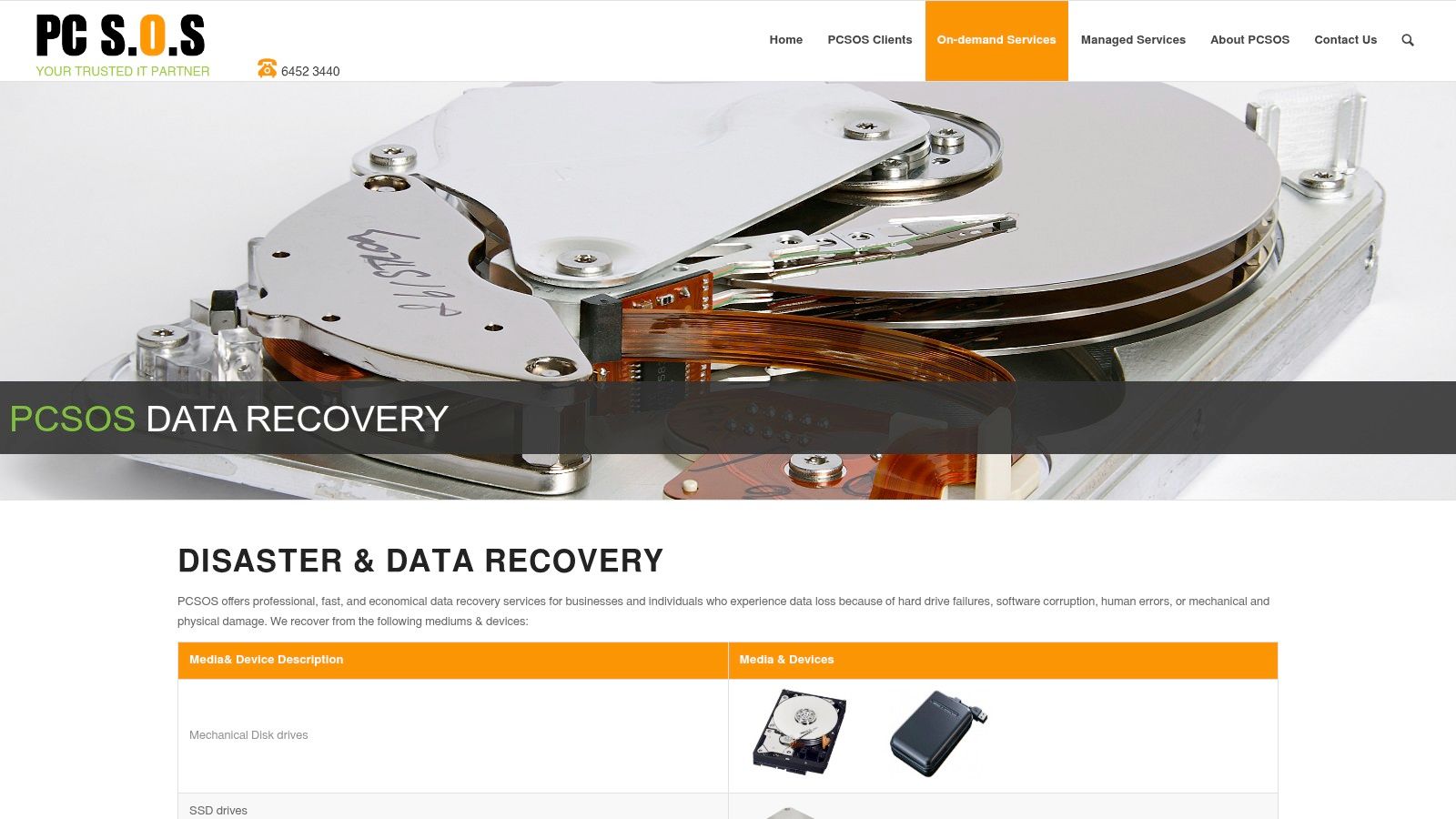
PCSOS suits readers who need pickup and delivery rather than another trip across Singapore. Collection is convenient, particularly for busy households or office teams, but the handover paperwork still matters.
PCSOS advertises recovery for mechanical hard drives, SSDs, RAID, NAS, mobile devices and flash drives. It also advertises upfront pricing without hidden fees and cleanroom recovery for relevant physical failures.
Convenience with a documented handover
The service description doesn't establish a public price list, detailed turnaround estimates or a recovery guarantee. Before collection, get written confirmation of who performs the work, where the device goes and whether any recovery is outsourced.
- Useful features: Pickup and delivery, broad device coverage and advertised upfront pricing.
- Charges to confirm: Collection, assessment, replacement parts, return delivery and unsuccessful-recovery fees.
- Cleanroom questions: Where is the facility, and does your particular fault require work there?
Record the device's serial number and visible condition, and keep the collection receipt. For company equipment, record who authorised the transfer and who may receive the recovered data.
Once you've recovered what you need, decide separately whether to repair, reuse or retire the device. PDPC disposal guidance distinguishes recovery from later sanitisation and recommends disposal methods appropriate to the storage medium.
Don't approve destruction while you're still deciding whether more recovery attempts are worthwhile. Equally, don't assume a broken device is safe to discard just because you can't open its files.
Singapore Data Recovery Options at a Glance
| Provider | Device Coverage | Free Diagnosis | Pricing Guidance | Best For |
|---|---|---|---|---|
| Singapore Data Recovery Service Centre | HDDs, SSDs, mobile phones, and other devices | Not specified | No specific pricing provided | Understanding the recovery process and confidentiality |
| CBL Data Recovery | HDDs, SSDs, RAID/NAS, servers, Macs, USB drives, and memory cards | Yes | Written, case-specific quote; no charge if recovery fails | Complex failures and enterprise storage |
| Singapore Data Recovery Centre (SDRC) | HDDs, SSDs, USB drives, memory cards, RAID/NAS/servers, and mobile phones | Yes | Published indicative ranges; final fixed quote after diagnosis | Comparing costs across a wide range of devices |
| Data Savers | HDDs, SSDs, RAID/NAS, USB drives, memory cards, and Macs | Yes | Older pricing guidance; confirm current quote and fees | Urgent cases and forensic recovery |
| Accplus Technologies | Hard drives, flash storage, and mobile phones | Yes | Request a written, case-specific estimate | Customers seeking direct consultation with an engineer |
| ITS Data Recovery | HDDs, SSDs, server RAID, NAS, USB drives, and tape | Yes | Quote provided before work; varies by fault | Business-critical systems and legacy media |
| PCSOS | Hard drives, SSDs, RAID, NAS, mobile devices, and flash drives | Not specified | Advertises upfront pricing; no public price list | Customers who value pickup and delivery |
Your Next Step to Get Your Files Back Without the Stress
The best data recovery service is the one that matches your failure, explains its limits and protects your information. Choose a lab for physical damage, a service centre when you need help identifying the fault, and cautious DIY recovery only for straightforward deletion on healthy storage.
Keep your next steps simple:
- Stop using the affected device. Don't restart it repeatedly, install recovery software on it or continue home repairs.
- Shortlist transparent providers. Prioritise free diagnosis, a written quote before work begins and a clearly defined no-recovery/no-charge policy. Confirm each term rather than assuming it applies.
- Use the handover questions below. Get answers before releasing a device containing personal or business files.
Questions to take with you
- Work location: Where will recovery happen, and will anyone subcontract it?
- Data access: Who can read the files, where are copies stored and when are they deleted?
- Failure terms: What will I pay if recovery fails or only some priority files return?
- Cleanroom evidence: Does this fault require opening the drive, and where will that happen?
- Return arrangements: How will I verify the files and receive the original device?
Prepare a short failure history before you call: what the device was doing, any unusual sounds, error messages, liquid exposure and attempted fixes. Never send a drive while DIY repairs are still underway. Once the dust settles, review your backups and access controls, including guidance on preventing content loss with Kogifi.
At myhalo, the team follows ISO-certified data management processes when handling your device. If you are not sure what went wrong, describe what is happening and the repair team will help find the right solution, whether that is Data Recovery or Repair & Rescue.
Drop by the counters at Bugis Junction or Sim Lim Square, or reach out online. If the device turns out to be beyond saving, the buyback service gives you cash for it, and parts from upcycled devices go on to rescue others. A rescued device is one less gadget headed for the bin.
Your files deserve a careful recovery plan, and your old tech deserves a responsible next step. Visit myhalo for Data Recovery and Repair & Rescue support, or talk to the team about secure data handling before you declutter.