
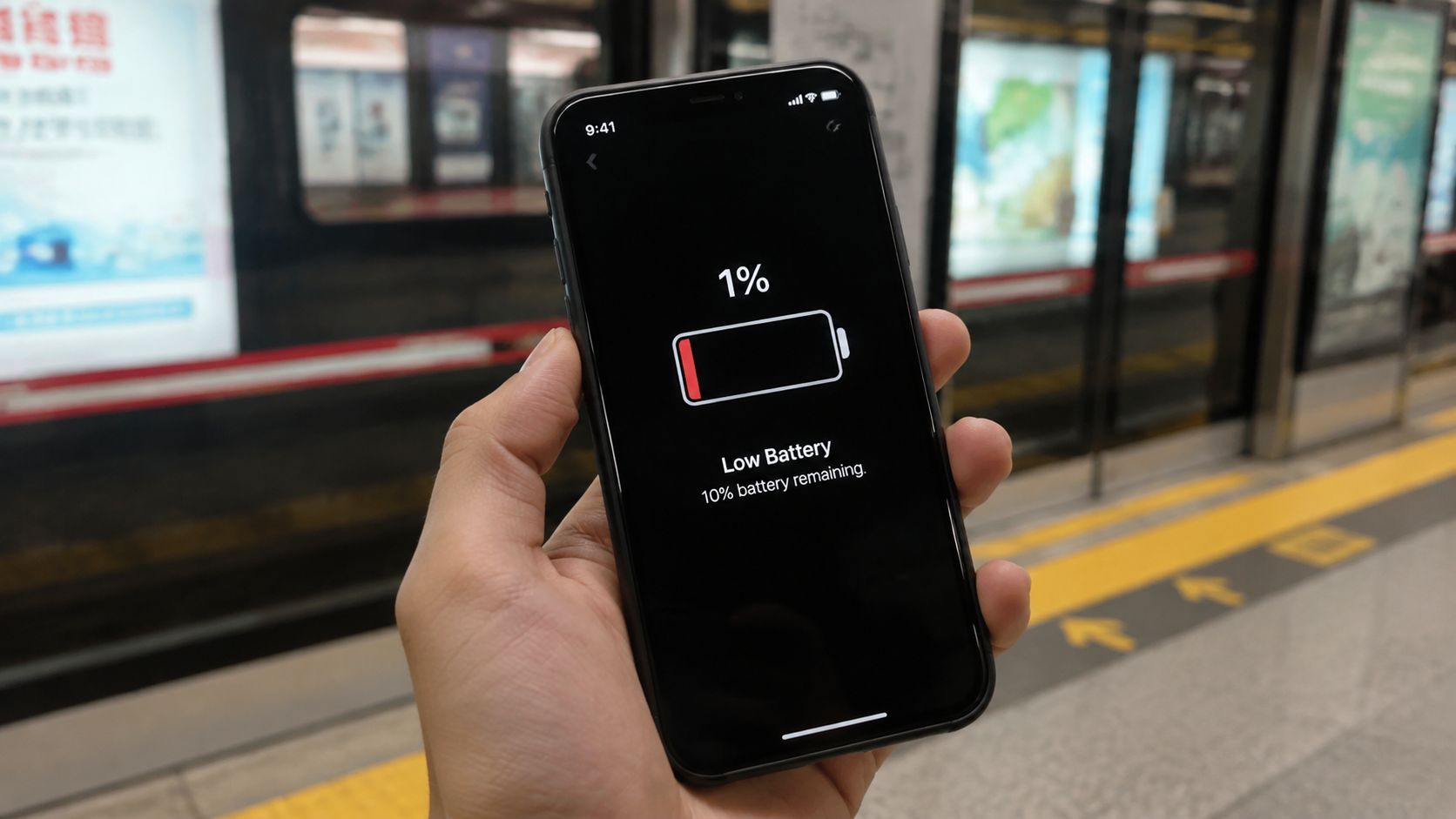
You're on the MRT, your iPhone 13 shows 30%, and by the time you reach the platform it's somehow down to 1%. You still need PayNow, your commute ticket, and a message to get home. That little battery icon has stopped being a gauge and started dictating where you can safely use your phone.
For most Singapore owners, the sensible choice isn't an early upgrade. It's a calm check of Battery Health, followed by the right iPhone 13 battery replacement option for your warranty, budget, and tolerance for parts-quality risk. A battery swap can restore confidence, keep a perfectly capable phone in service, and prevent another device from entering the e-waste stream.
Table of Contents
- When Your iPhone 13 Battery Starts Fighting You
- How to Confirm Your iPhone 13 Battery Really Needs Replacing
- DIY Replacement Versus Professional Service in Singapore
- Realistic Singapore Pricing for an iPhone 13 Battery Swap
- What a Professional Battery Replacement Actually Looks Like
- Warranty Status and Data Safety Before You Hand Over Your Phone
- Choosing myhalo for a Convenient, Data-Safe Battery Swap
When Your iPhone 13 Battery Starts Fighting You
Lithium-ion batteries lose usable capacity as they age. Heat, repeated charging, and time all contribute, so the A15 Bionic may still feel quick while its power source becomes less dependable. The result isn't always a slow, graceful decline. Some phones drain steadily, while others fall sharply from a comfortable percentage to a shutdown.
I've seen the same counter conversation many times. Someone brings in an iPhone 13 that works perfectly in every other respect, but they can't trust it outside the house. They're deciding between paying for a replacement now or living around the battery until the phone fails at the wrong moment.
The real decision is not simply repair or upgrade
Ask yourself three practical questions:
- Does the rest of the phone still work well? A healthy display, camera system, charging port, and Face ID make a battery swap much easier to justify.
- Is the battery limiting your daily life? If you're carrying a power bank everywhere or avoiding maps, video calls, and mobile payments, the problem has become operational.
- Would keeping this phone suit your sustainability goals? Repairing a working device avoids the environmental cost of replacing the entire handset for one worn component.
A swollen battery is a different situation. Stop charging the phone and arrange a professional inspection rather than pressing the screen back into place. You can read more about the warning signs in this guide to iPhone battery swelling.
Counter advice: Don't wait for a dead phone if the warning signs are already affecting work, travel, or payments. Check the health percentage first, then choose the service path that protects what matters.
How to Confirm Your iPhone 13 Battery Really Needs Replacing
Start with Apple's own reading. Open Settings, tap Battery, then choose Battery Health & Charging. Look at Maximum Capacity, followed by the message under Peak Performance Capability.
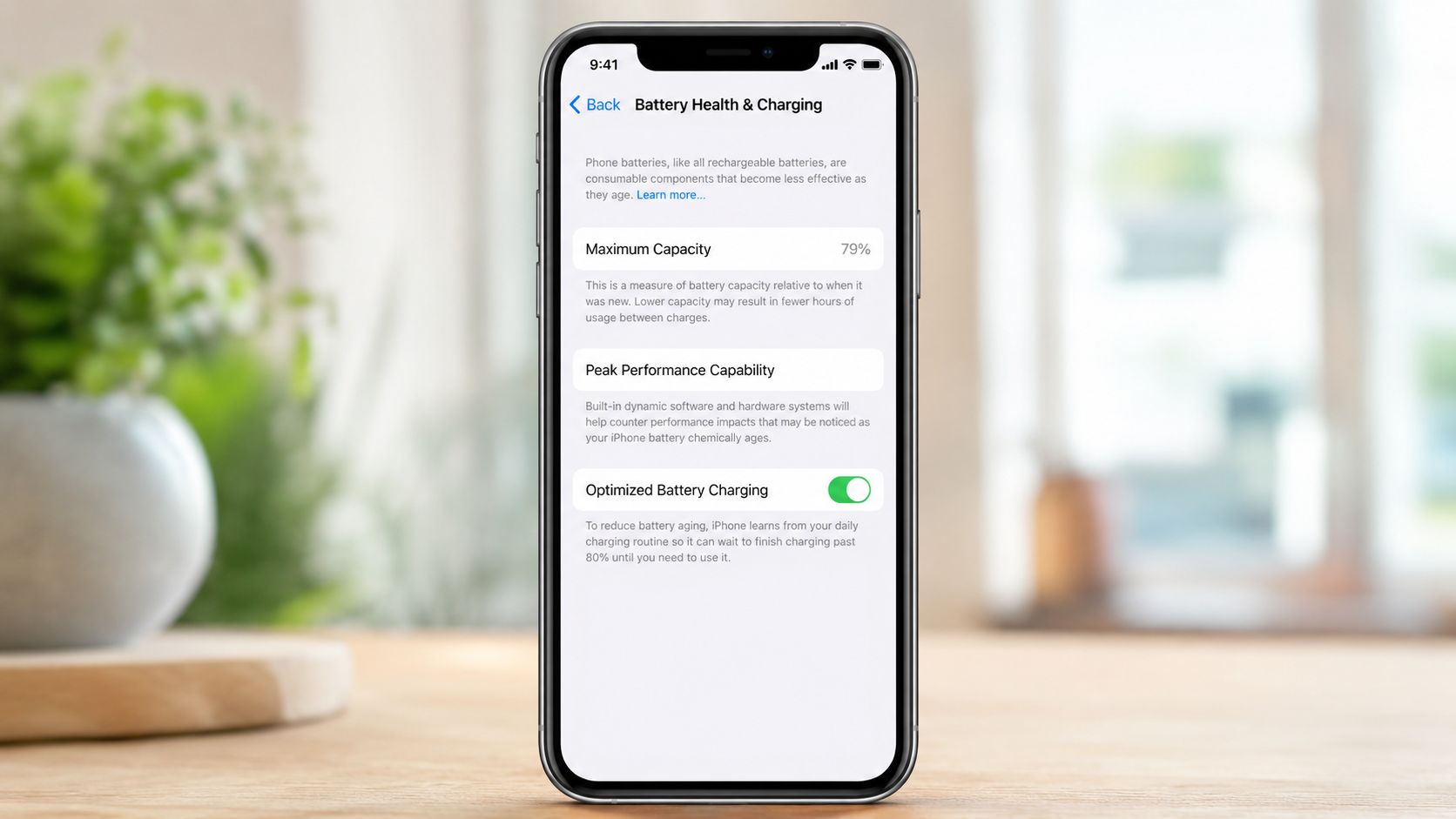
The number is useful, but it isn't a verdict on its own. A reading above 80% generally means the phone may still be fine for normal use. A result from 70% to 79% is a strong reason to plan a replacement if endurance has become frustrating. Below 70%, daily runtime is often poor enough that continuing to work around the battery rarely feels worthwhile.
Those practical bands are not a substitute for Apple's service rule. In Singapore, AppleCare+ battery service is free only when diagnostics show capacity below 80%, while Apple lists an out-of-warranty battery-service fee of S$175 for current iPhone repair pricing in Singapore. Check the official Apple Singapore battery-service rules before booking.
Match the percentage with the symptoms
Look for signs that point to a tired cell rather than a temporary software issue:
- Sudden drops: The percentage falls sharply during light use.
- Unexpected shutdowns: The phone powers off even though the displayed percentage isn't empty.
- Heat-related instability: Warm conditions make shutdowns or rapid drain more likely.
- A Service message: Battery Health may directly recommend service.
- Physical swelling: A lifting display or expanding casing needs prompt professional attention.
Battery Health is an estimate. A phone can report a seemingly acceptable percentage and still suffer from voltage instability or sudden shutdowns. Screenshot the Battery Health screen before service, especially if you're checking AppleCare+ eligibility or comparing a technician's diagnosis.
DIY Replacement Versus Professional Service in Singapore
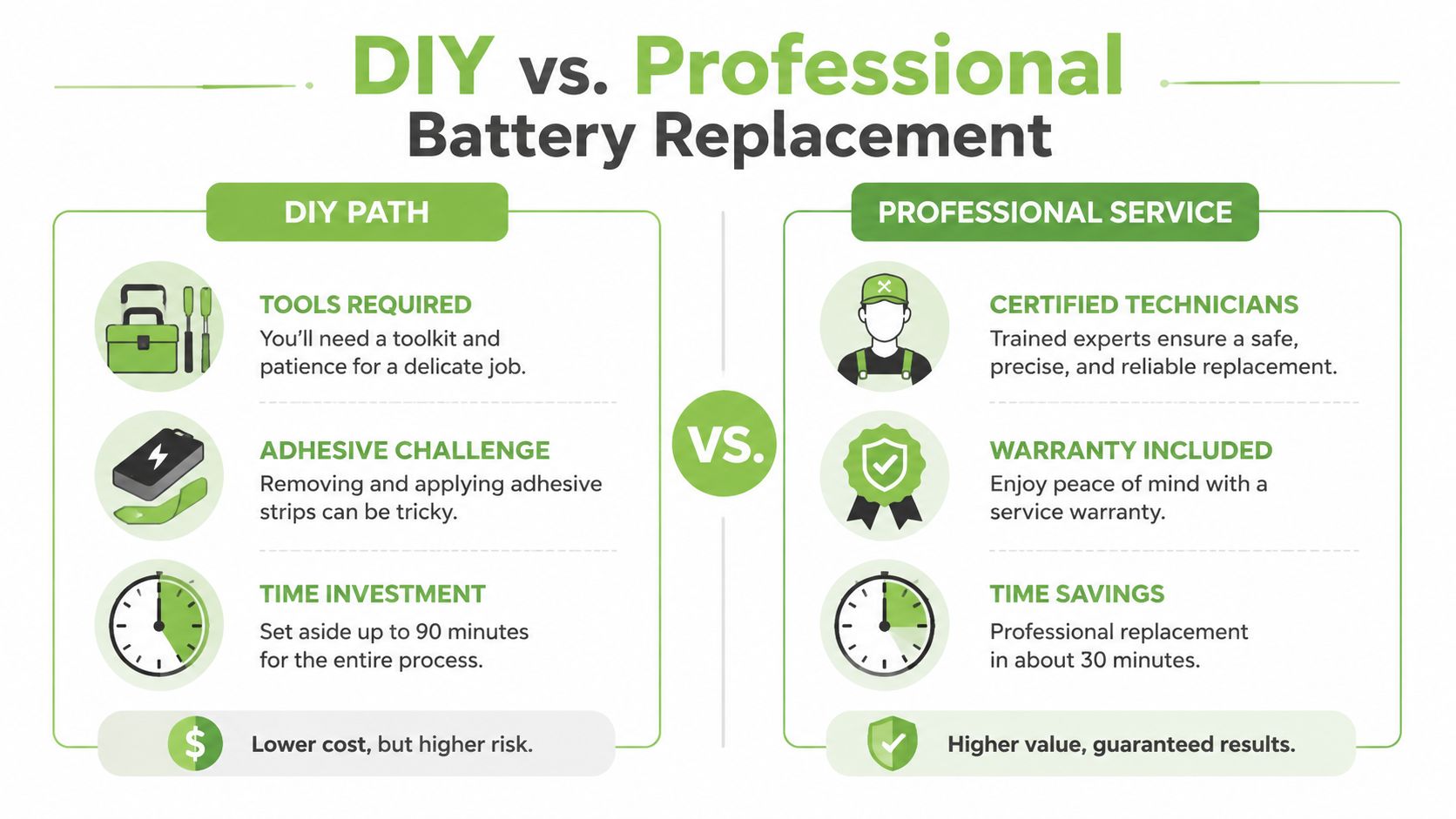
DIY iPhone 13 battery replacement is possible, but it isn't a casual weekend task. You'll need a model-compatible cell, a small repair toolkit similar to an iFixit set, replacement adhesive, suction equipment, plastic picks, and a controlled way to soften the display adhesive.
The opening stage carries the most risk. A heat mat gives more control than a hair dryer, but either method can damage the OLED if used carelessly. Once the display begins to lift, the flex cables still need protection. A torn cable or cracked screen can turn a battery job into a much more expensive repair.
Compare the risks before choosing
| DIY path | Professional service |
|---|---|
| Lower part cost, but you carry the damage risk | Labour and parts are quoted together |
| Requires heat, picks, screwdrivers, and adhesive | Uses calibrated opening and testing tools |
| Battery-health readings or True Tone may not behave as expected without proper programming | Technician can check calibration and post-repair functions |
| Any remaining Apple warranty may be affected by unauthorised opening | Apple or an Apple Authorised Service Provider follows Apple's service process |
A professional workshop should explain whether it's installing an original Apple battery, an original pull-out component, or a high-quality compatible cell. It should also tell you whether the service includes recalibration, resealing, testing, and a written parts warranty.
For most Singapore readers, professional service is the sensible side of the comparison. The iPhone 13 is a sealed device with a valuable display, and saving on the repair only makes sense if you can accept the possibility of damaging that display or losing reliable battery information.
Before booking, compare practical service questions in this guide to battery replacement near you.
Watch the video below for a visual overview of the repair approach.
Realistic Singapore Pricing for an iPhone 13 Battery Swap
Singapore pricing varies because shops aren't always offering the same battery grade, warranty, or calibration service. Apple's official Singapore pricing lists an S$175 out-of-warranty battery-service fee, while independent listings show lower-cost third-party tiers and higher-priced original-battery options. Apple's service pages also direct customers towards an Apple Store or Apple Authorised Service Provider when genuine Apple parts matter.
Independent Singapore listings put a typical iPhone 13 battery swap around S$45 for a lower-cost third-party option, S$60 to S$75 for other third-party tiers, and about S$118 for an original-battery tier, according to this Singapore iPhone 13 battery replacement listing. Another local guide lists third-party pricing around S$50 to S$75 and original Apple service at about S$129, so ask what the quoted grade means before comparing prices. See this Singapore battery replacement price guide for that market comparison.
| Service channel | Typical price in Singapore | Turnaround | Battery grade |
|---|---|---|---|
| Apple or authorised service | S$175 out of warranty | Service flow varies | Genuine Apple battery |
| Independent original-battery tier | About S$118 to S$129 | Often same-day, depending on parts | Original or original-grade, confirm with shop |
| Independent third-party repair | About S$45 to S$75 | About 45 to 60 minutes in some listings | Third-party, grade varies |
The price difference is really a quality and assurance difference, not just a labour difference. Ask whether the repair is performed without resetting the device, whether post-repair testing is included, and what happens if the replacement cell performs poorly.
For a fuller explanation of Singapore pricing factors, including what to ask before accepting a quote, use this guide to iPhone battery replacement cost.
What a Professional Battery Replacement Actually Looks Like
A proper workshop starts before anyone opens the phone. The technician should confirm that the device is an iPhone 13, record its condition, check the IMEI, review Battery Health, and look for signs of liquid exposure or previous repair. You should receive a clear quote before work begins.
The parts conversation matters. Ask whether the replacement is an original pull-out battery or a high-quality compatible cell, and whether the technician will recalibrate the battery information so Settings reflects the new component correctly.
The workshop flow
- Intake and diagnosis: The technician records the battery symptoms, checks the housing and display, and confirms that the battery is the likely cause.
- Opening: Specialised tools separate the display from the frame while protecting the screen connectors and flex cables.
- Battery removal: The technician disconnects the battery first, releases the adhesive, and removes the old cell without prying against sensitive components.
- Installation: Fresh adhesive holds the replacement battery in place. The display is reconnected and seated with a new adhesive gasket.
- Calibration and testing: The workshop checks charging, battery reporting, Face ID, speakers, cameras, and the display before handover.
Battery Health should be read back after the replacement, and the technician should be transparent if the phone shows a parts or service notice. Be cautious of any shop promising water resistance as if it were guaranteed after opening. Resealing can restore the intended fit, but the original factory condition is not something a counter should casually promise.
For general reference on what trained phone repair tradespeople handle during device servicing, ShamFix provides a useful overview of mobile repair work.
Leave with a receipt, written warranty terms, the battery grade, and any available recalibration confirmation. Then test Face ID, charging, the cameras, speakers, and mobile data before walking away.
Warranty Status and Data Safety Before You Hand Over Your Phone
Run one short pre-handover routine. First, check whether your iPhone 13 is covered by Apple's limited warranty or AppleCare+. Apple states that AppleCare+ battery replacement is free only when diagnostics show the battery retains less than 80% of its original capacity, as explained on its Singapore repair support page.
Apple or an Apple Authorised Service Provider is the lower-risk route for preserving Apple service coverage and ensuring a genuine Apple battery. An independent shop may be perfectly capable, but unauthorised opening or aftermarket parts can affect future warranty handling. Ask before work starts, not after the phone has been opened.
Your ten-minute handover checklist
- Back up first: Run an iCloud backup, or use Finder on a Mac or iTunes where applicable. This iPhone backup guide walks through the process.
- Protect your access: Keep the phone locked if the shop doesn't need the passcode. If testing requires temporary access, provide it directly at the counter rather than writing it down.
- Manage Find My at the counter: Turn off Find My iPhone only when the technician confirms it's needed for service.
- Clarify account requests: Sign out of iMessage or your Apple Account only if the service process requires it, and ask why.
- Handle the SIM carefully: Remove a physical SIM if requested, and confirm how an eSIM will be handled before leaving the device.
- Confirm the return condition: Battery replacement should not require a data wipe. Accept no-data-wipe service only when the shop explicitly states that it replaces the battery without resetting the phone.
Before you leave, ask the technician to demonstrate Face ID, show the updated Battery Health reading, test charging, and provide written warranty coverage for the new cell. Your photos and messages matter more than a quick handover.
Choosing myhalo for a Convenient, Data-Safe Battery Swap
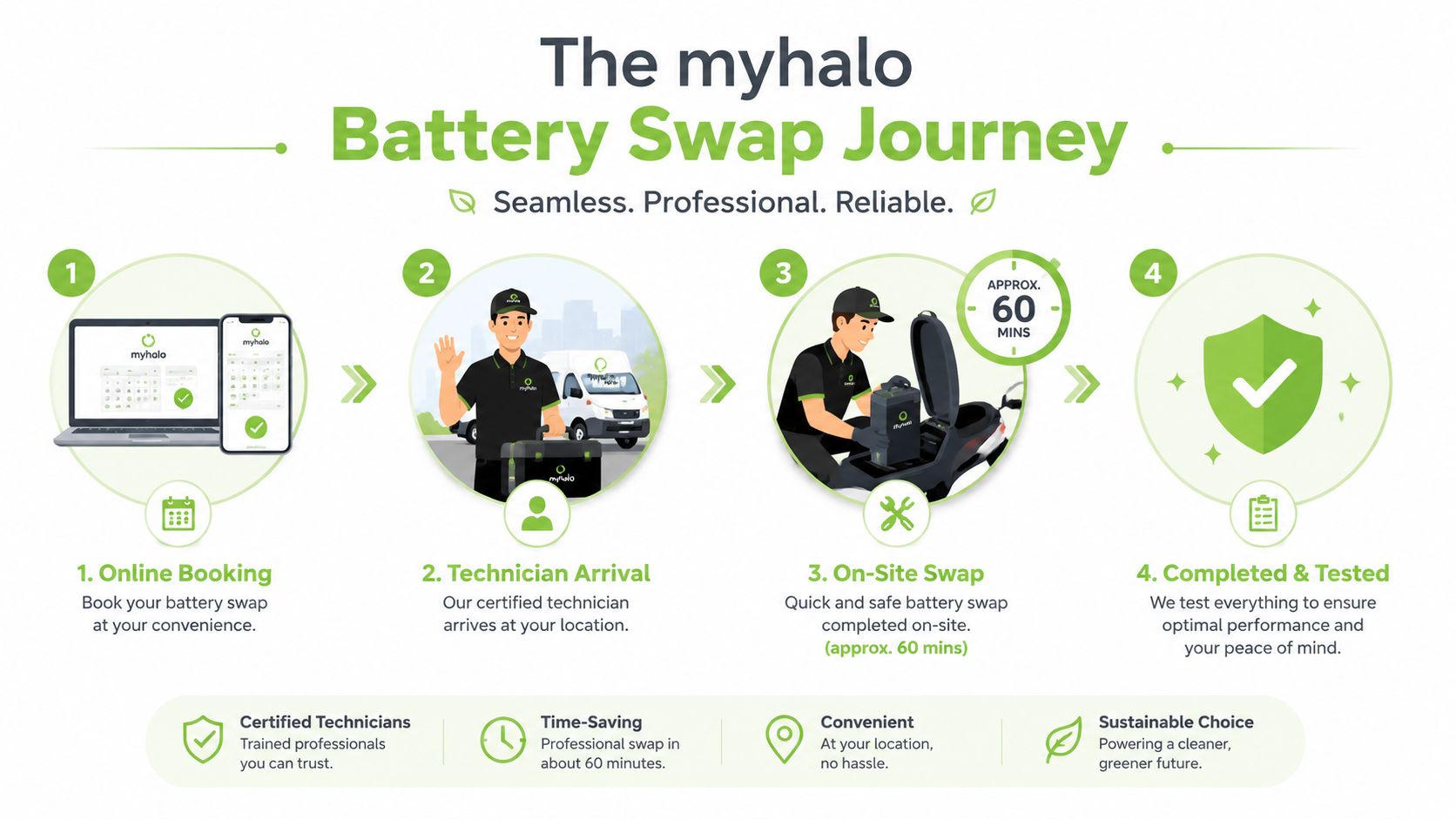
If your iPhone 13 Battery Health is falling and the phone still meets your needs, myhalo gives you a clear repair route in Singapore. The service starts by confirming the model and symptoms, then checking Battery Health, parts availability, and the quoted price before replacement and final testing.
Judge the counter by its process, not its promises. Get the quote before work begins, ask what battery grade will be fitted, confirm that the adhesive gasket will be replaced, and ask how your data is handled. myhalo also supports keeping an existing phone in use rather than sending it early to disposal or resale channels.
A professional iPhone 13 battery swap can often take about 45 to 60 minutes, usually without a data wipe. Timing still depends on the shop, parts, queue, and the phone's condition, so a responsible technician should inspect the device before confirming the turnaround.
Repair is also a zero-e-waste choice
Replacing the battery keeps the iPhone 13's screen, cameras, processor, frame, and other working components in service. That is the practical benefit of reducing electronic waste. myhalo's Declutter your e-clutter programme supports responsible device handling. Safe data helps protect privacy when you eventually release old technology, while Save data provides a separate recovery route for damaged devices containing important files.
Make the decision from Battery Health first, then weigh warranty coverage, battery quality, turnaround time, and price. Back up before handover. If the rest of the phone works well, repairing it protects both your data and your wallet.
Your precious files and memories matter to us. Whether you need to protect your privacy with Safe data or rescue lost files with Save data, myhalo can help you arrange a convenient, data-conscious iPhone 13 battery replacement and keep one more device out of e-waste.