
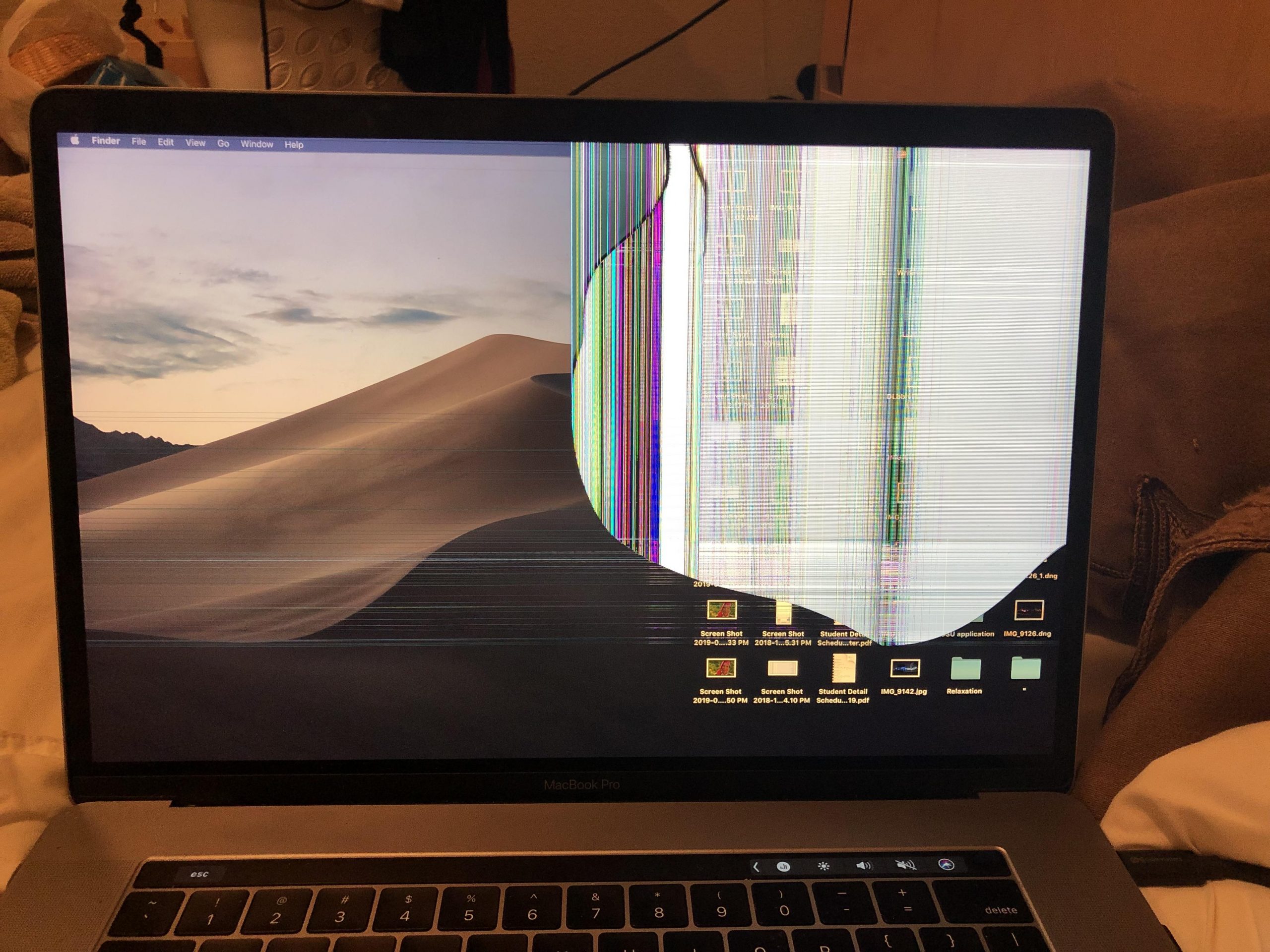
When facing a broken MacBook, deciding whether it’s worth repairing an Apple device can feel daunting. Between a cracked screen, water damage, or a failing logic board, the repair cost may rival an old MacBook for a newer model. This guide compares Apple and third-party repair options and when it’s better to repair, replace, or sell.
Understanding MacBook Repairs
Understanding MacBook repair starts with the model of your Apple product, its age, and the specific fault to assess if it’s still worth repairing. A MacBook Pro with a broken screen needs screen replacement, while a MacBook Air with liquid spill might require logic board work. If your MacBook is out of warranty, apple store pricing differs from independent macbook repair service. We’ll weigh repair cost against resale value and long‑term value.
Common Issues with MacBooks
Common MacBook problems include cracked screen glass, a dim screen, water damage from a spill, keyboard failures, swollen batteries, and logic board faults in your laptop. A broken Mac may boot intermittently, overheat, or show graphical artifacts. These issues affect all models and drive the repair-or-replace decision for your Apple product..
| Problem areas in your laptop may include screen damage, battery issues, or logic board failures. | Example Symptom |
|---|---|
| Physical or component issues | Cracked screen, keyboard failures, and swollen batteries are common issues with laptops. |
| Operational behavior | Intermittent booting, overheating, graphical artifacts |
Identifying a Broken MacBook
To identify a damaged MacBook, check for a broken screen, flickering backlight, liquid indicators after a spill, distorted audio, or no power. Determine the model of your MacBook and whether the MacBook is too old for parts availability. Confirm warranty status and get repair estimates to judge repair vs. replacement.
MacBook Repair Services Overview
MacBook repair services range from the apple store and apple’s repair network to specialized shops, including macbook repair Singapore providers. A reputable macbook repair service can get the screen fixed, replace a logic board, or recover data. Compare turnaround, warranty, and price. If repair costs are high, consider selling, trading in, or buying a new computer instead of trying to get it fixed..
MacBook Repair Costs
MacBook repair costs vary widely by model of your MacBook, the fault, and where you go for repair services. The Apple Store and Apple’s repair options typically cost more than an independent MacBook repair service or MacBook repair Singapore shop for screen damage. Balance repair cost against current resale and replacement prices.
Average Repair Costs for Different Models
Repairing a MacBook Air often costs less than a MacBook Pro due to simpler assemblies and cheaper parts. A broken mac with keyboard or battery issues might be mid-range, while logic board failures command premium pricing. Older models can be cheaper to diagnose but pricier to fix due to scarce parts.
Cost of Repairing a MacBook Screen
Screen replacement depends on whether it’s a cracked screen, failed backlight, or damaged cable. A MacBook Pro display assembly can be costly, especially on newer retina models, while a MacBook Air macbook screen is usually cheaper. Always compare Apple vs. third‑party quotes before approving screen repairs.
Factors Affecting Repair Costs
Repair cost is shaped by part availability, model year, liquid spill or water damage severity, and whether the macbook is out of warranty. The apple store may replace entire modules, while independent repair services might fix components to save money. Data needs and overall condition influence whether to repair or replace.
Repair Tiers for MacBooks
MacBook repair tiers usually range from basic fixes to advanced board-level work. Basic repairs include batteries, fans, and trackpads, while advanced repairs handle logic board corrosion after a spill or complex screen on a MacBook Pro assemblies. Choose the tier that aligns total cost, downtime, and device value.
| Repair Tier | Examples of repairs on an Apple MacBook can include fixing screen damage and replacing batteries. |
|---|---|
| Basic | Batteries, fans, trackpads |
| Advanced | Logic board corrosion after a spill, complex MacBook screen assemblies |
Basic vs. Advanced Repairs
Basic repairs address wear items and simple failures that keep a broken Mac usable at lower cost. Advanced repairs target deep faults like logic board shorts, water damage, and display circuitry. Escalate to advanced only if health and resale value justify trading in your MacBook..
Repairing vs. Replacing Components
Apple’s repair often replaces full assemblies, while skilled shops may repair components to save money on an expensive repair. For a broken screen, a full screen replacement is common, but for logic board issues, board-level repair can recover a damaged macbook at a fraction of replacement. Compare quotes to decide between component repair and full replacement.
When to Consider a Full Replacement
Consider a full replacement when the macbook is too old, parts are scarce, multiple issues stack up, or repair cost nears the price of a used MacBook or a new MacBook. If performance needs outgrow the device, upgrading to the best MacBook may deliver better value..
Evaluating the Worth of Repairing a Broken MacBook
Deciding if it’s worth repairing a broken MacBook hinges on repair cost, the model of your MacBook, and the value of your MacBook after work is done, especially if it’s still worth fixing. Weigh the MacBook’s age, logic board health, and MacBook screen condition against resale value and performance needs to determine if it’s still worth keeping. Always get multiple quotes from Apple and independent services.
Assessing Repair vs. Buying a New MacBook
Start by estimating costs for screen replacement, water damage diagnostics, and any logic board issues. If your MacBook is out of warranty and repair approaches the price of a used MacBook or a new computer, it may be better to buy a new one. Include downtime, data migration, and software support in the decision.
Benefits of Repairing Your MacBook
Repairing a broken Mac can be cheaper than replacing, preserves your setup, and can raise resale value after a cracked screen or spill is fixed. Targeted repairs can extend lifespan and maintain accessory compatibility.
Trade-in Options for Broken MacBooks
Many programs accept a damaged MacBook with a broken screen or water damage for trade-in, though quotes vary. You can sell your broken MacBook to recyclers, marketplaces buying broken devices, or apply apple store trade-in credit. Sometimes a minor fix boosts trade-in more than the repair cost.
Repairing Your MacBook in Singapore
When seeking MacBook repair Singapore solutions, compare Apple’s repair with reputable local repair services for price and turnaround times to get your MacBook fixed. Shops specialising in MacBook Pro and MacBook Air can address a broken MacBook screen, logic board corrosion, and spill cleanup. Verify parts quality and warranty before servicing.
Top MacBook Repair Services in Singapore
Leading MacBook repair service providers in Singapore offer diagnostics for MacBooks, same-day screen replacement, and board-level repair for logic board faults. They handle MacBook Pro Retina displays, MacBook Air keyboard swaps, and data recovery for your Apple device.
| Service | Details |
|---|---|
| Diagnostics & Repairs | MacBook diagnostics, same-day screen replacement, board-level logic board repair |
| Models & Tasks | MacBook Pro Retina display work, MacBook Air keyboard swaps, data recovery |
Choose providers with transparent pricing, quality parts, and proven experience for your Apple MacBook repairs..
Instant Quote Services for MacBook Repairs
Instant quote tools help estimate repair cost for a broken screen, macbook screen assemblies, batteries, and water damage cleanup. Enter the model of your MacBook, describe the spill or symptoms, and compare pricing with the apple store. Use quick quotes to judge repair viability vs. replacement.
Customer Reviews of Repair Services
Customer reviews reveal success rates on logic board fixes, honesty on repair services, and whether shops upsell when a MacBook is still worth repairing. Seek feedback on communication, parts quality, and how quickly you get the screen repaired. Positive reviews and fair warranties signal a trustworthy shop.