
- Intel Core Ultra.
- AMD Ryzen AI.
- Snapdragon X Elite.
- 40+ TOPS.
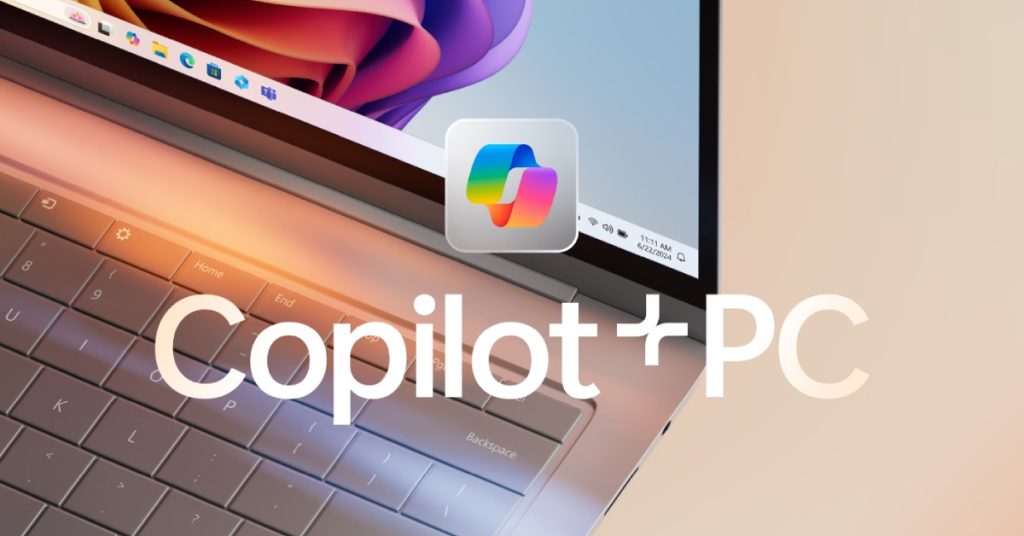
- Copilot+ PC.
But here’s the honest question most buyers in Singapore are asking:If AI like ChatGPT runs in the cloud, why does my laptop need AI processing locally?
Let’s unpack this properly.
What Is a Copilot+ PC?
A Copilot+ PC is a new category of Windows laptop introduced by Microsoft in 2024.

To qualify, a laptop must:
- Deliver at least 40+ TOPS of AI performance
- Include a dedicated NPU (Neural Processing Unit)
- Support advanced on-device AI features in Windows
This is not marketing language. It is a hardware certification requirement.
Which Processors Qualify as Copilot+ PCs?
As of 2025–2026, these processor families qualify:
| Brand | Series / Platform | Processor Model |
|---|---|---|
| Intel | Core Ultra Series 2 (Lunar Lake) | Core Ultra 5 226V |
| Intel | Core Ultra Series 2 (Lunar Lake) | Core Ultra 7 258V |
| Intel | Core Ultra Series 2 (Lunar Lake) | Core Ultra 9 288V |
| AMD | Ryzen AI 300 Series | Ryzen AI 7 360 |
| AMD | Ryzen AI 300 Series | Ryzen AI 9 HX 370 |
| Qualcomm | Snapdragon X Series | Snapdragon X Elite |
| Qualcomm | Snapdragon X Series | Snapdragon X Plus |
These processors meet or exceed the 40+ TOPS requirement.
Older chips like:
Intel Core Ultra Series 1 (Meteor Lake)
AMD Ryzen 8040 series do NOT fully qualify as Copilot+ PCs.
What Does 40+ TOPS Actually Mean?

TOPS stands for Trillions of Operations Per Second.
It measures how fast the NPU can process AI tasks.
Microsoft set 40 TOPS as the minimum because below that level, the laptop cannot handle advanced Windows AI features smoothly.
This is not about running ChatGPT in a browser.
This is about running AI directly inside Windows.
Isn’t AI Mostly Cloud-Based?
Yes, many AI tools today run in the cloud.
But Windows is moving toward hybrid AI.
Some AI tasks run locally. Some run in the cloud.
That YouTube video, “This PC Thinks for You — Copilot+ PCs Explained”, demonstrates this clearly by showing how Windows AI features operate even without depending entirely on internet connectivity.
That is the shift happening now.
Why Do We Need AI Locally?

1. Instant Speed
Cloud AI requires:
- Sending data to servers
- Processing remotely
- Sending results back
That delay may be small, but for real-time features like:
- Live captions
- AI noise reduction
- Camera framing
- Instant search across your PC
Latency matters.
Local AI removes the round trip.
2. Privacy for Singapore SMEs and Corporates
If AI runs in the cloud, sensitive data leaves the device.
For Singapore businesses in:
- Finance
- Legal
- Healthcare
- Government-linked organisations
This is a serious concern.
Local AI keeps processing on-device.
This reduces data exposure and improves compliance posture.
3. Works Without Internet
Cloud AI fails when:
- Wi-Fi drops
- You are travelling
- You are on a plane
- Firewall blocks external AI services
Local AI continues working.
For executives and mobile professionals in Singapore, this matters more than marketing suggests.
4. Battery Efficiency
Here is something most buyers miss.
AI tasks can run on:
- CPU → High power drain
- GPU → High power drain
- NPU → Low power drain
The NPU is purpose-built for AI.
A 40+ TOPS NPU allows AI features to run without destroying battery life.
This is why Intel Core Ultra Series 2 currently leads in battery endurance among AI laptops.
Do You Actually Need a Copilot+ PC?
Here is the practical answer.

You likely do NOT need one if:
- You only use browser-based AI tools
- You mainly use Office and email
- You change laptops every 2–3 years
You SHOULD consider one if:
- You plan to keep your laptop 4–5 years
- You use video conferencing daily
- You want long-term Windows AI features
- You handle sensitive business data
- You travel frequently
Copilot+ PC vs Normal Laptop
| Feature | Regular Laptop | Copilot+ PC |
|---|---|---|
| AI TOPS | Below 40 | 40+ |
| Local AI | Limited | Full |
| Battery under AI | Higher drain | Optimised |
| Future Windows AI | Limited support | Full support |
| Best For | Basic use | Long-term productivity |
Singapore Market Perspective
Singapore SMEs are under pressure to:
- Improve productivity
- Adopt AI responsibly
- Maintain cybersecurity standards
- Extend device lifespan
Copilot+ PCs are not just hype.
They represent:
- AI-integrated workflows
- Hybrid work optimisation
- Long-term investment protection
If you are upgrading laptops in 2025 or 2026, this becomes a strategic decision.
This PC Thinks for You — Copilot+ PCs Explained
Final Verdict
AI is moving from cloud-only to hybrid.
Copilot+ PCs ensure your laptop is ready for:
- Real-time AI
- Private AI workloads
- Efficient battery usage
- Future Windows AI updates
Do you urgently need it? – Not necessarily.
Will it matter over the next 3–5 years? – Very likely.
Frequently Asked Questions About Copilot+ PCs
1. What is the difference between Copilot PC and Copilot+ PC?
A Copilot+ PC meets the 40+ TOPS requirement and supports full on-device AI acceleration. Regular Copilot PCs do not.
2. Is 40+ TOPS really necessary?
For basic AI browsing, no. For advanced Windows AI integration and efficiency, yes.
3. Is Intel Core Ultra better than AMD Ryzen AI?
Intel Core Ultra Series 2 offers stronger battery efficiency. AMD Ryzen AI 300 offers stronger integrated graphics. Both qualify as Copilot+.
4. Are Copilot+ PCs worth it in Singapore?
If you plan long-term use, manage sensitive data, or rely on hybrid work, yes.
5. Will Copilot+ PCs replace normal laptops?
Over time, yes. As Windows integrates AI deeper into the OS, 40+ TOPS will become standard.