

Buying a laptop can be confusing — so many models, specs, and brands to choose from. Whether you’re upgrading your old system or getting your first, knowing what truly suits your needs is key.
At myhalo, we make laptop buying simple and sustainable.
Here’s your complete guide to choosing a laptop that performs well, lasts longer, and matches your lifestyle in Singapore.
Step 1: Identify Your Usage
Start with your purpose. Different users need different laptops:

| Use Case | Recommended Series | Shop Now |
| 🏢 Business / Executive | Dell Vostro / Latitude / Precision, HP ProBook / EliteBook / ZBook, Asus ExpertBook, Acer TravelMate, Lenovo ThinkBook / ThinkPad, Microsoft Surface | Explore Executive Series |
| 🎨 Creative / Gaming | Dell XPS, HP Envy, Asus ZenBook, MSI Creator, Razer Blade, Lenovo Yoga 9, LG Gram OLED | View Gaming & Creator Series |
| 💻 Everyday Work / Study | HP Pavilion, Asus VivoBook, Acer Aspire, Lenovo IdeaPad | Shop Premium Series |
| ⚙️ Engineering / 3D / AI Work | HP ZBook, Dell Precision, Lenovo ThinkPad P Series | Browse Mobile Workstations |
| ✈️ Travel / Students | LG Gram, Lenovo X1 Carbon, Yoga 9, Surface Studio | Find Thin & Light Models |
Step 2: Choose Between Brand New, ReLoved, or ReEco
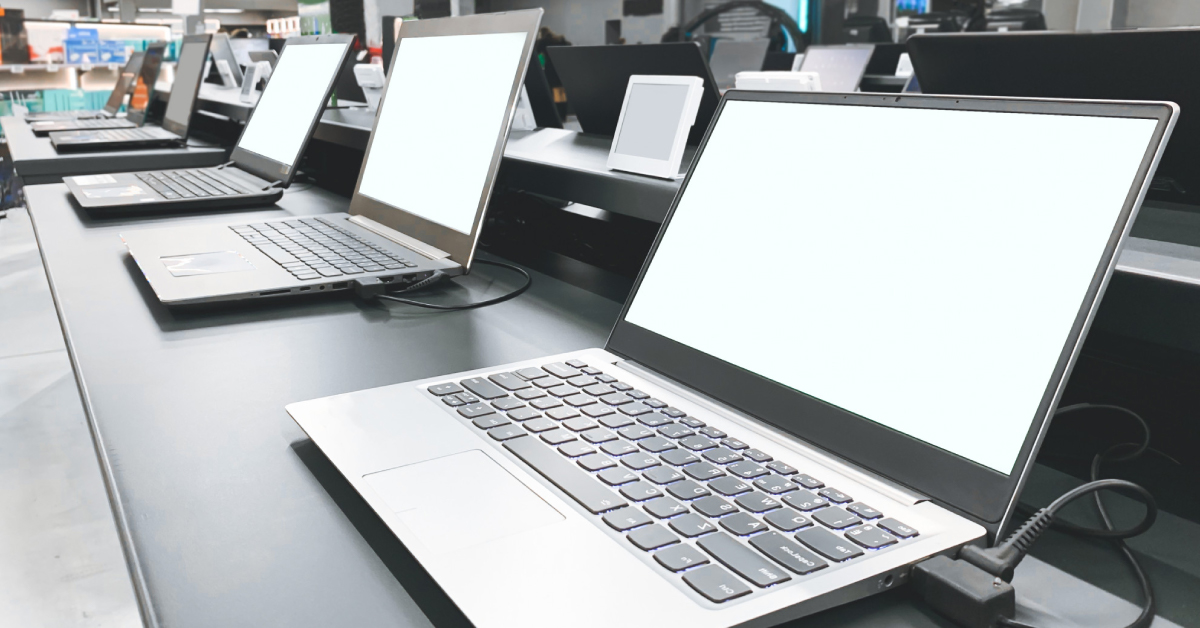
Brand New — For users who want the latest generation processors, full manufacturer warranty, and AI capabilities.
ReLoved / As-New — Lightly used, fully restored laptops for those seeking top quality at better value.
ReEco — Refurbished, performance-tested laptops ideal for budget or eco-conscious users.
All myhalo laptops go through a 30-point performance check and include warranty coverage.
Step 3: Choose the Right Processor
The processor (CPU) is your laptop’s brain — it controls how fast you can multitask, render, or open apps.
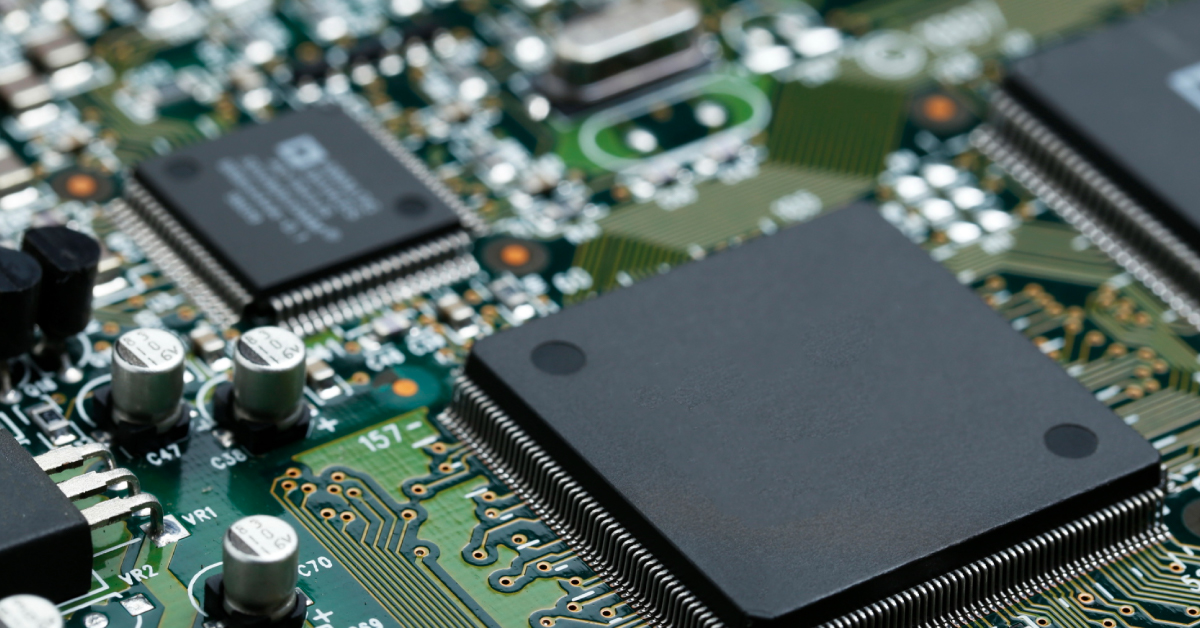
When choosing between Intel and AMD Ryzen, here’s what matters:
- Intel processors (Core i5, i7, i9, and Core Ultra) offer consistent, power-efficient performance — perfect for business and productivity.
- AMD Ryzen processors often pack more cores for the same price, making them ideal for creators, gamers, and multitaskers. They run cooler and offer excellent integrated graphics.
If you plan to keep your laptop 4–6 years, go for Intel Core i7 / i9 or AMD Ryzen 7 / 9.
For AI workloads, the Intel Core Ultra and Ryzen AI series add built-in Neural Processing Units (NPUs) for faster AI computing without draining power.
Intel wins in single-core tasks (office use), while Ryzen shines in multitasking, creative apps, and energy efficiency.
Step 4: Select the Right GPU (Graphics Card)
The GPU powers your visuals, video editing, and 3D work.

3 GPU Types:
- Integrated Graphics (Intel Iris, AMD Radeon, Apple GPU): For office tasks and schoolwork.
- Gaming GPUs (NVIDIA GTX / RTX 2000–4000, AMD Radeon 5xxx–7xxx): For gaming, design, and video production.
- Workstation GPUs (NVIDIA RTX A-Series / Quadro): For architecture, CAD, simulation, and heavy rendering.
Among these, the NVIDIA RTX A2000 stands out as the cream of the crop. It’s built from the best silicon batches, engineered for 24/7 rendering, simulation, and design work without throttling or crashing.
That’s why professional-grade laptops like the HP ZBook, Dell Precision, and Lenovo ThinkPad P Series are priced higher — they’re designed to perform reliably, nonstop.
If you create, model, or render professionally, the RTX A2000 is a future-proof investment.
Step 5: Memory & Storage
RAM and SSD size directly affect performance and responsiveness.
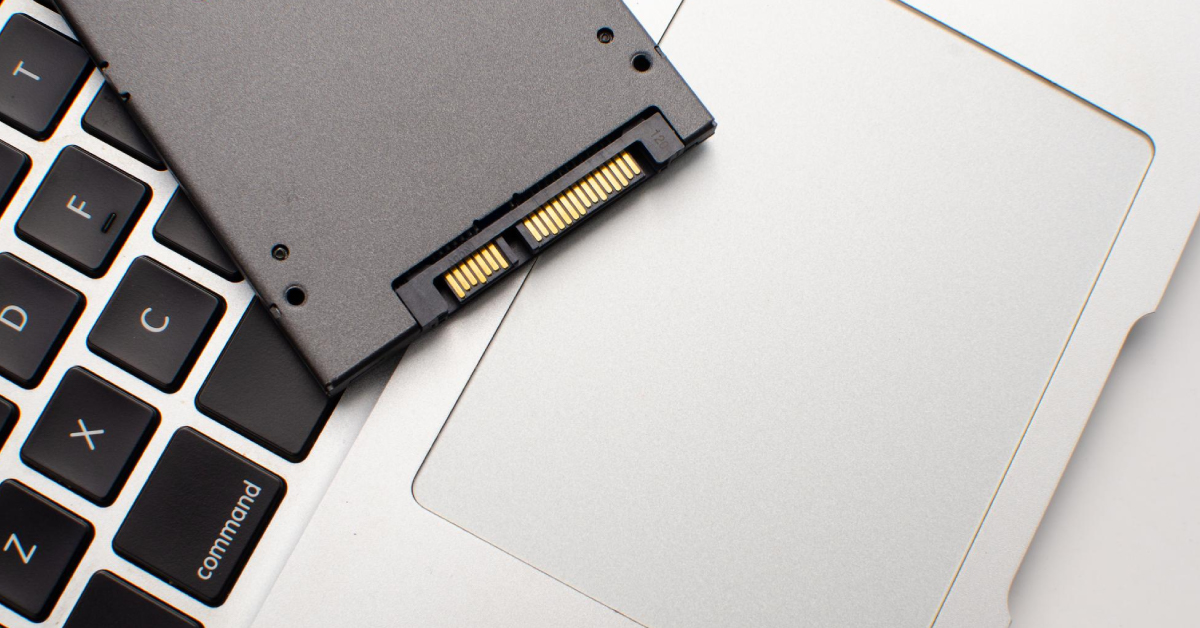
- 8 GB: Light daily use
- 16 GB: Multitasking and creative work
- 32 GB+: Heavy 3D, AI, or data workloads
SSD Storage:
- 256 GB: Students / light users
- 512 GB: Standard for most users
- 1 TB+: Gamers and creators
All myhalo laptops feature SSD drives, ensuring fast boot times and silent operation.
Step 6: Screen Size & Features
Your screen should match how and where you use your laptop.
| Size | Best For |
| 12–13.9” | Portability and travel |
| 14–15.9” | Balanced use |
| 16–17” | Creators and designers |
✨ Bonus Features:
- Touchscreen laptops for drawing and presentations
- 360° Flip laptops for flexibility and collaboration
- OLED / High Refresh Rate for vibrant colour and smoother visuals
- Thin & Light laptops for mobility
Step 7: Year & Condition
Laptops from 2020–2025 offer the best efficiency, thermals, and Windows 11 compatibility.
Older models can still perform well if maintained.
At myhalo, all ReLoved and ReEco laptops are performance-tested and guaranteed to have at least 70% battery health.
Step 8: Don’t Overbuy — Match Specs to Use
Buy based on your workflow, not the marketing hype:

- Students: 8–16 GB RAM, lightweight, affordable
- Professionals: i7 / Ryzen 7, 512 GB SSD+, long battery life
- Creators: RTX GPU or MacBook M-series, OLED screen
- Engineers: Workstation laptop with RTX A2000
Match performance to purpose — not price.
Choose Smarter, Save Better — the myhalo Way
Still unsure which laptop fits your needs?
We’ll help you choose smartly — for your budget, purpose, and sustainability goals.
You can:
- Change your battery or repair your current device at myhalo Repair
- Get free expert help through Rescue Advise — we’ll tell you whether to repair, upgrade, or replace
- Shop by Series:
Every laptop is verified with a 30-point inspection and protected under myhalo Protect — your one-year hardware protection plan.
Visit myhalo @ Bugis Junction #03-25/26
Shop online: shop.myhalo.com.sg
Top 5 Laptop Picks for 2025
- Lenovo Legion — Bang for Buck Gaming Laptop with RTX Graphics
- MacBook Pro Late 2024 M4 Max — seamless Apple ecosystem
- HP ZBook Power (RTX A2000) — powerful yet portable workstation
- Lenovo ThinkPad X1 Carbon — durable and feather-light for business
- LG Gram 16 inch — Lightest 16inch laptop in the world
Browse the full laptop range at myhalo
Choose smarter. Use longer. Save sustainably.
That’s the myhalo way — convenient, safe, and responsible tech for everyone in Singapore.