
When buying a refurbished laptop or a refurbished MacBook, one of the most common questions people ask is how well the device was actually used. Some wonder how long the laptop has been owned. Others even ask whether it was used by a lady or a man, assuming this affects how carefully it was treated.
In reality, whether it is a Windows laptop or an Apple MacBook, condition has very little to do with who used it. What truly matters is how it was used and how it was cared for.
Beyond checking specifications like processor, RAM, or storage, there are clear physical and technical signs that reveal whether a refurbished laptop or ReLoved MacBook is worth buying.
Here is how you can check.
How to Check the Charging Port and USB Ports on a Refurbished Laptop or MacBook
Start with the charging port and all other ports such as USB, HDMI, Thunderbolt, and audio.
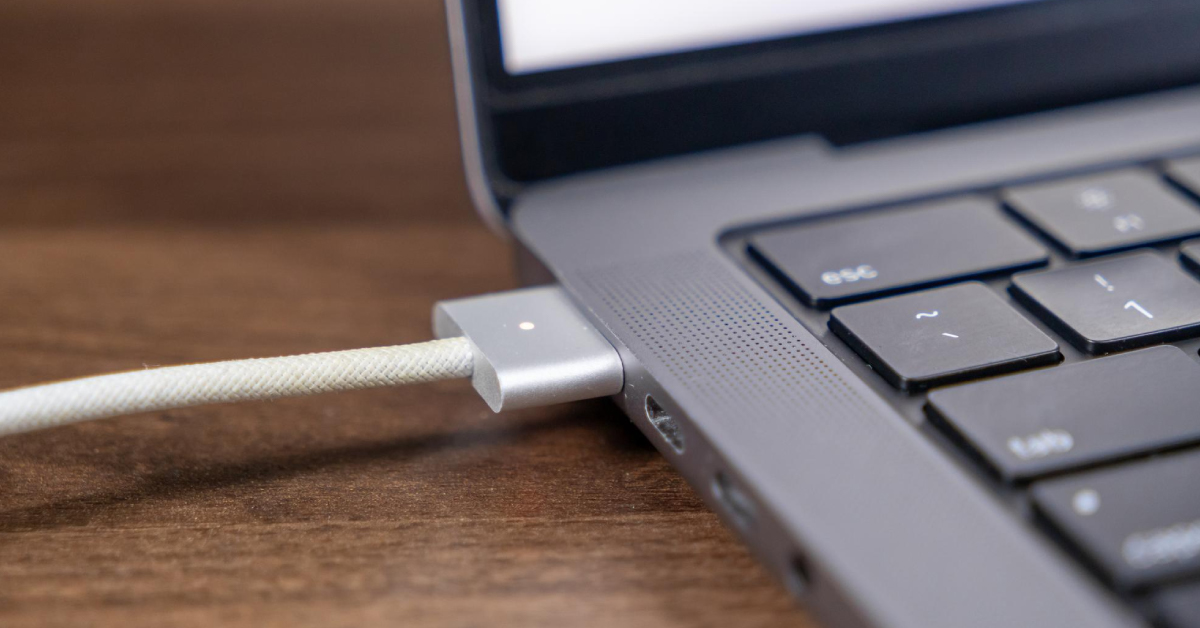
For MacBook Air and MacBook Pro models, pay close attention to the USB-C or Thunderbolt ports.
If you notice:
- Rust
- Corrosion
- Discolouration inside the ports
This often means the laptop or MacBook was used in a humid environment or an area with high salt content. Over time, this can lead to unstable charging or data connection issues.
A good refurbished MacBook or laptop should have clean, firm, and corrosion-free ports.
How Battery Usage Reveals a MacBook or Laptop’s Past
Battery health alone does not tell the full story, especially for used MacBooks.

On Windows laptops, a battery report can be generated using the command line. On MacBooks, battery cycle count and condition can be checked through macOS system information.
These reports help you understand:
- How often the laptop was carried around
- Whether it was used daily or occasionally
- How intensively the battery was used
Moderate battery cycles usually indicate balanced usage. Extremely high cycles suggest heavy daily use, which may shorten long-term battery lifespan on both laptops and MacBooks.
What Rubber Feet Wear Tells You About Laptop and MacBook Usage
The rubber feet under a laptop or MacBook are often overlooked, but they reveal a lot.
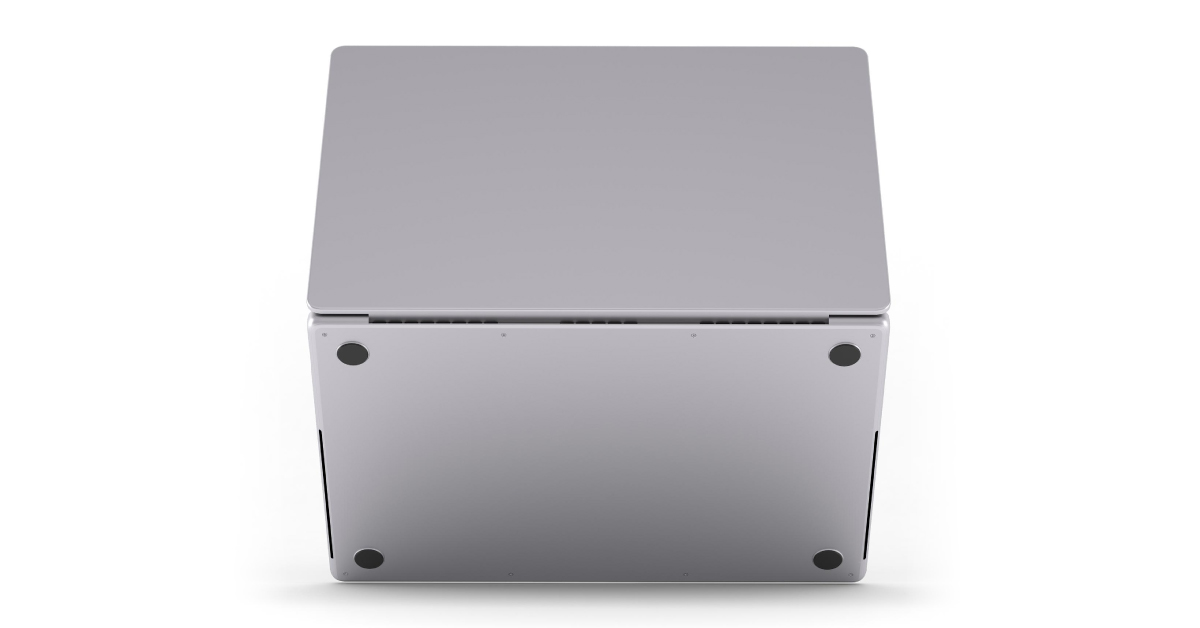
If the rubber feet are:
- Heavily worn
- Uneven
- Missing
It usually means the device was carried around frequently and placed on many surfaces, causing more friction and abrasion.
For used MacBooks, worn rubber feet are a strong indicator of frequent travel or daily movement.
Why Corner Dents Matter on Refurbished MacBooks and Laptops
Inspect all corners and edges carefully.
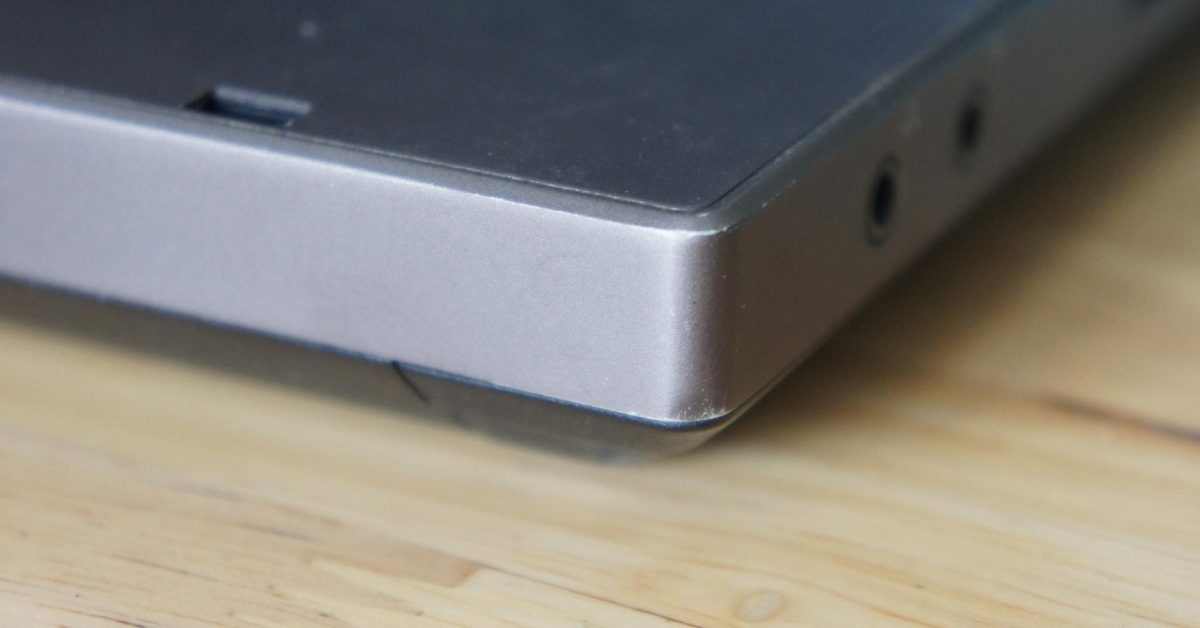
Light cosmetic wear is normal on refurbished laptops and MacBooks. However, deep dents or bent corners may indicate drops or impacts, which can affect internal alignment.
A well-cared-for refurbished MacBook Pro or MacBook Air typically shows consistent and minimal corner wear.
How an Uneven Lid Can Signal Past Impact
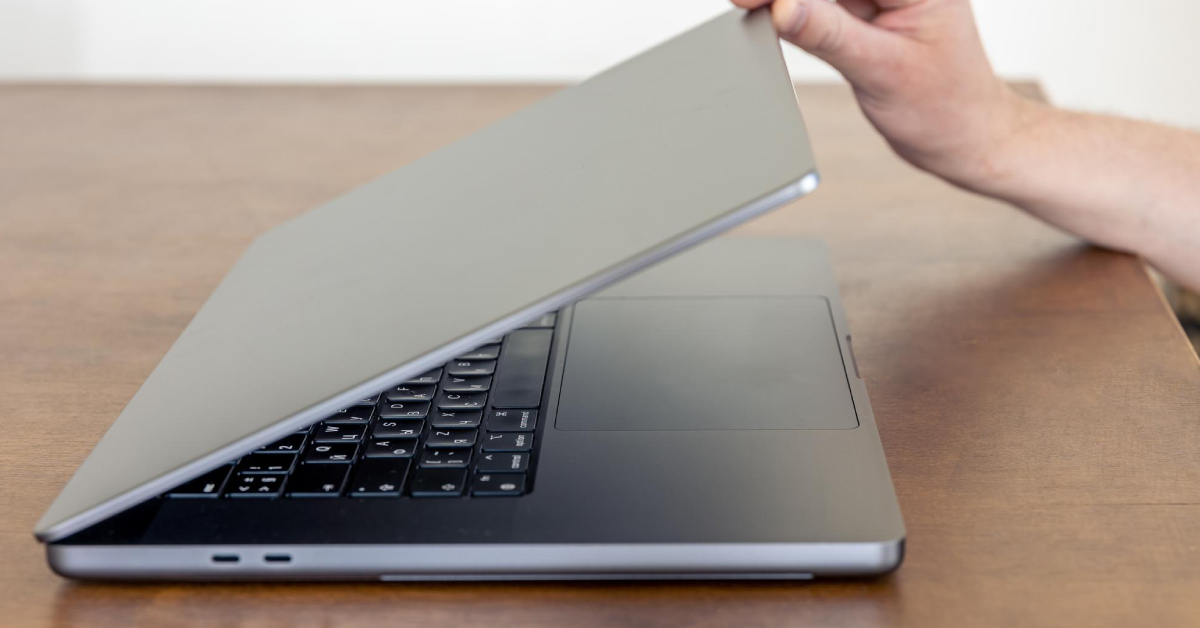
Close the laptop or MacBook slowly and observe how the screen meets the base.
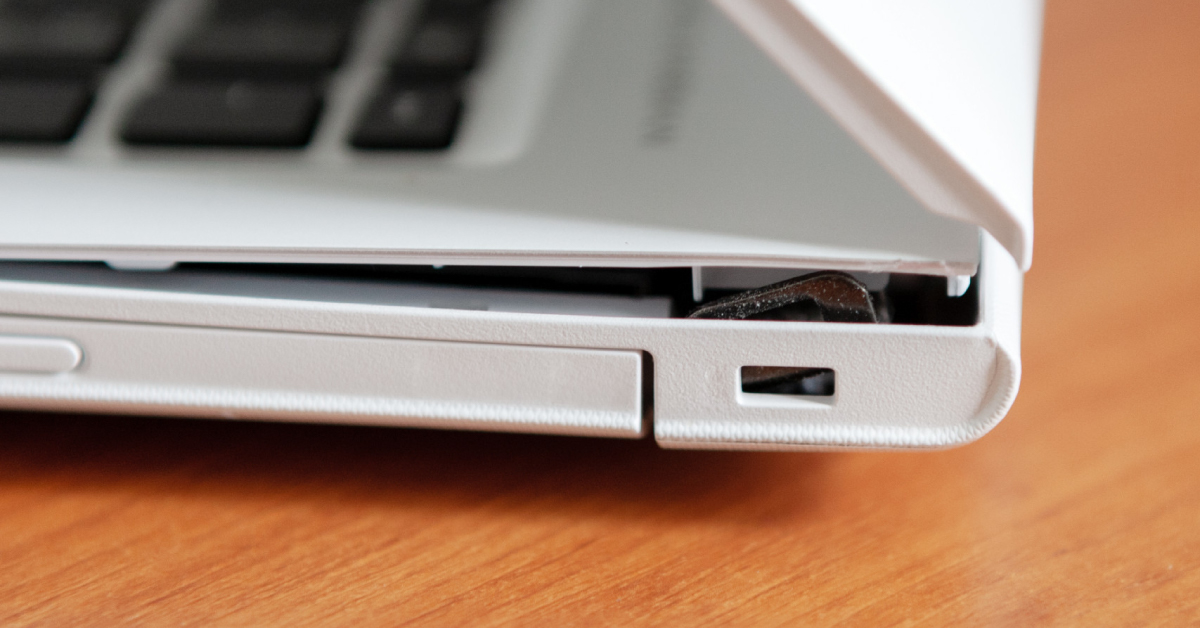
A good refurbished device should:
- Close evenly
- Sit flat
- Have equal spacing on both sides
If one side closes earlier or the lid looks twisted, it may have been subjected to pressure or impact, such as being compressed inside a bag.
This applies equally to Apple MacBooks and Windows laptops.
What Loose Hinges Say About Laptop and MacBook Condition
Open and close the device a few times and feel the hinge movement.
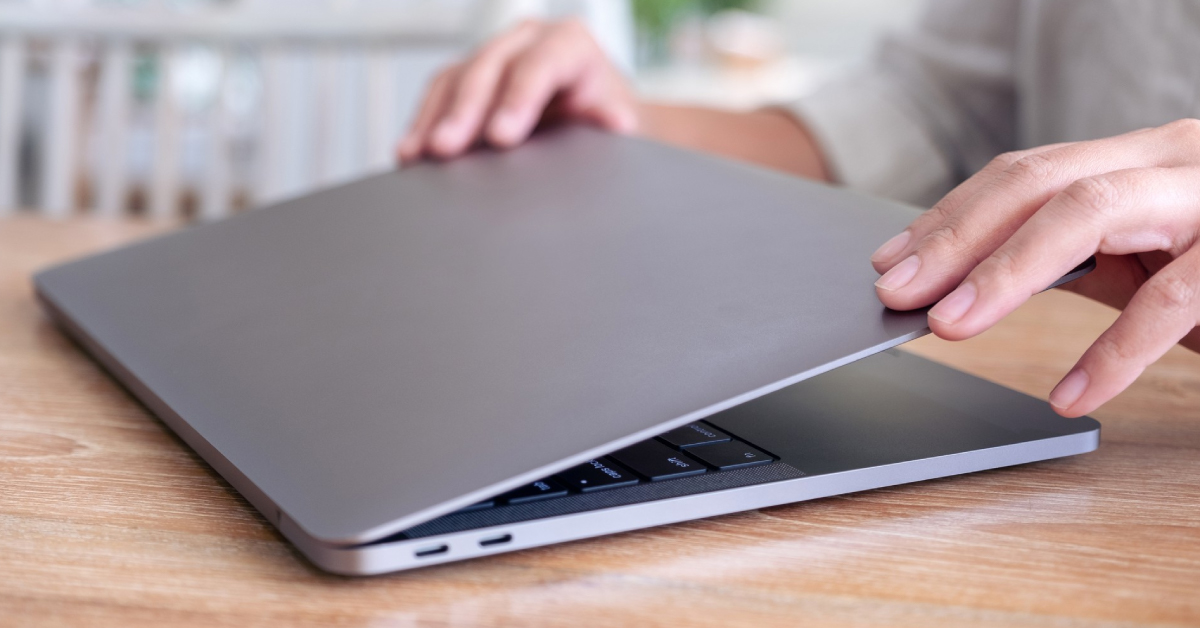
Hinges should feel:
- Firm
- Smooth
- Balanced on both sides
Loose or wobbly hinges often indicate frequent opening and closing or rough handling over time. On MacBooks, hinge issues can also affect display alignment.
What Actually Makes a Good Refurbished Laptop or MacBook
A good refurbished laptop or ReLoved MacBook does not need to look brand new.

What matters is that it:
- Shows consistent and reasonable wear
- Has no signs of corrosion
- Closes evenly and feels structurally sound
- Has balanced battery usage
- Performs reliably under normal workloads
These signs indicate a device that was used normally and cared for properly.
Why myhalo ReLoved MacBooks and Laptops Are Different
At myhalo, ReLoved laptops and ReLoved MacBooks are not sold based on appearance alone.

Every ReLoved device goes through a comprehensive 30-point quality check before it is made available for sale. This applies to both Apple MacBooks and Windows laptops.
The 30-point check includes:
- Battery condition and charging behaviour
- Charging ports, USB-C and Thunderbolt ports
- Keyboard, trackpad, camera, speakers, Wi-Fi, and Bluetooth
- Internal diagnostics and stress testing
- System startup and operating system health
- Physical condition grading for transparency
Each ReLoved MacBook and laptop is cleaned, tested, and validated so you know exactly what you are buying.
This is why myhalo ReLoved devices are reliable, trustworthy, and transparent.
Summary Checklist for Buying a Refurbished Laptop or MacBook
| What to Check | Good Sign | Red Flag |
|---|---|---|
| Charging and USB-C ports | Clean and corrosion-free | Rust or discolouration |
| Battery usage | Moderate cycle count | Extremely high cycles |
| Rubber feet | Mostly intact | Heavily worn or missing |
| Corners | Minor cosmetic wear | Deep dents |
| Lid closure | Even and flat | Uneven gaps |
| Hinges | Firm and smooth | Loose or noisy |
| myhalo 30-point check | Completed and documented | Not tested |
Frequently Asked Questions About Refurbished MacBooks and Laptops
Is it safe to buy a refurbished MacBook
Yes, as long as the MacBook has been properly inspected. myhalo ReLoved MacBooks go through a 30-point quality check for reliability and transparency.
How long can a refurbished MacBook last
With proper testing and reasonable usage, a refurbished MacBook can last several more years.
Is a refurbished MacBook Pro better than a new budget laptop
In many cases, yes. A refurbished MacBook Pro often offers better build quality and performance than a new entry-level laptop.
What should I check before buying a used MacBook
Check battery cycles, ports, hinges, lid alignment, and ensure the device has gone through a proper inspection process.
Final Thought
Buying a refurbished laptop or MacBook does not have to feel risky.
When you know what to look for and choose devices that are thoroughly tested, you can enjoy excellent performance and reliability without paying full price.
That is exactly what myhalo ReLoved MacBooks and laptops are designed to deliver.
Buy reliable ReLoved MacBooks and laptops from myhalo that are trustworthy and transparently tested