
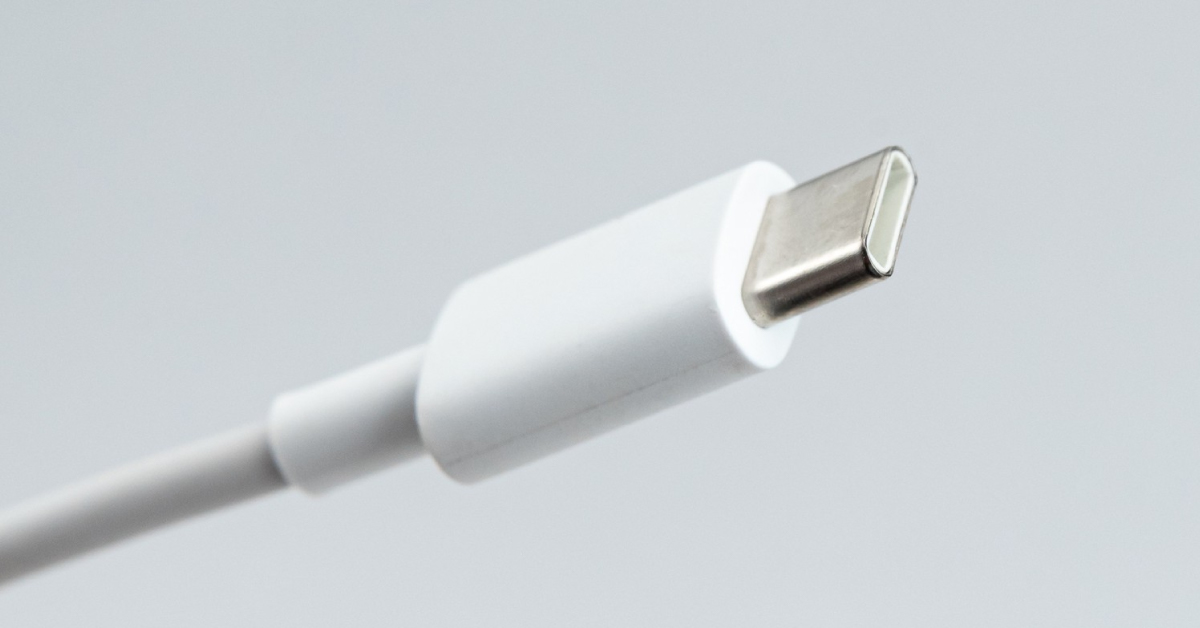
USB-C was meant to be the hero we all needed: one small, reversible port for phones, laptops, tablets, earbuds — and fewer cables ending up forgotten in drawers (or landfill).
And it did unify the shape of the port.
But here’s the twist: while we all switched to the same connector, the standards behind USB-C multiplied. So today, two USB-C ports can look identical and still behave totally differently. That’s why USB-C feels more confusing than ever.
At myhalo, we’re all about tech that’s simple, safe, and sustainable — so let’s gently demystify USB-C and help you buy only what you truly need.
Why USB-C Feels Confusing Now
Here’s the key idea:

USB-C is only the shape of the plug.
The standards behind it determine what it can do.
Two USB-C devices may support very different things:
- Charging speed (slow / fast / ultra-fast)
- Data speed (basic transfer vs very fast transfer)
- Video output (some ports run monitors, some don’t)
Your real experience depends on the whole chain — device + charger + cable — and everything falls back to the “slowest link.”
USB-C Basics: One Plug, Many Standards
Charging standards: PD and PPS
Most modern phones and laptops charge using USB Power Delivery (USB-PD), usually shortened to PD.
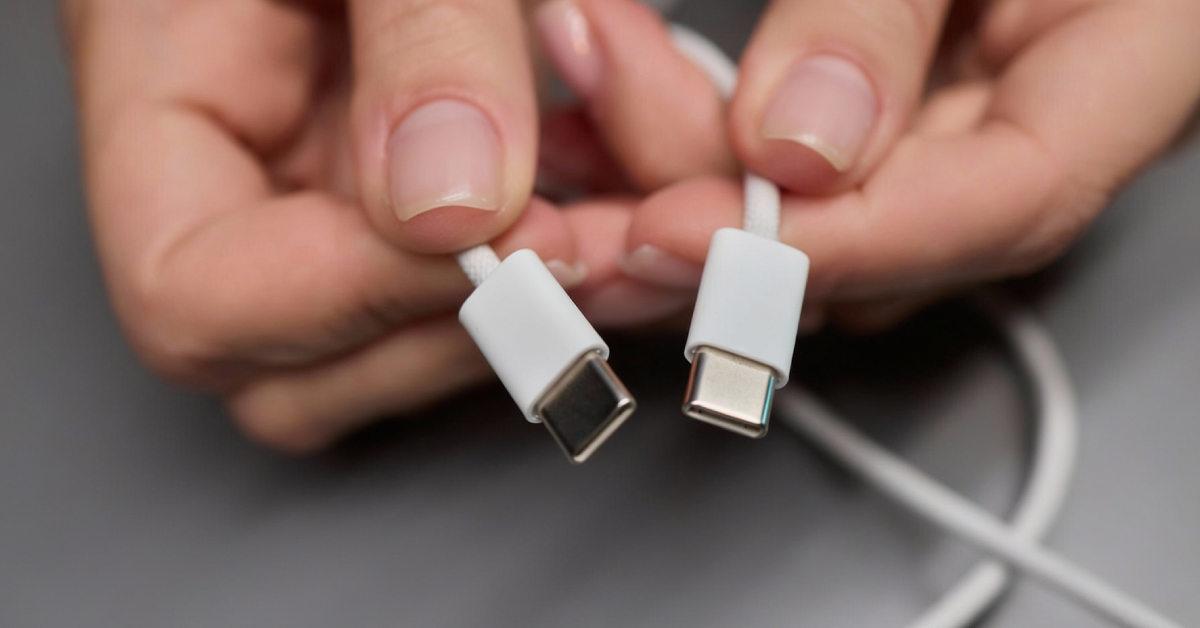
Think of PD as a universal charging language. Before higher power flows, your device and charger “talk” and agree on what’s safe. That’s why your phone can safely plug into a laptop charger — it will only take what it needs.
You may also see PPS (Programmable Power Supply). PPS is part of PD that lets devices fine-tune voltage and current for faster charging with less heat — kinder to batteries long-term.
If your charger says “PD + PPS,” it’s a great future-proof choice.
Data/video standards
USB-C can also carry different data standards:
- Basic cables handle simple data and charging.
- Higher-end cables support very fast file transfers and monitor connections.
Not everyone needs the fastest data, but it explains why some USB-C cables cost more than others.
Apple’s USB-C Strategy (and What It Means for iPhone Users)
Apple moved iPhones to USB-C starting with iPhone 15, announced in September 2023. This aligned with global momentum and regulations (especially in Europe) pushing for a common charging standard to reduce e-waste.
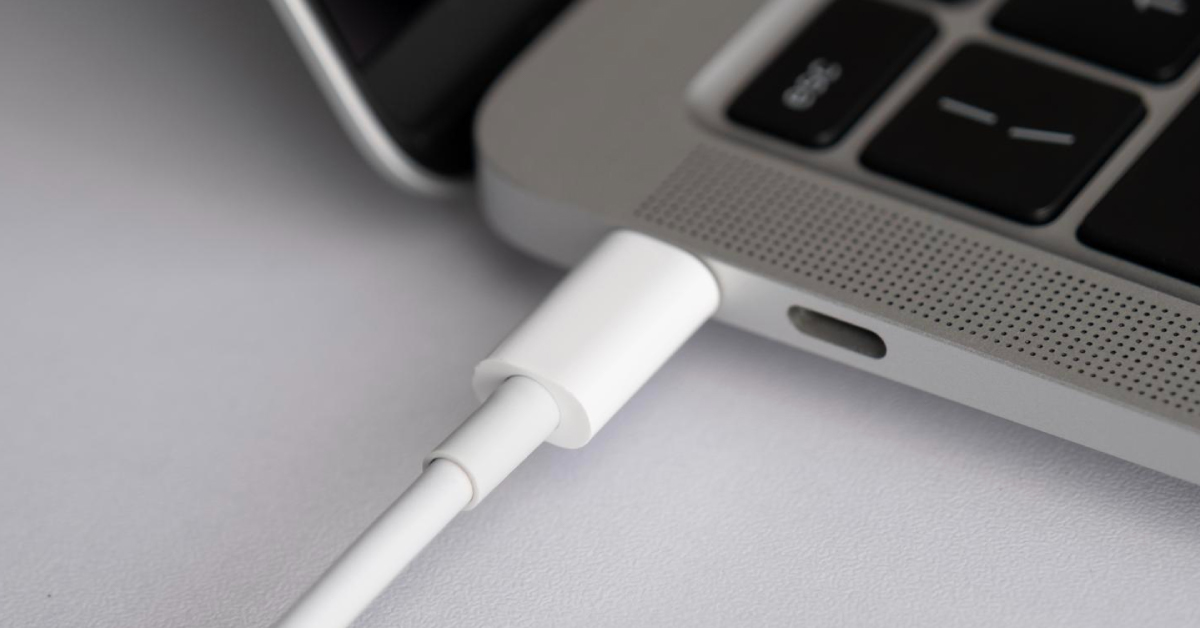
Apple’s approach is clearly different from the “wattage race”:
- Standard USB-C, no cable lock-in.
iPhone USB-C works with regular PD chargers and cables. You don’t need a special Apple-only USB-C cable.
- Moderate wired charging speeds.
Apple recommends a 20W USB-C PD charger for fast charging, and generally stays in a conservative power range compared to brands advertising 80–150W. The focus is stable charging, controlled heat, and long-term battery health.
- Wireless ecosystem focus.
Apple differentiates more through MagSafe and Qi2 accessories than extreme wired speeds.
A myhalo view: Apple leans toward compatibility, safety, and battery longevity — a more sustainable long-term model.
What Is an E-Marked USB-C Cable?
This is one of the most important buying tips.
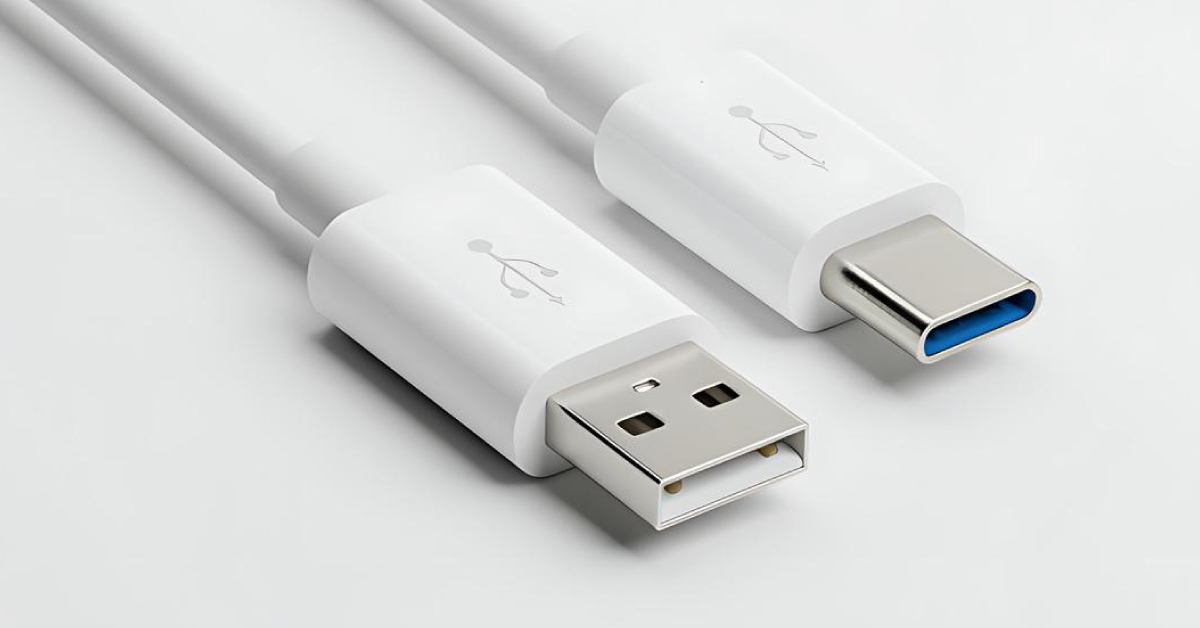
An E-marked USB-C cable has a tiny safety chip inside called an E-marker (electronic marker). That chip tells your charger and device:
- how much power the cable can safely handle
- whether it supports high-current charging (especially for laptops)
Why it matters:
Cables above 60W should be E-marked. Modern USB-C charging can go up to 240W, and that level requires certified 5A E-marked cables to stay safe.
How to spot one:
Look for packaging that says:
- “5A”
- “100W / 140W / 240W”
- “E-marked / E-marker”
If you want one cable to confidently charge both your phone and laptop, E-marked is the best future-proof choice.
How to Choose the Right USB-C Charger and Cable
Let’s keep this easy:
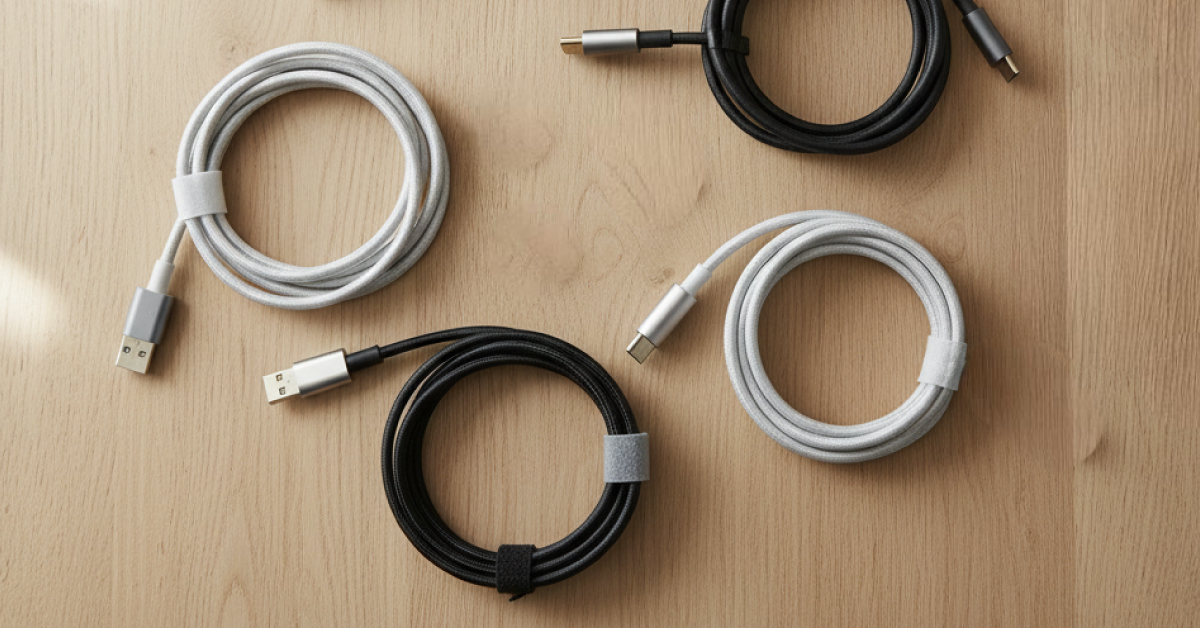
Step 1: Pick a universal charger
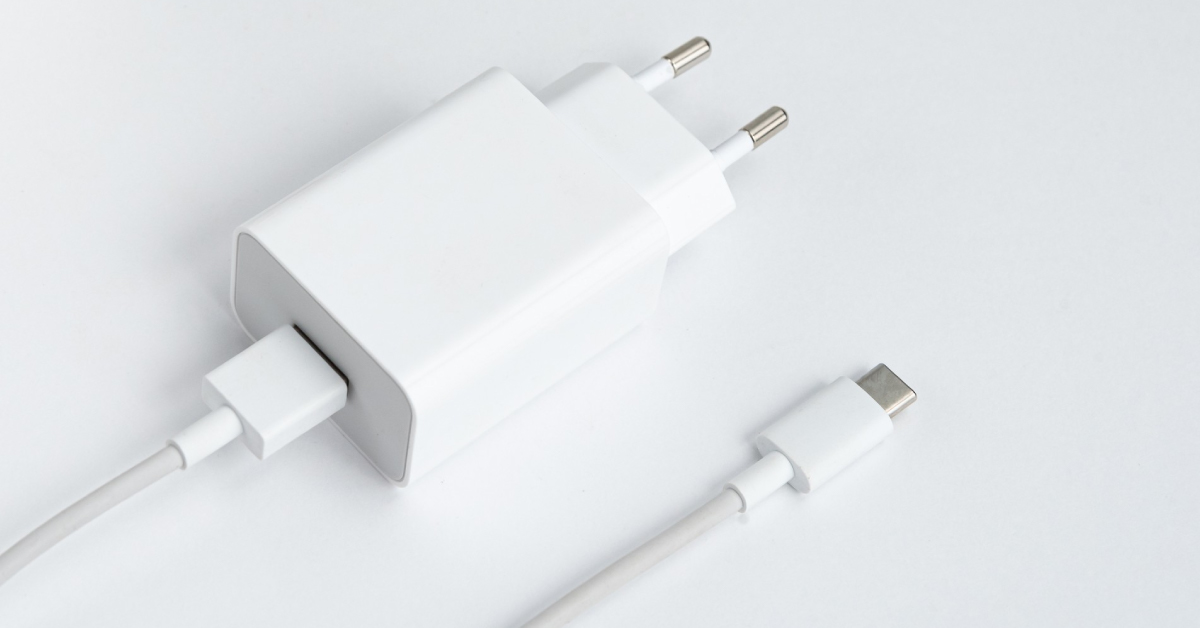
For most people, the best “one-for-all” charger is:
A 65W–100W USB-C GaN charger with PD + PPS
Why?
- Fast enough for iPhone / Samsung / Pixel
- Strong enough for most USB-C laptops
- Universal, so you don’t need brand-specific bricks
Step 2: Get the right cable rating
- Phones only? A good 60W USB-C cable is enough.
- Phones + laptops? Choose an E-marked 100W–240W cable.
Step 3: Know when proprietary charging matters
Some brands advertise ultra-fast charging like 80–150W+. Those top speeds usually require:
- their official charger
- their high-current cable
With a normal PD charger, they still charge safely — just not at the headline peak speed.
Simple habit:
Keep your brand charger at home if you love maximum speed.
Use PD-PPS chargers everywhere else.
Is USB-C Charging Dangerous?
With proper equipment, USB-C charging is designed to be safe.
PD uses a handshake, so your phone won’t accept unsafe voltage or current.
Where danger comes from:
- fake or ultra-cheap chargers
- cables without proper safety specs
- damaged or frayed cables overheating
The safest and most sustainable approach is the same:
buy fewer, better accessories once — and use them longer.
Fast-Charging by Brand: Simple Comparison Table
Exact numbers vary by model and region, but this gives a clear picture of how brands approach charging today.
| Brand | Typical max wired power (recent flagships) | Voltage / Current style | Main protocol(s) | When standard was introduced | Strategy summary |
| Apple (iPhone) | ~20–30W class | PD-style moderate V/A | USB-PD | Fast charging via PD since ~2017; USB-C on iPhone from iPhone 15 (Sept 2023) | Universal compatibility, conservative wattage for battery health; pushes MagSafe/Qi2 ecosystem. |
| Samsung (Galaxy S/Z) | 25W base, up to ~45W on Plus/Ultra | Higher voltage, moderate current | USB-PD + PPS (“Super Fast Charging”) | PD-PPS mainstream since ~2019 | Universal-first approach; balanced speed/heat; works well with third-party PD-PPS chargers. |
| Google (Pixel) | ~25–30W class | PPS-tuned PD curve | USB-PD + PPS | PD fast charging since late 2010s | Very standard-friendly; no proprietary lock-in; safe and simple. |
| OnePlus / OPPO / Realme | ~80–120W common; some higher | Lower voltage, very high current (dual-cell) | VOOC / SuperVOOC / Warp + PD fallback | VOOC lineage from mid-2010s | Fastest headline charging, but max speed needs their charger + cable; PD for travel. |
| Xiaomi / Redmi / Poco | ~67–120W common | Mixed PPS + dual-cell, high V/A | HyperCharge + PD/PPS fallback | HyperCharge push early 2020s | Proprietary for peak speeds; good universal PD fallback. |
| Huawei | ~40–100W class | Mixed V/A curves | SuperCharge + PD fallback | SuperCharge mid-2010s | Proprietary speed plus growing ecosystem compatibility over time. |
| Motorola / others | ~30–68W common | Voltage stepping | TurboPower / QuickCharge + PD fallback | Mid-2010s | Broad compatibility; standard PD works fine for most users. |
Big picture:
- Apple / Samsung / Google keep it universal and moderate.
- Many Chinese brands offer ultra-fast proprietary modes plus universal PD fallback.
Choose Accessories That Last — For You and the Planet
Choose accessories that last — for you and the planet.
USB-C should reduce clutter, not create more. Our curated chargers and cables are selected to stay compatible across devices, helping you charge safely and cut down on replacements.
Find your myhalo-approved USB-C gear
myhalo picks to keep things simple:
- High-power USB-C cables (up to 240W) — great for future-proof phone + laptop charging.
- USB-PD power banks — safe universal fast charging on the go.
- Travel adapters with USB-C — one compact charger for trips, fewer extras to pack.
- myhalo Bamboo/Recycled Plastic Charging Kit — a more eco-minded everyday option.
These picks are curated to reduce guesswork and help you buy once, use longer.
myhalo Recommendations for Phones and Laptops
If you want a setup that’s simple, safe, and future-proof:
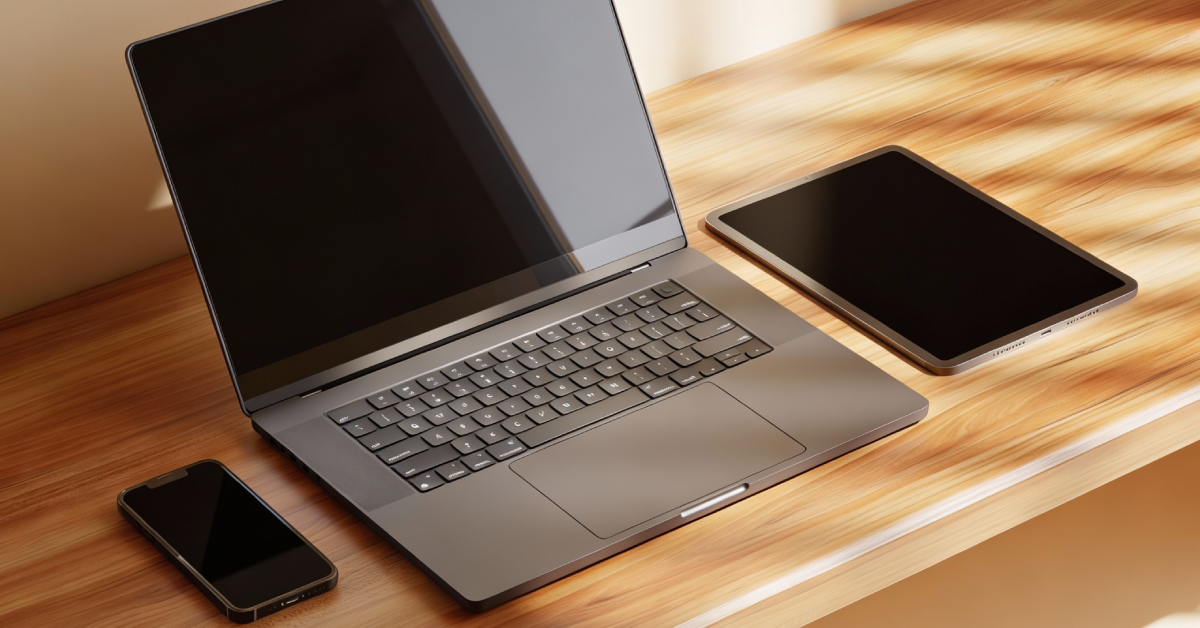
- One PD + PPS GaN charger (65W–100W)
Covers phones, tablets, laptops, and likely your next device too.
- One E-marked USB-C to USB-C cable (100W–240W)
Your “everything cable” for home and travel.
- One lighter 60W USB-C cable
Handy daily carry cable for power banks or desks.
That’s it. Three pieces, one ecosystem, less waste.
FAQs
1) If everything is USB-C now, why do I still need different cables?
Because USB-C is only the shape. Cables differ in power rating and data speed. Some are phone-only; others safely handle laptop power.
2) Can I use my laptop’s USB-C charger to charge my phone?
Yes, as long as it’s a proper PD charger (most laptop chargers are). Your phone will negotiate and only take safe power.
3) What’s the easiest “one charger for everything” choice?
A 65W–100W USB-C GaN charger with PD + PPS.
4) How do I know if a cable is E-marked and why should I care?
Look for “5A” or “100W/140W/240W” labels. E-marked cables include a safety chip for higher-power charging — essential for laptops.
5) Is ultra-fast charging (like 80W–150W) bad for batteries?
Not automatically — phones are designed to handle it. But higher wattage means more heat, and heat ages batteries faster. For maximum battery longevity, moderate PD-PPS charging is gentler, with brand chargers kept for “need-it-fast” moments.