
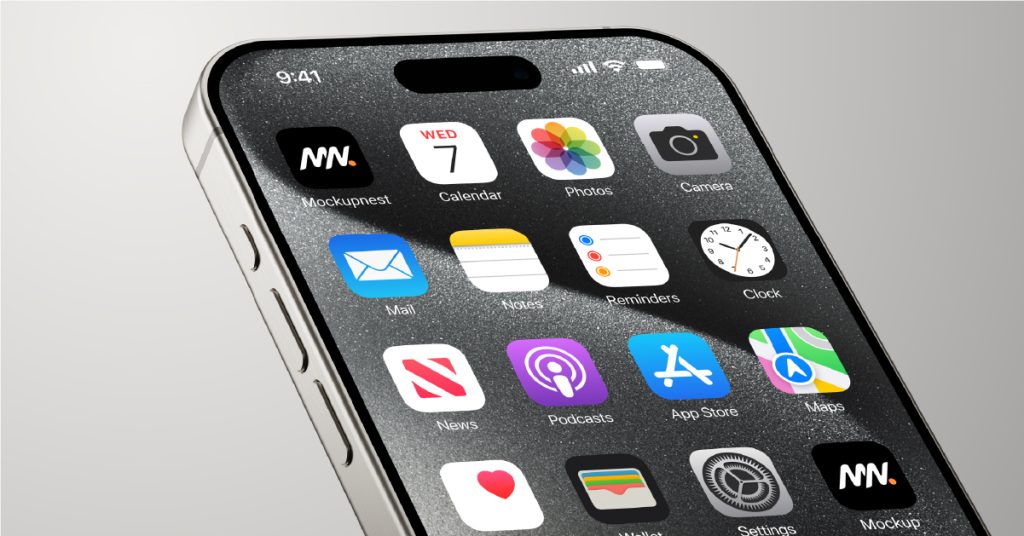
The iPhone 17 is dropping this September, and Android brands are racing to match. Whether you’re eyeing the newest flagship or buying a certified second-hand device to save money and reduce e-waste, there’s more to a phone upgrade than just unboxing a shiny new screen.
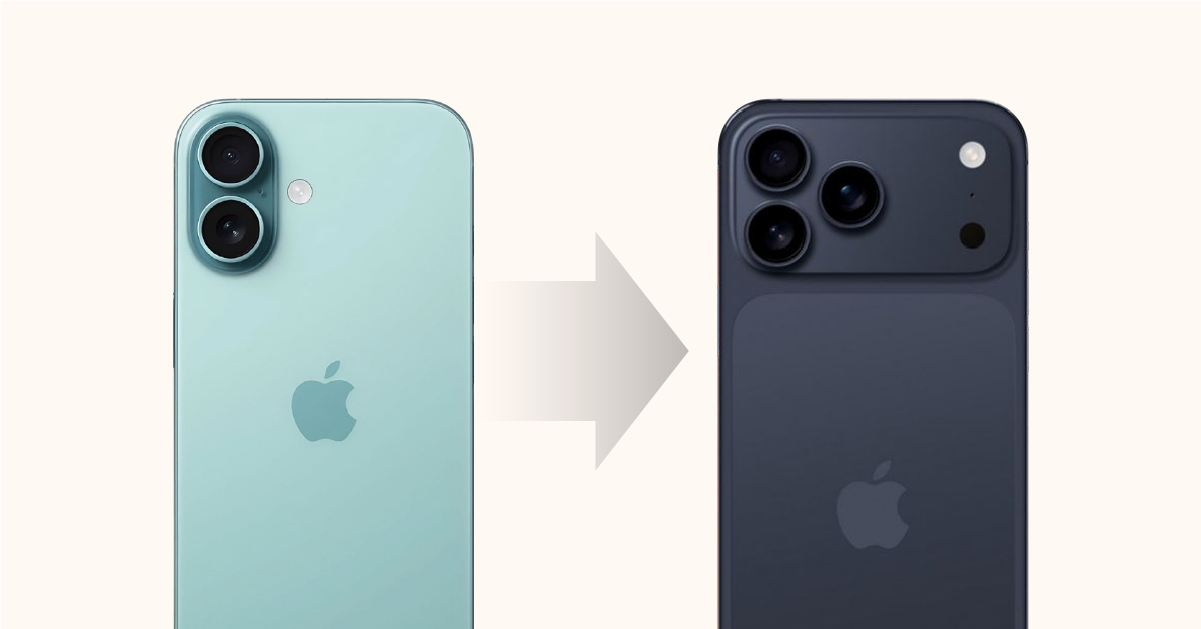
At myhalo, we help thousands of Singaporeans make the switch smarter—whether you’re trading-in, repairing, or buying a refurbished phone. However, what we notice is that even the most tech-savvy users often overlook critical steps that can lead to frustration later.
Before you jump into your next device, especially if you’re switching iPhone to Android, or vice versa, here’s what you should prepare for.
1. Reconfiguring Your Home Screen and Launcher Layout
Your phone layout is like muscle memory. Losing it feels disorienting. Unfortunately, most transfers don’t preserve your exact home screen, especially if you’re switching between brands.
iPhone to iPhone:
- Use iCloud to restore app positions and folders.
- Widgets and layout tweaks may still require manual setup.
Android to Android:
- Google Backup works well, especially if you stick to the same brand or launcher.
- Using custom launchers like Nova Launcher or Smart Launcher? Export settings before you switch.
iPhone ↔ Android:
- Layouts won’t transfer.
- Be ready to rebuild from scratch, learn new gestures, and reset widgets.
Pro Tip: Take screenshots of your old layout before you trade-in.
2. Don’t Forget the Critical App Re-Setups
Many apps, especially financial, government, and authenticator apps, need to be manually reconfigured on your new phone. This is where most users hit roadblocks.
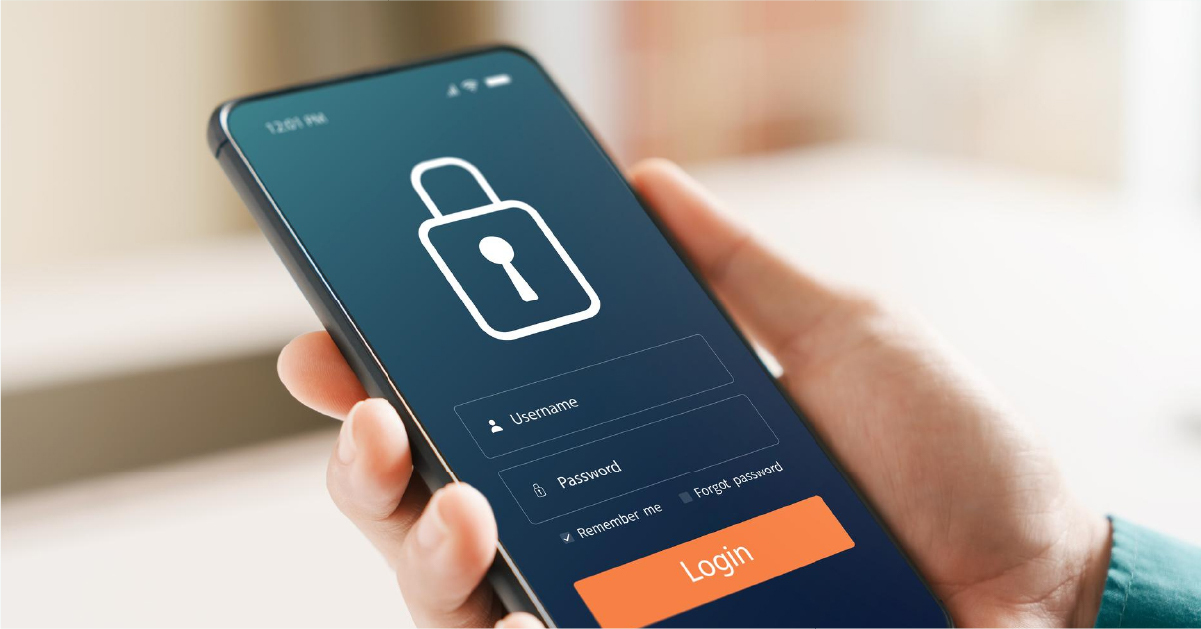
Banking & Government Apps (e.g. DBS, OCBC, UOB, CPF, Singpass)
- Require SMS OTP, hardware token, or biometric re-enrollment.
- Singpass must be re-linked and re-secured with fingerprint or Face ID.
Authenticator & 2FA Apps
- Google Authenticator: Now supports cloud sync (if enabled beforehand).
- Microsoft Authenticator: Syncs through your Microsoft account.
- Authy: Best for beginners. Supports cloud backup and multi-device restore.
NOTE: If you wipe your old device before migrating 2FA apps, you could lose access to important accounts.
3. Different Tools for Different Platforms
The tools you use depend on your device switch—and not all are created equal.
| Migration | Best Tool | Notes |
| iPhone → iPhone | iCloud or iTunes | Re-setup needed for Apple Pay, Singpass, Face ID |
| Android → Android | Google One or brand transfer apps | Works best with the same brand (e.g. Samsung Smart Switch) |
| iPhone → Android | Switch to Android by Google | WhatsApp transfer supported (with cable) |
| Android → iPhone | Move to iOS | Good for basics, but some apps need manual restore |
Update: WhatsApp now supports cross-platform transfer—but only under specific steps. Visit our shop or ask a myhalo expert if you’re unsure.
4. e-Xtender Subscribers Get Setup Help. For Free.
If you’ve subscribed to our myhalo e-Xtender program, available with every purchase from shop.myhalo.com.sg, you enjoy:
✅ Free home screen & layout configuration
✅ Help setting up Singpass, banking, and 2FA apps
✅ Support for iPhone ↔ Android or Android ↔ iPhone transfer
✅ Secure wiping of your old phone for trade-in or donation
All powered by our expert tech team at PC Dreams, Singapore’s trusted refurbisher for over a decade.
Upgrade with Purpose, Not Just Performance
Planning to sell your old iPhone before the iPhone 17 arrives? Want to buy a reliable second-hand device without greenwashing?
At myhalo, we go beyond resale. We give devices a second life—through refurbishment, donation, or upcycling. Trade-in your old phone through quote.myhalo.com.sg and get real-time value, plus:
- Transparent buyback prices
- Responsible data erasure
- Devices routed for reuse, not waste
Whether you’re looking to buy a refurbished iPhone, repair a cracked screen, or sell a used Android, we’ve got you covered, with actual sustainability impact.
iPhone 17 Is Coming. Ready Your Trade-In Now.
Before the launch hype takes over, clear your drawer and get the best trade-in value today.
- Start at quote.myhalo.com.sg
- Browse certified refurbished phones at shop.myhalo.com.sg
- Let us help you switch smart, with e-Xtender benefits and full setup support