
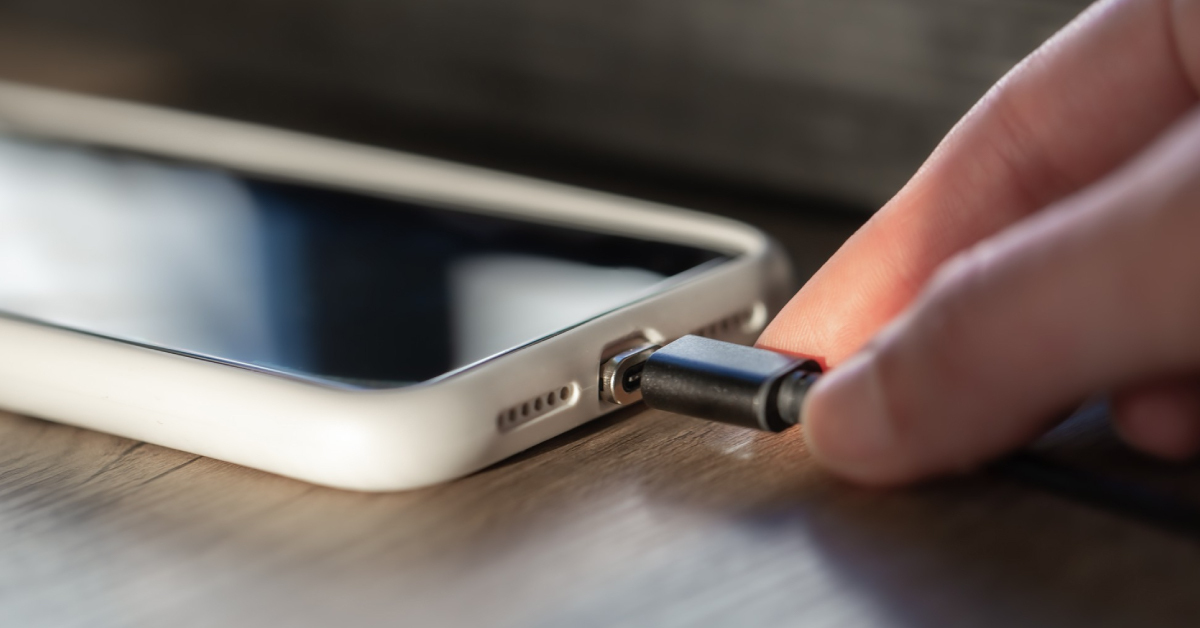
Your mobile phone battery is the heart of your device. Without proper care, it drains faster, overheats, or even swells—leading to costly repairs or replacements. At myhalo Singapore, we specialize in keeping your devices running smoothly. Here’s a complete guide on how to take care of your phone battery and make it last longer.
Essential Battery Care Tips
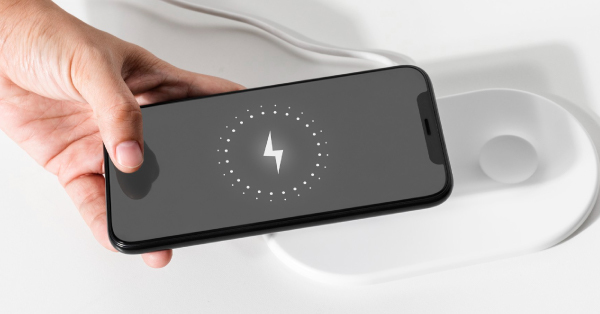
- Avoid Overcharging Your Phone – Once it reaches 100%, unplug to prevent stress and heat damage.
- Keep Your Battery Between 20%–80% – This extends overall lifespan.
- Use Original or Certified Chargers – Prevents unstable current and overheating.
- Avoid Extreme Heat or Cold – Heat especially shortens battery life.
- Turn Off Background Apps – Save power and reduce unnecessary drain.
- Enable Battery-Saving Mode – Helps your phone last longer on low charge.
- Replace Your Battery When Needed – Swelling, fast drain, or random shutdowns are red flags.
Battery Myths vs Facts
Myth 1: Using your phone while charging damages the battery.
Fact: It’s safe to use your phone while charging—if you’re using an original or certified charger. What really causes damage is high temperature. If you notice your phone getting unusually hot while charging and using it at the same time, stop and let it cool down.
Myth 2: Wireless charging always shortens battery life.
Fact: Wireless charging itself doesn’t harm the battery. However, it generates more heat than wired charging. Occasional use is perfectly safe, but constant charging on hot surfaces can speed up battery wear.
Myth 3: Fast charging destroys phone batteries.
Fact: Modern phones are designed with fast-charging protection. The key risk is again heat buildup. Using the official fast charger is safe—but avoid third-party accessories that may cause overheating.
Myth 4: You must fully drain your battery before charging again.
Fact: That applied to old nickel batteries, not today’s lithium-ion ones. The healthiest range is 20%–80%. Deep discharges and constant 100% charging both create extra heat, which speeds up battery degradation.
Myth 5: Modern handphones can be overcharged.
Fact: Today’s smartphones have built-in charging management systems that stop charging once they reach 100%, so true overcharging isn’t an issue. What actually causes long-term battery damage is excess heat from keeping your phone plugged in for hours (like overnight) or charging in hot environments. Best practice: unplug once it’s full, and avoid charging under pillows or in hot spaces.
Signs Your Phone Battery Is Dying
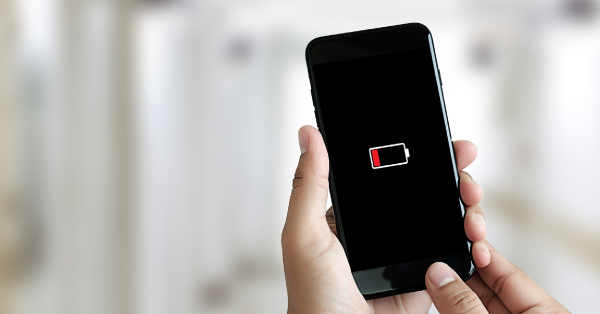
- Your phone shuts down unexpectedly even with charge left.
- Battery percentage drops rapidly after short use.
- The phone gets unusually hot during normal use.
- The battery looks swollen or pushes against the phone casing.
- You’re charging multiple times a day just to stay powered.
👉 If you experience these symptoms, it’s time for a professional battery replacement in Singapore.
Tips to Cope with Battery Anxiety (Especially for iPhone Users)

If you’re an iPhone user, you’ve probably checked your Battery Health % in Settings more times than you’d like to admit. Many stress when their battery drops below 90%—but here’s the truth:
- Battery health naturally declines: Every charge cycle slowly reduces maximum capacity. Seeing your battery at 85–90% after a year or two is completely normal.
- Replacement isn’t expensive: An original Apple battery replacement costs just slightly over $100 in Singapore. Instead of obsessing over every percentage, it’s far more practical to just use your phone normally and replace the battery when it no longer meets your needs.
- Heat is still the real enemy: Rather than stressing about tiny drops in health %, focus on avoiding overheating—that’s what accelerates degradation the most.
- Signs you actually need a replacement: Your iPhone shuts down randomly, drains unusually fast, or you’re constantly tethered to a charger. That’s when a new battery makes sense.
The best way to deal with iPhone battery anxiety?
Use your phone freely. Don’t obsess over the numbers. When the time comes, a battery replacement is quick, affordable, and stress-free.
FAQ: Common Questions About Phone Batteries

-
What is the best way to charge your phone battery?
Keep it between 20%–80%, avoid extreme heat, and use certified chargers.
-
When should I replace my iPhone battery?
If it shuts down unexpectedly, drains unusually fast, or your Battery Health % drops below ~80%, it’s time to replace.
-
Does fast charging ruin your battery?
Not if you use an official or certified charger. The main issue is heat, not speed.
-
Can I overcharge my phone?
No—modern phones have charging management. The risk is keeping it hot and plugged in unnecessarily.
Need a Battery Repair or Replacement in Singapore?
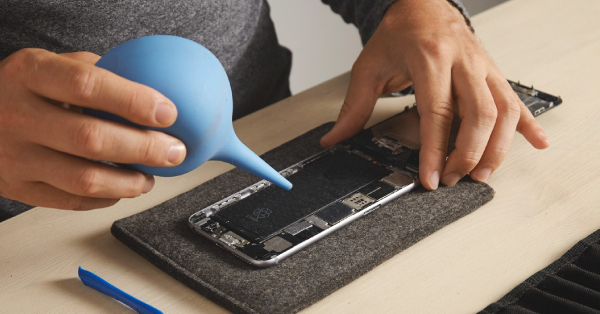
Don’t wait until your phone fails completely. At myhalo, we provide reliable and affordable iPhone & Android battery repair services in Singapore.
Get your free repair quote today
Or WhatsApp us directly at +65 8068 0100 for fast assistance.
By following these battery care tips, busting the myths, and remembering that a replacement is cheaper than you think, you’ll enjoy your phone stress-free and extend its lifespan.