
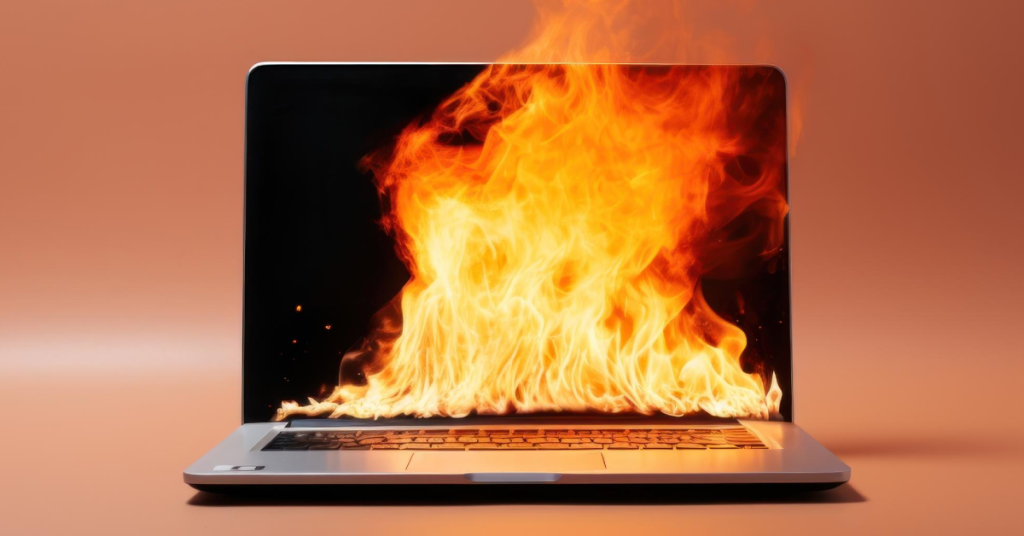
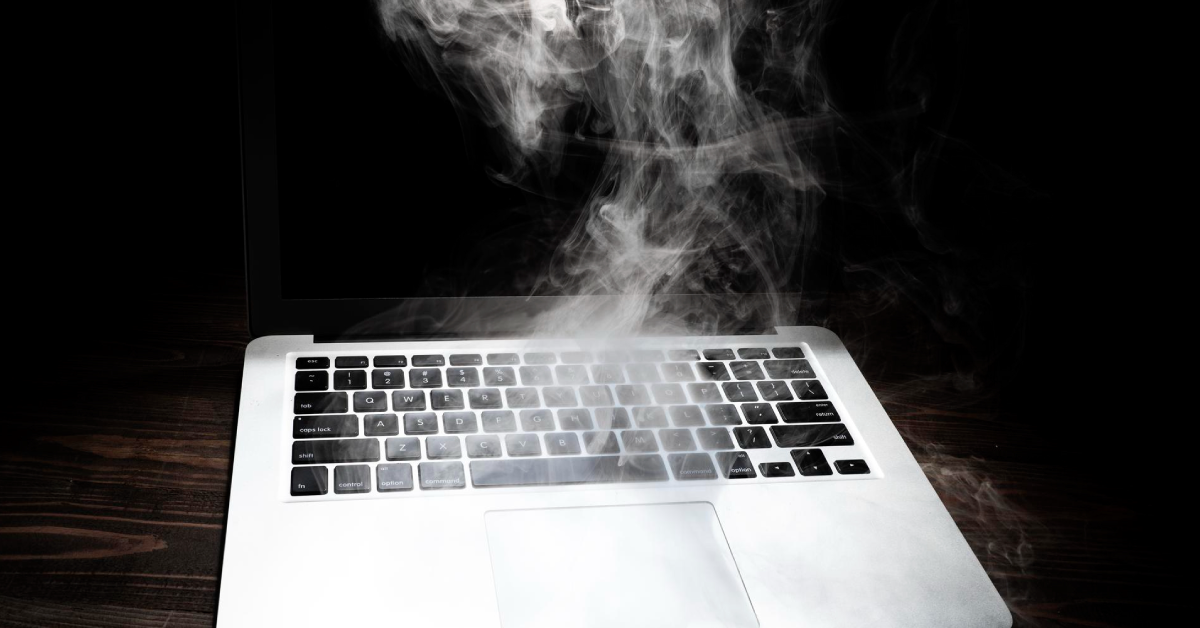
Laptops are designed to perform quickly, efficiently, and quietly—but heat can change all of that. Over time, overheating can cause your device to slow down, drain battery faster, or even suffer early hardware failure.
Here’s why overheating is a silent laptop killer—and what to do about it.
How Overheating Impacts Your Laptop
1. Performance Throttling
When your laptop gets too hot, the processor automatically lowers its speed to protect itself—a process called thermal throttling. While this protects your CPU, it means your laptop runs slower, especially under heavy loads. A 3.0 GHz chip might drop to 1.2 GHz during prolonged overheating, resulting in lag, freezes, or reduced multitasking.
2. Faster Battery Degradation
Excess heat ages your battery more rapidly. Lithium-ion batteries deteriorate faster at high temperatures, leading to reduced capacity, longer charging times, and shorter usage per charge.
3. Component Lifespan Reduction
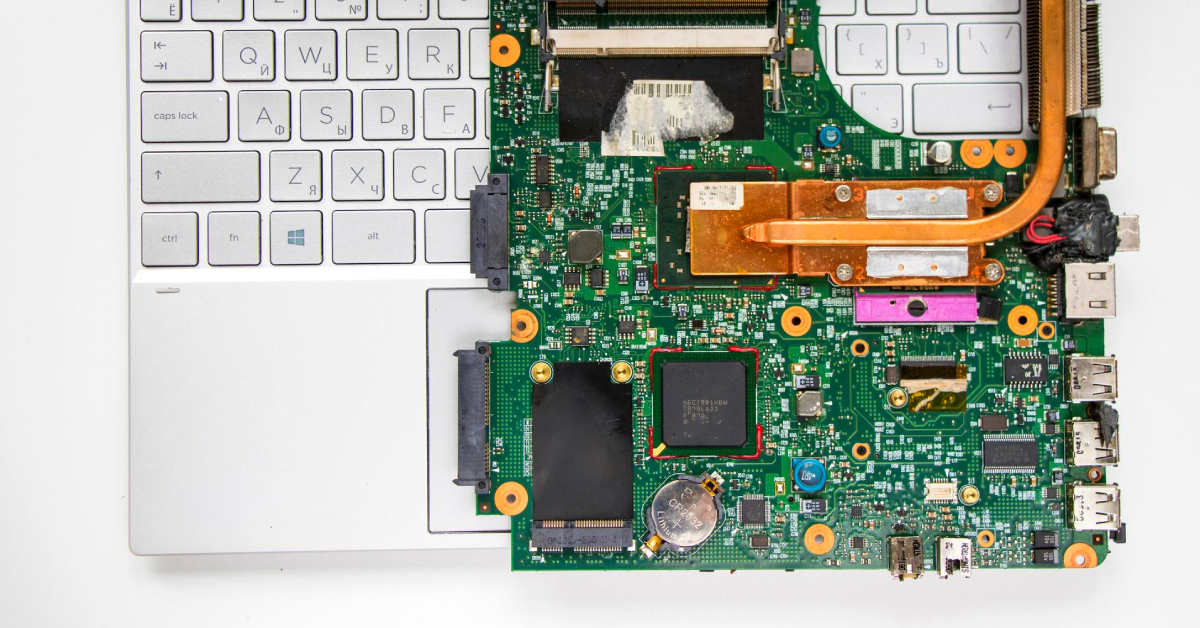
Overheating stresses every major internal part—CPU, GPU, RAM, storage, and motherboard. Repeated thermal stress accelerates wear and raises the risk of component failure. Without proper thermal care, the overall lifespan of your device drops significantly.
The Role of Dust and Thermal Paste
Dust Clogs = Blocked Airflow
Dust build-up in cooling vents and around fans reduces airflow, making it harder for your laptop to release heat. In Singapore’s humid and dusty environment, this build-up happens faster and is harder to self-clean.
4. Dried Thermal Paste = Poor Heat Transfer
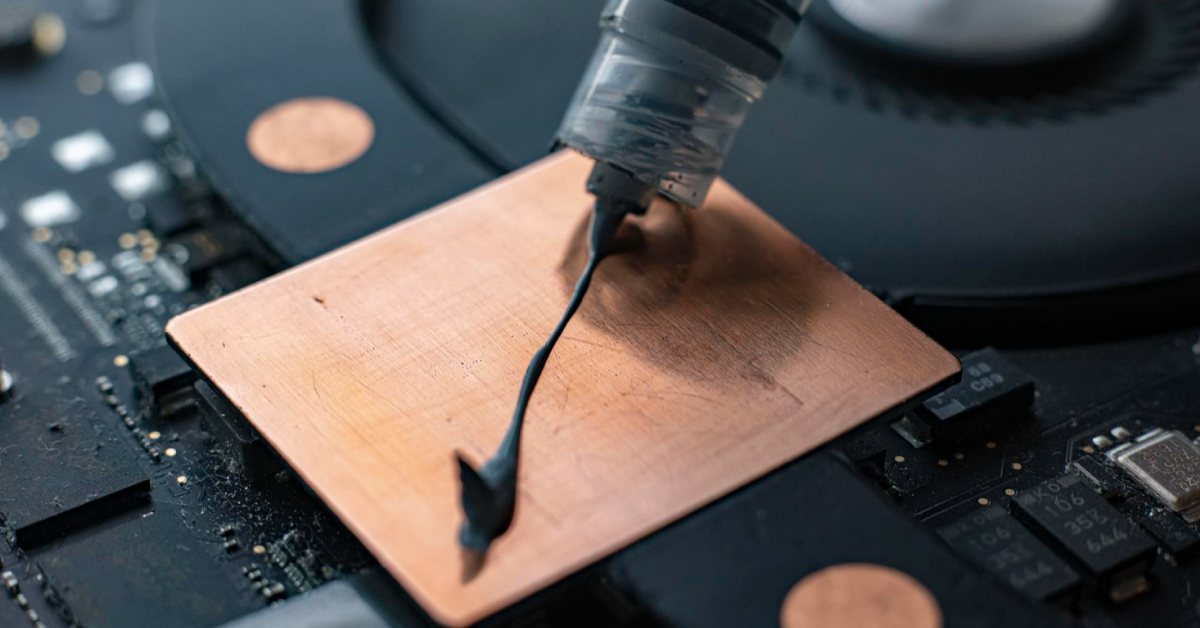
Thermal paste ensures efficient heat transfer from the CPU/GPU to the heat sink. Over 1.5–2 years, this paste dries out and cracks, making your laptop run hotter under the same workload.
How Often Should You Maintain It?
- Most tech experts recommend:
- Internal cleaning every 1.5 to 2 years
- Thermal paste reapplication every 2–3 years, or sooner for high-use devices or in warm climates
- Regular thermal maintenance is essential for extending your laptop’s lifespan and keeping performance high.
What is a “Thermal Rescue”?
At myhalo, we offer a targeted service called Thermal Rescue—designed to reverse the effects of overheating and keep your laptop running like new.
Thermal Rescue includes:
- Deep cleaning of internal components and fans
- Removal of dust from heat sinks and air channels
- Reapplication of high-performance thermal paste
- Battery health check and temperature diagnostics
You’ll notice the difference right away: quieter fans, faster performance, cooler operation—and more years of reliable use.
Don’t Wait for Damage—Fix It Before It Starts
Your laptop shouldn’t slow down before its time. If it’s been over 18 months since your last maintenance, or you notice overheating, it’s time to act.
Book your Thermal Rescue at:
Protect your tech. Extend your device life. Keep performance high.