
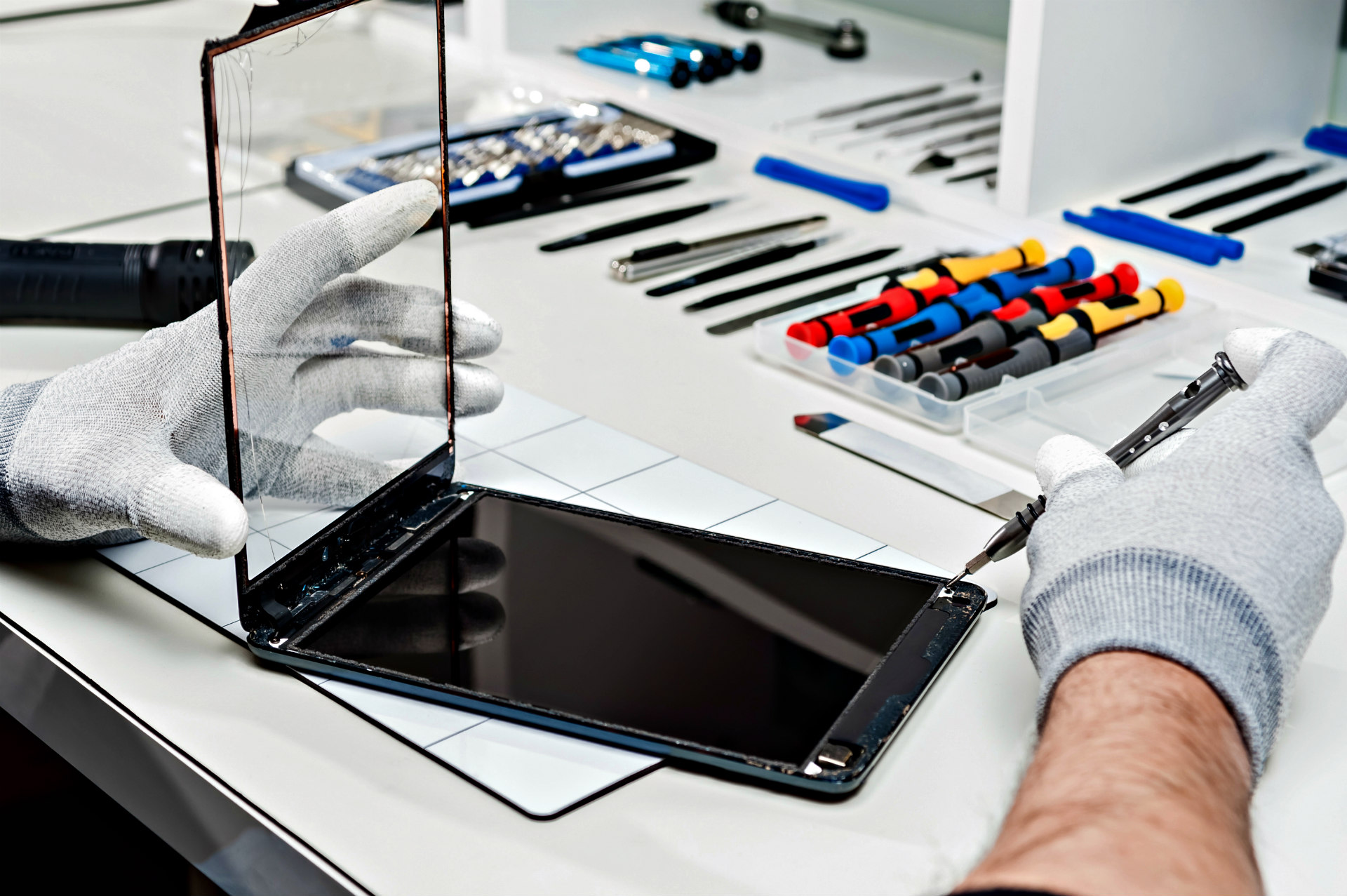
Tablets like the Samsung Galaxy Tab help us learn, create, and connect, so when something breaks, it can feel scary. This guide turns common repair mistakes into simple steps and shows when to choose a professional repair service for peace of mind and better battery life.
Understanding Common Tablet Repair Issues
From a cracked screen to water damage, common issues can worsen fast if ignored. A tablet repair service can diagnose damage, explain costs clearly and help you decide to repair or replace.
Cracked Screen: A Common Repair Challenge
Tiny cracks spread and risk internal damage, so prompt professional repair prevents higher costs and protects the touchscreen.
Water Damage: Risks and Recovery
Powering on too soon is a top mistake—turn it off, avoid heat and seek professional drying and testing to protect data and components.
Broken Home Button: Causes and Solutions
If cleaning and restart don’t help, professional repair can replace parts and confirm no deeper damage for long-term reliability, especially for devices like the iPad or Samsung Galaxy Tab.
Common Mistakes Made During Tablet Repair
Guesswork and rushing repairs often worsen issues—choose a professional service for clear options, accurate repair costs, and peace of mind to avoid unresponsive devices.
Ignoring Manufacturer Guidelines
Following maker instructions and using approved parts keeps repairs safe, effective, and repair costs predictable for your laptop or iPad.
Attempting DIY Repairs Without Proper Knowledge
DIY can damage hidden components—trained technicians use proper tools and testing to prevent costly mistakes, particularly in devices like the iPad.
Overlooking Battery Issues in Tablet Repair
Watch for swelling, heat, and charge problems—get a proper diagnosis before battery replacement to protect the device and data, especially if the home button still doesn’t work.
The Importance of Professional Tablet Repair Services
Certified technicians provide accurate diagnostics, transparent costs, and guidance on whether to repair or replace, improving battery life and sustainability for your Samsung Galaxy.
Benefits of Choosing a Certified Repair Service
Tested parts, safety checks and warranties prevent repeat failures and keep your tablet reliable.
What to Expect from a Quality Tablet Repair Service
Clear communication, documented findings, and thorough testing ensure the touchscreen, battery, and charging port work flawlessly on smartphones and laptops alike.
How to Choose the Right Repair Service for Your Tablet
When choosing a service provider, focus on the essentials that signal quality and reliability:
- Certification
- Transparent pricing is crucial when considering repair costs for your laptop or smartphone.
- Strong reviews can guide you to reliable repair services for your Samsung Galaxy or iPad.
- Solid warranties for parts and labor
Preventative Measures to Avoid Tablet Repair Mistakes
Protect with good habits, accessories, and periodic checkups to reduce risk and extend battery life, especially for your iPad or Samsung Galaxy Tab.
Protective Accessories to Minimize Damage
Use a sturdy case and tempered glass to prevent cracks and protect ports on your Samsung Galaxy Tab—small costs that avert big repair bills from a cracked or shattered screen.
Best Practices for Tablet Maintenance
Keep software updated, clean ports gently and seek help early if issues persist to prevent cascading damage.
Understanding Warranty Options for Tablet Repairs
Know manufacturer and repair-shop warranties to avoid surprises and secure support if parts fail early, particularly for your iPad or Samsung Galaxy.