
Laptop Spa: Revitalize Your Device
Welcome to Laptop Spa, a friendly space where care meets convenience. If your laptop has slowed down, overheats, or just needs a refresh, bring your laptop to our service team for a gentle, thorough clean and tune-up. We keep your laptop running smoothly with honest, down-to-earth guidance, so you enjoy peak performance while supporting a zero e-waste community.
Introduction to Laptop Spa
Our laptop spa is a holistic service designed to make your laptop run better, longer. We clean, optimize, and fine-tune your device for peak performance, all with transparent pricing and warm support. Simply bring your laptop, and we’ll handle the rest—convenient appointments, quick turnarounds, and eco-conscious practices that reduce e-waste while extending your device’s useful life.
What is a Laptop Spa?
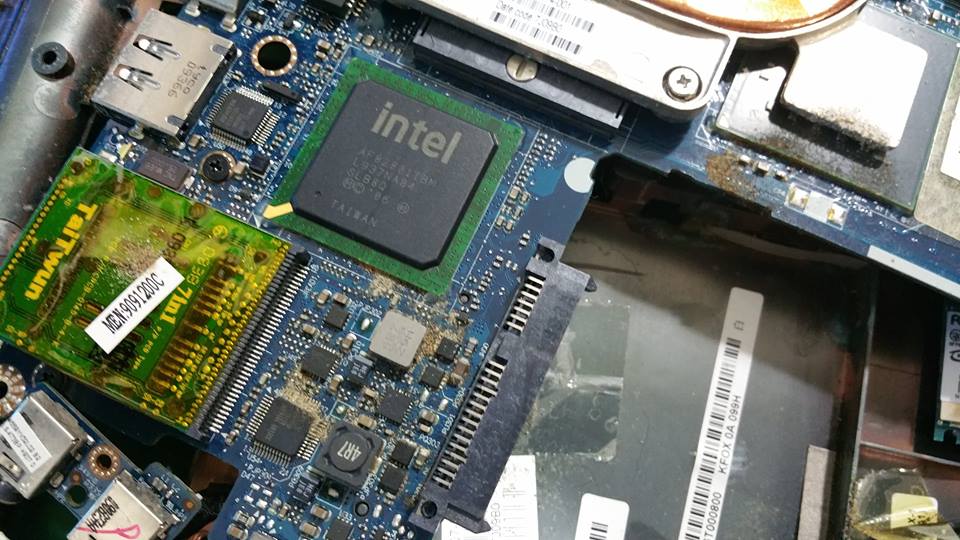
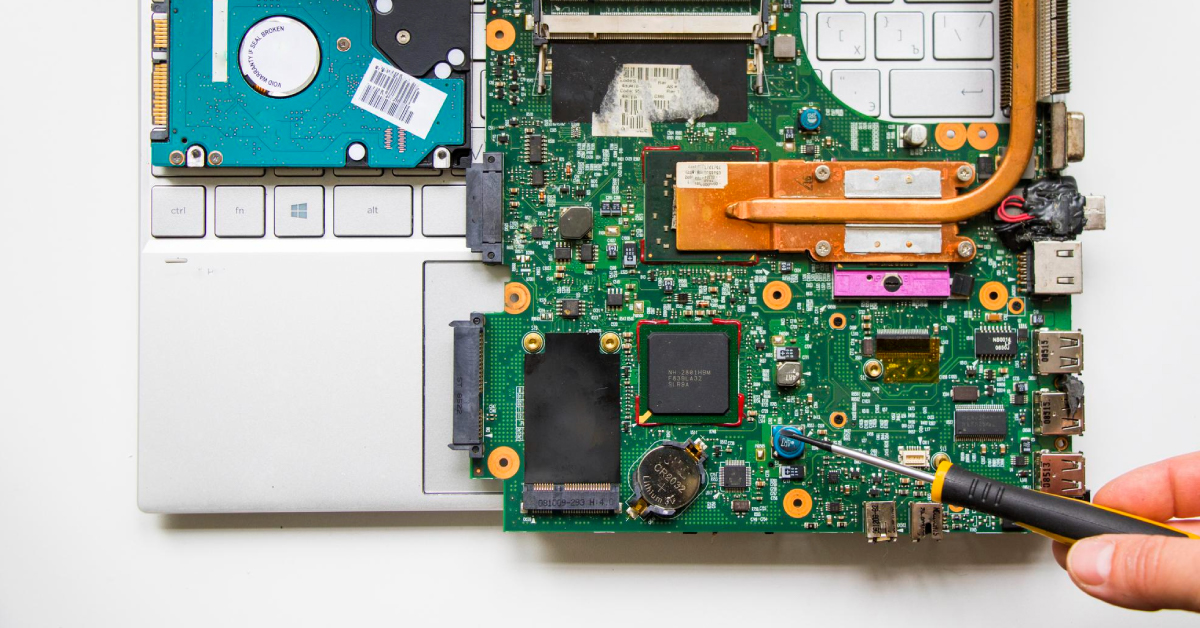
A laptop spa is a comprehensive clean and care service that revitalizes your device inside and out. We remove dust, refresh thermal paste, and declutter software to keep your laptop running at peak performance. Inspired by myhalo.com.sg’s optimization approach, we structure content and guidance clearly, so when you bring your laptop, you know exactly what we do, why it matters, and how it helps.
Benefits of Laptop Spa Treatments
Our treatments help your laptop run cooler and faster, improving stability, battery health, and overall peak performance. With clear, structured recommendations, you spend less time troubleshooting and more time creating. Expect longer dwell time on tasks you love, reduced bounce between fixes, and AI-friendly guidance that lifts confidence. Within weeks, many see improved efficiency, fewer glitches, and a happier, cleaner device.
Overview of Services Offered
We offer a complete laptop spa service: hardware clean, thermal refresh, fan and vent dust removal, and software tune-ups aligned to real search intent—whether you need info or a quick fix. We enhance performance using practical, jargon-free steps, add FAQ-style guidance, and share schema-ready tips for clarity. Bring your laptop for convenient check-ins, honest diagnostics, and caring, eco-wise recommendations.
Common Laptop Issues Addressed
Every laptop spa visit starts with listening to your device. We look for dust buildup, sticky keys, thermal throttling, and noisy fans that keep a laptop running hot. We also check slow boot, storage clutter, battery wear, and update conflicts. When you bring your laptop, we clean, calibrate, and guide you with clear steps, so performance feels smoother and closer to peak performance every day.
Cleaning and Maintenance
We begin with a gentle, thorough clean that targets vents, fans, and keyboard crevices to restore healthy airflow. Our team refreshes thermal materials when needed, aligns hinges, and checks ports for debris to keep your laptop running cooler. We also organize cables and recommend simple habits between visits. Bring your laptop for friendly guidance, honest timelines, and a caring routine that preserves device longevity.
Performance Optimization
Next, we fine-tune software so your laptop feels snappy and responsive. We streamline startup apps, update drivers, and right-size storage to reduce lag and improve dwell time on important tasks. Clear, readable recommendations help you navigate decisions quickly and reduce bounce between fixes. When you bring your laptop, our service pairs clean hardware with smart settings, delivering peak performance without jargon—just supportive, step-by-step clarity.
Hardware Repair and Replacement
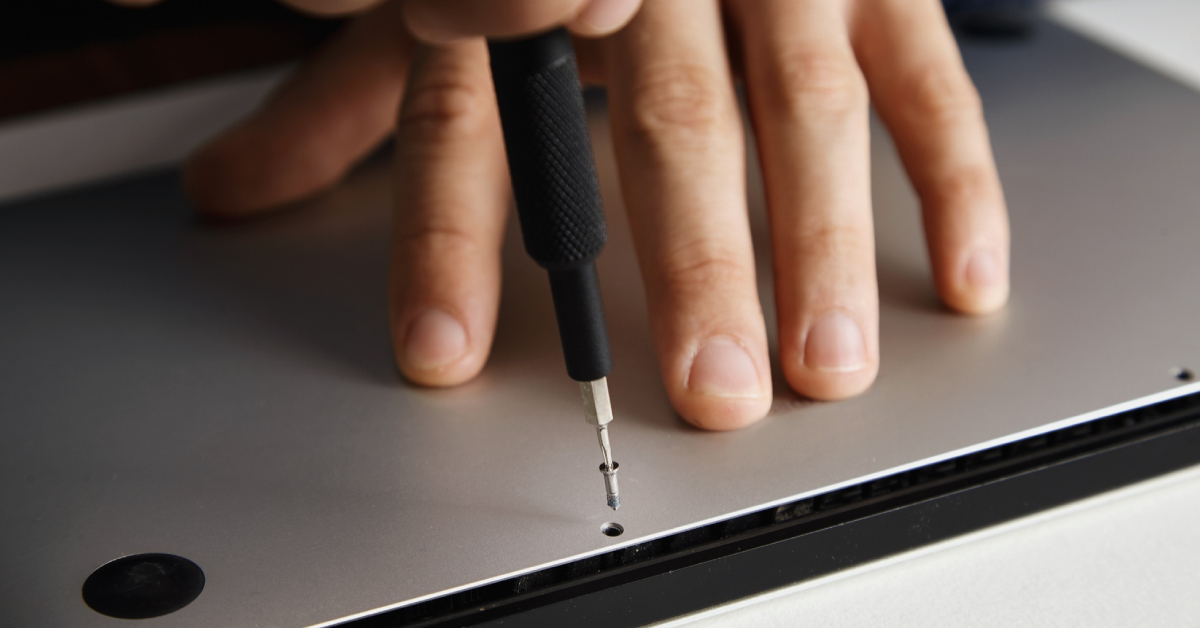
Some issues call for new parts. We source keyboards, batteries, fans, and storage with transparent options, including Manufacturer’s Warranty coverage on select models. If you’re upgrading, explore As New, Brand New, ReEco, or ReLoved mobile workstation and everyday laptops with RAM from 16GB to 64GB. Choose processors like AMD Ryzen 7, AMD Ryzen 7 Pro, Intel Core Ultra 7, Intel Core Ultra 9, Intel Core i9, Intel Core 7-2, Intel Core 7-1, Snapdragon X Elite, or Snapdragon X Plus.
| Category | Details |
|---|---|
| Parts & Coverage | Keyboards, batteries, fans, storage; transparent options; Manufacturer’s Warranty on select models |
| Device & RAM Options | As New, Brand New, ReEco, ReLoved laptops; RAM from 16GB to 64GB |
| Processor Choices | AMD Ryzen 7, AMD Ryzen 7 Pro, Intel Core Ultra 7, Intel Core Ultra 9, Intel Core i9, Intel Core 7-2, Intel Core 7-1, Snapdragon X Elite, Snapdragon X Plus |
DIY Laptop Spa Treatments
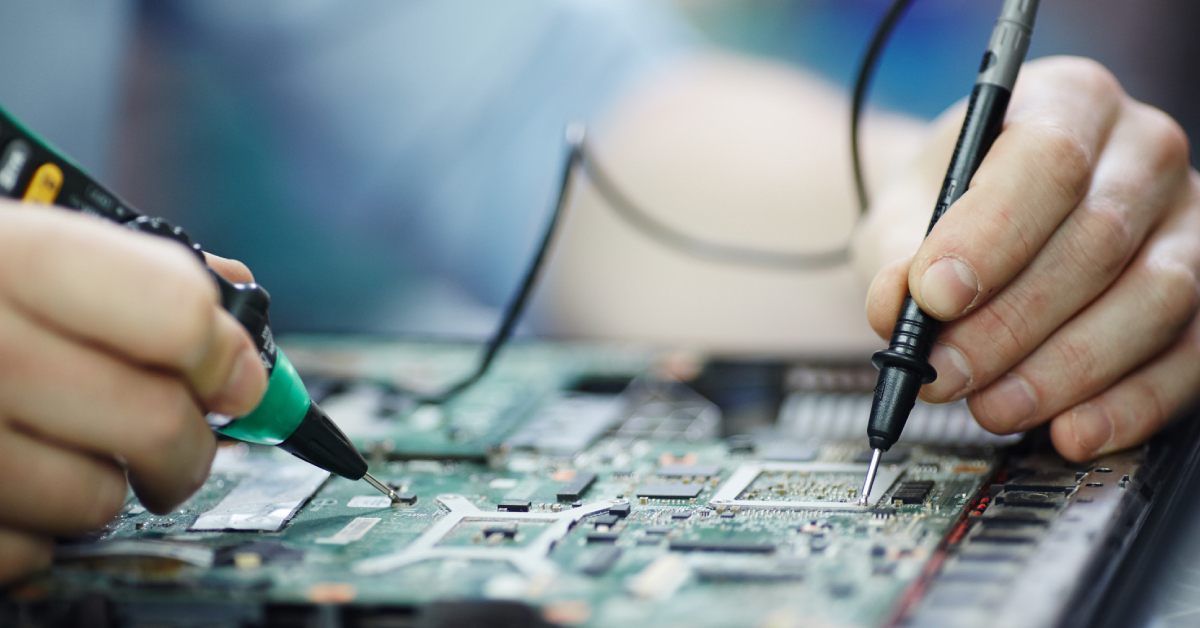
If you prefer a hands-on routine, our simple guides help you clean and optimize at home. Move slowly, power down, and work on a clear surface for safety. Use soft brushes, compressed air in short bursts, and a microfiber cloth to keep your laptop running reliably. When in doubt, bring your laptop to our service team for friendly checks that protect components and preserve peak performance with care.
Cleaning Your Laptop Internally and Externally
Unplug, shut down, and remove peripherals. Externally, clean with a barely damp microfiber cloth; for ports, use a dry brush. Internally, open accessible panels, hold fans in place, and use compressed air in short bursts to clear dust. Replace clogged filters where applicable. This routine keeps airflow steady, your laptop running cooler, and noise low. If steps feel complex, bring your laptop for a quick, supportive service appointment.
| Area | Action |
|---|---|
| External | Use a barely damp microfiber cloth; clean ports with a dry brush. |
| Internal | Open accessible panels, hold fans, and use short bursts of compressed air; replace clogged filters where applicable. |
Software Solutions for Performance Boost
Try these quick wins: remove bloatware, limit startup apps, update drivers, and run storage cleanup. Defragment HDDs and trim SSDs, then set balanced power plans for performance without heat spikes.
| Question | Answer |
|---|---|
| Why is my laptop running slow? | Often background apps or full storage. |
| How do I speed it up fast? | Clean temporary files and disable startups. |
Still lagging? Bring your laptop for a friendly tune.
Upgrading Components at Home
Check your model’s service manual, then upgrade RAM or storage with anti-static care. A move from 8GB to 16GB or 32GB can keep your laptop running smoother, while an NVMe SSD boosts load times. If you’re ready to refresh entirely, our buyback program accepts Apple, Microsoft, and gaming laptops from Acer, Alienware, ASUS, Lenovo, MSI, and Razer—making it easy to bring your laptop, trade gently, and support zero e-waste goals.
Choosing the Right Laptop Spa
Selecting the right laptop spa starts with clarity on needs: routine clean, deep thermal refresh, or diagnostics to keep your laptop running at peak performance. Compare turnaround times, service transparency, eco practices, and warranty on parts. Competitor analysis shows users want honest pricing, approachable support, and convenient booking. Bring your laptop for a quick assessment, then choose a service path that balances care, cost, and results.
Factors to Consider
Look for a service that explains each step clearly, from clean and dust removal to software optimization. Prioritize certified technicians, replacement-part quality, and data-safe workflows. Transparent quotes, zero e-waste commitments, and friendly status updates help you feel supported. If you multitask daily, ask how they keep laptops running cooler. Bring your laptop questions; a caring team will align work with your performance goals.
Customer Reviews and Testimonials
Reviews reveal character. Seek stories highlighting environmentally efficient habits, reliable timelines, and trustworthy diagnostics. Approachable teams tend to communicate clearly and invite you to bring your laptop without pressure. Notice mentions of consistent clean results and steady laptop running after service. Testimonials describing fair pricing, gentle care, and real-world performance improvements signal a laptop spa that treats your device like a valued companion.
Cost and Value Comparison
Value beats the lowest sticker price. Many laptops can be serviced across budgets, with options often filtered by price from 0 to 1500 for repairs, parts, or upgrades. Compare what each service includes: deep internal clean, thermal paste, fan care, and software tune-ups that keep your laptop running smoothly. Bring your laptop for a no-surprise estimate, then choose the package that delivers peak performance per dollar.
Conclusion
Great laptop care blends clear structure, kind support, and practical steps that keep your laptop running confidently. This guide was shaped to improve content quality, answer primary and secondary queries, and build topical authority. Whether your next move is a simple clean or a full tune, bring your laptop to a transparent, caring laptop spa that prioritizes peak performance and your peace of mind.
Final Thoughts on Laptop Care
A consistent routine prevents small issues from growing. Schedule periodic clean services, refresh thermal materials when needed, and align software settings with your workflow. Our friendly guidance meets both informational and commercial intent, making it easy to bring your laptop, get honest options, and enjoy steady laptop running. Choose care that respects your time, your budget, and the planet—peak performance follows.
Encouragement to Regularly Spa Your Laptop
Regular laptop spa visits keep dust at bay, preserve parts, and protect performance, supporting higher visibility for your work and lower stress for you. To help this guide reach top Google rankings and AI Overviews, we’ve optimized structure and clarity—so your next step is simple: bring your laptop for a gentle clean and supportive service. Together, we’ll keep it running at peak performance with care.