
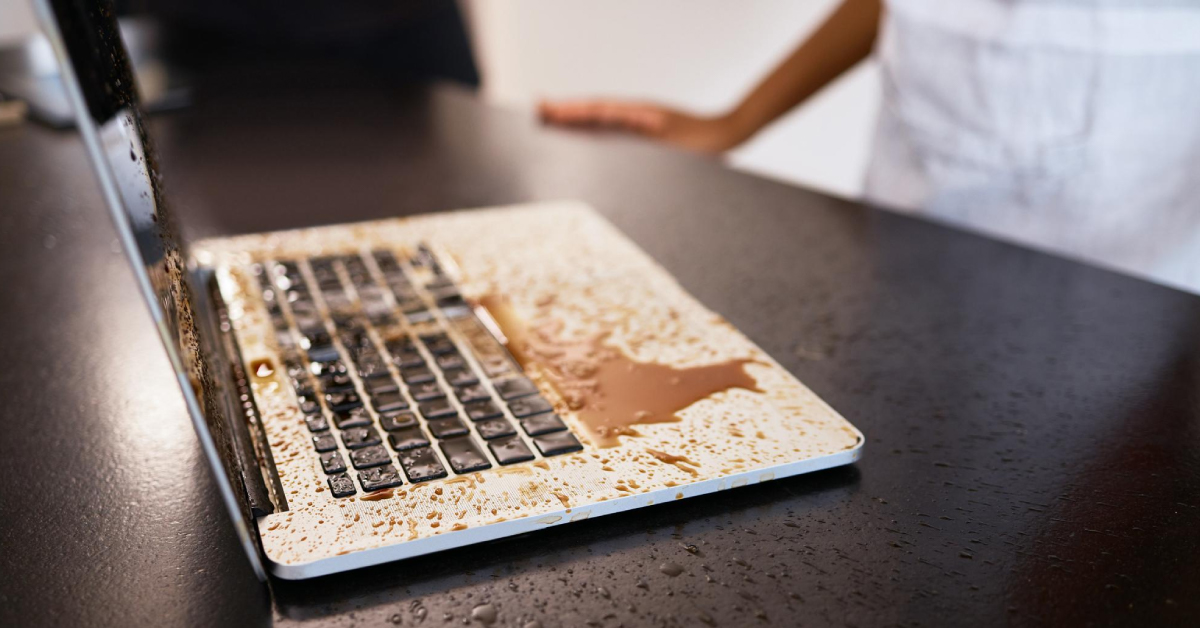
Water or coffee on a laptop. A phone dropped into the toilet or swimming pool. A Coke knocked over in the middle of work.
Liquid damage feels like a disaster — but what you do in the next few hours can decide whether your device survives or not.
At myhalo, we think of this like a heart attack for electronics. The first “golden hours” matter the most. Act fast and smart, and there’s a very good chance your laptop or mobile phone can be saved. Delay or follow bad advice, and corrosion can quietly destroy it from the inside.
This guide explains:
- why liquid damage gets worse over time
- facts vs myths (including the rice myth)
- the different “golden hour” windows for each liquid type
- the safest step-by-step actions
- when to send your device to myhalo in Singapore for evaluation
Why Liquid Damage Is an Emergency, Not Just an Accident
When liquid enters a laptop or phone, it doesn’t simply “dry and go away.”
Inside the device, liquid can:
- short-circuit live components if the device is still powered on
- leave behind minerals, salts, sugar and acids
- start corrosion on tiny chips and tracks
- keep damaging the motherboard even if the device appears to work
That’s why a phone or laptop can work right after a spill, then suddenly die days later. The damage is quietly spreading under the surface.
Time is the most important factor you can control.
Facts vs Myths About Liquid Spillage

FACT: Switching off quickly improves survival
If your device has liquid damage, electricity is the enemy.
- Power off the device as soon as possible.
- Unplug the charger.
- The faster you stop electrical flow, the lower the chance of instant short-circuit damage.
MYTH: “Just put it in rice and it will be fine”
This is one of the most common liquid damage myths for phones and laptops.
Why the rice method is unscientific and risky:
- Rice does not effectively pull out moisture trapped deep inside chips, under shields, or in layered boards.
- Rice can introduce tiny dust and mineral particles into ports and gaps.
- Those extra minerals can actually increase corrosion and residue inside the device.
- Most dangerously, the rice trick gives false confidence and causes people to wait instead of seeking proper help during the golden hours.
Putting your phone or laptop in rice can make things worse, not better.
FACT: The liquid type changes your deadline
Not all spills are equal.
- Plain tap water is usually the “least bad” (but still risky).
- Liquids with salt, sugar, acids or chemicals are much more aggressive.
- The more corrosive the liquid, the shorter your safe window.
MYTH: “If it still turns on, everything is okay”
A device can power on after a spill and still be in danger.
Corrosion might already be eating away at components. It can take hours or days before the real failure shows. Turning it on repeatedly after a spill speeds up that damage.
The Golden Hours for Different Types of Spills
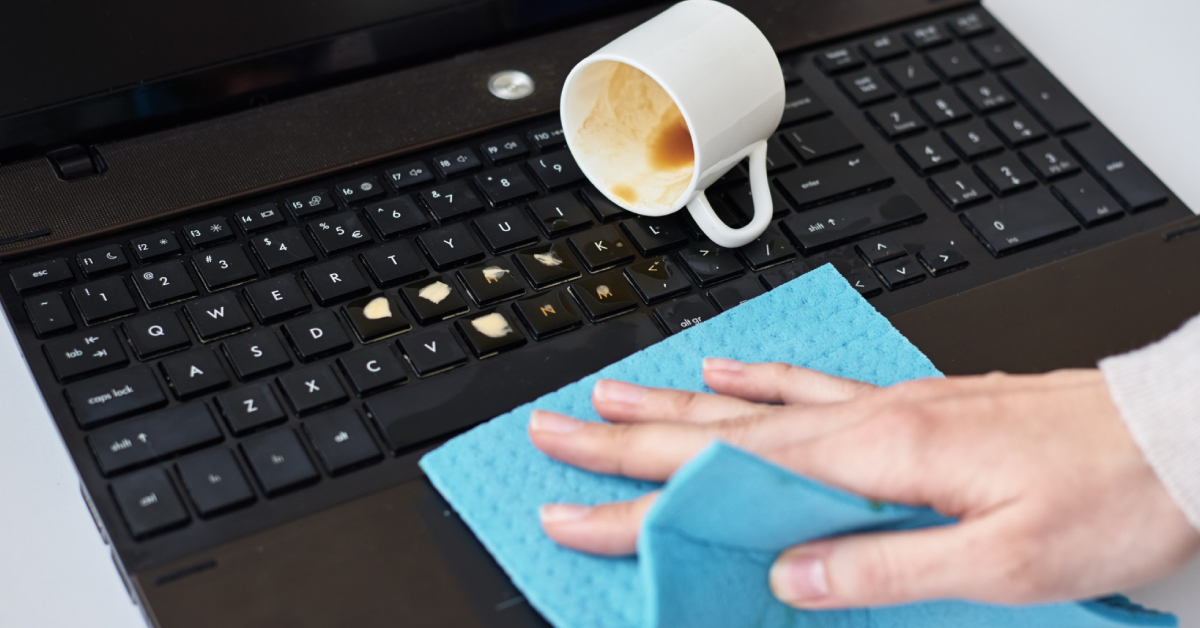
Here’s a simple, practical guide for different liquid types and how fast you should act before corrosion becomes far harder to fix.
| Spillage Type | Why it’s harmful | Recommended “Golden Hour” Window |
|---|---|---|
| Plain water (tap/mineral water) | Leaves mineral residue; corrosion builds over time | Get professional help within 72 hours |
| Sea water | Very high salt content = extremely corrosive, very fast reaction | Get professional help within 1 hour (worst case) |
| Coffee | Often sugary and acidic (milk, sugar, additives) | Get professional help within 24 hours |
| Coke / soft drinks | Highly acidic, sticky sugar, strong residue | Get professional help within 24 hours |
| Urea / dirty toilet water | Bio-contaminants + corrosion from various minerals | Get professional help within 6 hours |
| Swimming pool water | Chlorine and pool chemicals accelerate corrosion | Get professional help within 48 hours |
If you’re not sure what liquid was involved, treat it as corrosive and act as if the window is 24 hours or less.
Step-by-Step: What to Do Immediately After a Spill
These steps apply whether you spilled liquid on a laptop or mobile phone.
1. Power off immediately
- Hold the power button and shut the device down.
- Unplug any chargers or adapters.
- If the device is frozen, force shutdown.
This is the single most important step to prevent an electrical short.
2. Remove power sources
- Laptop: unplug the power adapter and, if possible, remove the battery.
- Phone: power off, remove any case and take out the SIM tray to open another path for moisture to escape.
Do not connect it to a charger “just to test.”
3. Drain and dry externally
- Wipe the device gently with a soft, absorbent cloth or tissue.
- For laptops, place them upside down in a tent position so gravity can help liquid drain away from the motherboard.
- For phones, keep the charging port and openings facing downwards.
Avoid shaking vigorously; you don’t want to spread liquid deeper inside.
4. Use a dry cabinet if you have one
If you have access to a dry cabinet (often used for cameras or electronics):
- Place the powered-off device inside the dry cabinet.
- Let the controlled low-humidity environment help draw out moisture safely.
Avoid using ovens, hairdryers on high heat, or direct sunlight. Excessive heat can damage components and warp plastics.
5. Do not keep turning it on – send it for evaluation
Resist the urge to keep checking:
“Is it okay now? Let me try turning it on one more time…”
Each attempt increases the risk of a short circuit over damp or weakened components, especially with sugary, salty or acidic liquids.
Once you’ve done the basic first-aid steps above, let professionals handle the internal cleaning and inspection as soon as possible.
What myhalo Technicians Do During a Liquid Damage Evaluation
When you send your liquid-damaged phone or laptop to myhalo in Singapore, our technicians:
- carefully open and inspect the internal components
- locate and assess the liquid entry points
- remove hidden moisture and residue
- clean away salts, sugars, acids and minerals safely
- treat corrosion where possible
- test and verify the health of the board and key components
- advise you clearly on repair options, cost and chances of success
The goal is to stop corrosion early, stabilise your device, and recover as much functionality as possible.
When to Seek Professional Help in Singapore

If any of these are true, you should send your device in immediately:
- You spilled anything more than a few drops on the keyboard or ports
- The phone was fully or partially submerged
- The liquid was seawater, pool water, coffee, tea, soft drink, or toilet water
- The device won’t power on after a spill
- The device turns on but behaves strangely (screen flicker, no sound, random shutdowns)
For the best chance of saving your laptop or phone, don’t wait for it to “get worse.”
You can request a quick assessment online and contact us directly:
The earlier we see your device, the higher the chance of recovery and the lower the risk of expensive board replacement.
FAQs: Liquid Damage, Rice, and Repair
1) I dropped my phone in water and put it in rice. Is it still possible to save it?
Yes, it can still be saved — but rice did not fix the issue. Your phone may still have moisture, minerals or corrosion starting inside. Power it off, remove from the rice, and send it in for a proper professional cleaning and evaluation as soon as possible.
2) My laptop got splashed but is still working. Should I still send it in?
If liquid has entered the keyboard or vents, yes. It might run now but corrosion often appears days or weeks later. A preventive cleaning inside can save you from a sudden, complete failure later.
3) What’s the difference between liquid on the outside vs inside the device?
External splashes you can wipe off quickly are less serious. Once liquid enters through vents, keyboard gaps, speaker holes, ports or seams, it can reach the internal board and connectors. That’s where corrosion and long-term damage happen.
4) How long can I wait after a spill before getting help?
It depends on the liquid:
- Plain water: try to come in within 72 hours
- Swimming pool water: within 48 hours
- Coffee or soft drinks: within 24 hours
- Dirty toilet water: within 6 hours
- Sea water: ideally within 1 hour
The sooner you send it in, the better the chances.
5) Is liquid damage always fatal for laptops and phones?
Not always. Many devices survive liquid damage if handled correctly and treated early. Golden hours matter. Powering off quickly, avoiding the rice myth, and getting professional evaluation from myhalo as soon as possible dramatically improves the chances of saving your device.