

A Real-World Buying Guide for Apple Silicon Macs (2020 Onwards)
This guide applies only to MacBooks released from 2020 onwards, when Apple moved away from Intel and introduced its own processors starting with M1.

If your MacBook uses:
- M1, M2, M3, M4, or M5
- Apple Silicon with unified memory
Then this guide is for you.
Why Apple Silicon Changed the Buying Logic
Before 2020, MacBooks relied on Intel Core processors. Performance depended heavily on cooling, and laptops often ran hot and loud.

With Apple Silicon, Apple redesigned everything:
- CPU, GPU, and memory on one chip
- Much better performance per watt
- Longer battery life
- Less heat and fan noise
That’s why even an M1 MacBook Air from 2020 still feels fast today.
2025–2026 update (important):
Apple Silicon’s “baseline” keeps rising, but the buying logic hasn’t changed. Even as M4 (2025 MacBook Air) and M5 (late-2025 MacBook Pro) arrive, the real deciding factor is still sustained workload + heat, not just “newer chip = must buy.”
MacBook Air vs MacBook Pro: The Actual Difference

MacBook Air
- Fanless and silent
- Extremely efficient
- Excellent burst performance
MacBook Air is designed for short to medium bursts of work, which matches how most people actually use their laptops.
MacBook Pro
- Active cooling (fans)
- Better sustained performance
- Handles long heavy workloads
MacBook Pro only shows its advantage when your work runs hot and continuously for long periods.
2025–2026 update:
This Air-vs-Pro “thermal” difference matters even more now, because modern chips are so fast that many people never hit limits—until they do long exports, long renders, or hours-long sessions. That’s why a fanless Air can feel “as fast” as a Pro in everyday tasks, yet fall behind in long, hot workloads.
Apple Silicon Processors (M1 to M5)
| GPU Level | Typical GPU Cores | Software That Benefits | Who Needs It |
| Base GPU (Air) | 7–10 cores | Browsers, Office, Zoom, Canva, Pixelmator | Most users |
| Mid GPU (Pro) | 14–20 cores | Final Cut Pro, Motion, heavy Photoshop | Creators |
| High GPU (Max) | 30+ cores | DaVinci Resolve, 3D rendering | Specialists |
Reality: Most people never fully use Pro or Max GPUs.
2026 note (M5 Pro / M5 Max):
If you’re considering a Pro specifically for sustained performance,
M5 Pro / M5 Max MacBook Pros are widely expected in early 2026.
If your purchase timing is flexible and you know you need Pro/Max power,
it may be worth aligning to that cycle.
Key point:
Each generation adds headroom and longevity. None suddenly makes older Apple Silicon Macs unusable.
What changed with M5 (2025–2026 practical take):
M5’s improvements are most noticeable when you do GPU-heavy work or on-device AI features (not just web + Office). Apple specifically positioned M5 as a leap in AI/GPU performance.
When Does GPU Performance Actually Matter?
GPU cores only matter if your software actively uses them for graphics-heavy or sustained workloads.
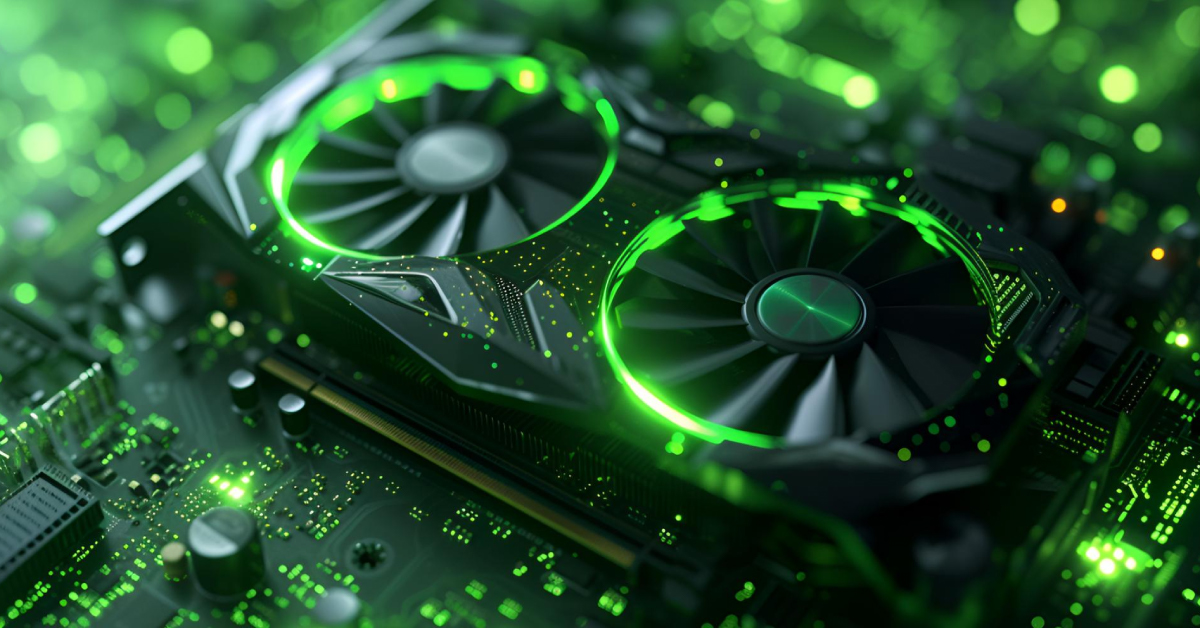
You benefit from stronger GPUs when you:
- Render video
- Use motion graphics
- Work with 3D models
- Run GPU-accelerated creative apps for long sessions
GPU power does not make everyday tasks like email or browsing faster.
2025–2026 update (M4/M5 reality):
Modern apps increasingly use GPU for acceleration, but most “normal” workflows still don’t saturate Pro/Max GPUs—especially if your bottleneck is storage, RAM, or the fact that your work is bursty (open app → edit → pause → export). M5’s GPU/AI gains matter most when you’re actually running those workloads locally, for long periods.
GPU Levels and Software Requirements
MacBook Air vs MacBook Pro – Final Recommendation
| Use Case | MacBook Air | MacBook Pro | Why |
| Everyday work and study | ✅ | ❌ | Air already exceeds needs |
| Office + light creative work | ✅ | ❌ | Burst performance is enough |
| Music production (Logic Pro) | ✅ Light projects | ✅ Heavy sessions | Sustained load matters |
| Design and photo editing | ✅ Most cases | ⚠️ Heavy workflows | Depends on workload length |
| Video editing | ⚠️ Short edits | ✅ Long exports | Cooling helps |
| Motion graphics or 3D | ❌ | ✅ | Sustained GPU use |
| Unsure what you need | ✅ Best default | ❌ | Air covers most users |
Reality: Most people never fully use Pro or Max GPUs.
2026 note (M5 Pro / M5 Max):
If you’re considering a Pro specifically for sustained performance, note that
M5 Pro / M5 Max MacBook Pros are widely expected in early 2026.
If your purchase timing is flexible and you know you need Pro/Max power,
it may be worth aligning to that cycle.
2025–2026 buying shortcut:
- If you want the best default “just works” Mac in 2025/2026, prioritize MacBook Air with enough RAM (often better value).
- If your work involves long exports / long renders / plugin-heavy sessions, Pro becomes a “time-saver” purchase, not a “luxury” purchase.
RAM Matters More Than the Chip
macOS is very efficient. Many applications can technically run with as little as 4GB RAM, which is why older Macs still feel usable.
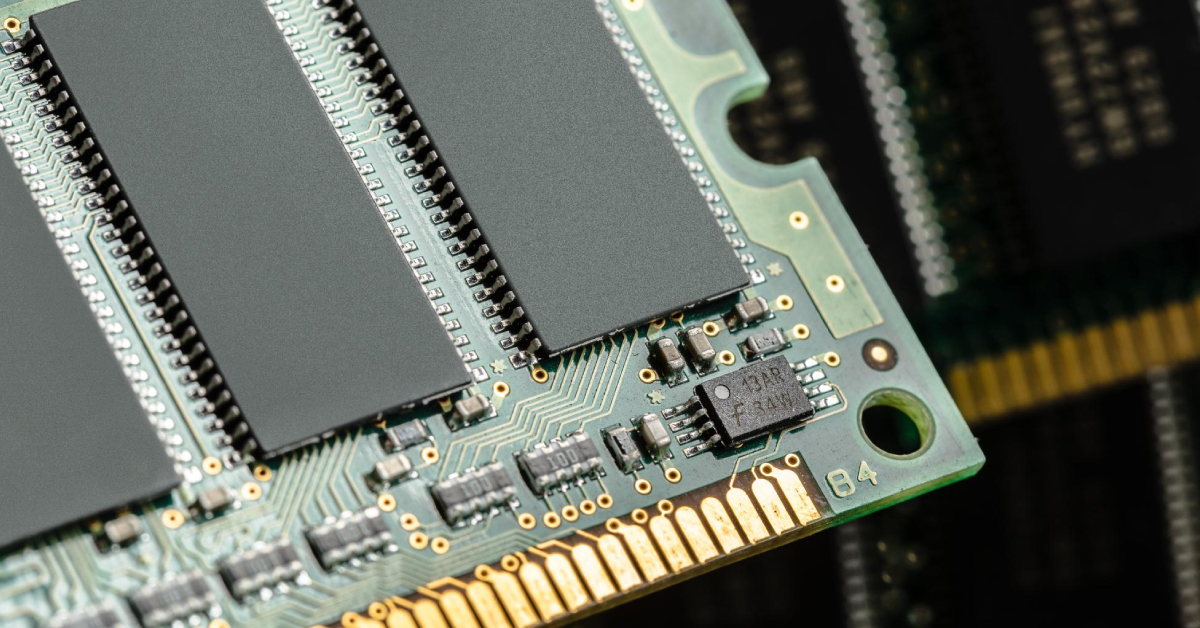
In practice:
- 8GB is the minimum today
- 16GB is the recommended sweet spot for 2025 and beyond
- More RAM improves multitasking and lifespan
If you must choose, upgrade RAM before upgrading the chip.
2025–2026 update (especially relevant for M4/M5):
Because Apple Silicon is so fast, many people mistake “slowness” for CPU limits—when it’s really memory pressure (too many browser tabs, Adobe/creative apps, large files, background sync). So yes: RAM first still holds true.
Industry-Based Examples
Students and everyday users
- MacBook Air with M2, M3, M4, or M5
- 16GB RAM recommended
Musicians using Logic Pro
- MacBook Air for lighter projects
- MacBook Pro for long, plugin-heavy sessions
Designers and artists
- MacBook Air for Pixelmator and illustration
- MacBook Pro for motion graphics and video
Developers
- MacBook Air for most workflows
- MacBook Pro for large builds or virtual machines
2026 note for developers/creators:
If you do local AI workflows (running models on-device, heavy Xcode builds + simulators, GPU compute, etc.), M5-class machines may show clearer gains because Apple positioned M5 around AI/GPU acceleration improvements.
Do You Need the Latest M5?
Short answer: many people still don’t, but M5 makes sense more often than “waiting for M6.”
What M5 is genuinely good for (real-world):
- Better efficiency and longevity
- Noticeable gains for GPU-heavy creative work
- Better support for on-device AI features/workloads (Apple emphasized this in M5’s positioning)
Why many users still won’t feel it:
Everyday stuff (web, Office, streaming, light photo edits, cloud AI) rarely hits the limits of M2/M3/M4.
If you need a MacBook now:
- If you’re buying in 2025–2026, choosing M4 or M5 is the “safe” path for longer support and resale. (For Air buyers, M4 models are confirmed in 2025 tech specs.)
- If you specifically need a Pro, be aware M5 Pro/Max refresh timing is being reported around early 2026.
Frequently Asked Questions
Is M1 still good enough in 2025?
Yes. M1 MacBooks are still very capable for everyday tasks, office work, coding, and light creative work.
What is M2 best for?
M2 is great for heavier multitasking and creative apps while remaining efficient.
Who should choose M3?
Designers, developers, and creators who want stronger GPU performance without going Pro or Max.
When does M4 make sense?
If you’re buying now and want excellent efficiency and long macOS support—especially since MacBook Air M4 models are an established 2025 lineup.
When does M5 make sense?
If you want the best “buy once, keep longer” option heading into 2026, especially if you do local AI/GPU-accelerated work (or you simply want the newest baseline).
Do I need Pro or Max chips?
Only for sustained heavy workloads like long video exports, motion graphics, or 3D rendering.
Should I wait for M5 Pro / M5 Max?
Only if you already know you need Pro-level sustained performance and your timing is flexible—because multiple reports point to an early-2026 window for the M5 Pro/Max MacBook Pro refresh.
If I’m unsure, Air or Pro?
If unsure, MacBook Air is almost always the right choice.
Final Takeaway
Specs should support how you work, not create anxiety.
For Apple Silicon Macs from 2020 onwards:
- Performance is no longer the main bottleneck
- Sustained workload and heat are the real differentiators
- Most people are better served by balance, not extremes
- For most users, MacBook Air with enough RAM is already powerful enough
2025–2026 add-on:
If you’re buying today, think like this:
- Pick Air vs Pro based on sustained workload
- Choose RAM for lifespan (16GB sweet spot)
- Then choose chip generation (M2/M3 value, M4/M5 longevity)
Browse Apple Silicon MacBooks at myhalo
Looking for a checked MacBook Air or MacBook Pro (M1–M5) with clear condition grading?
Browse MacBooks here