
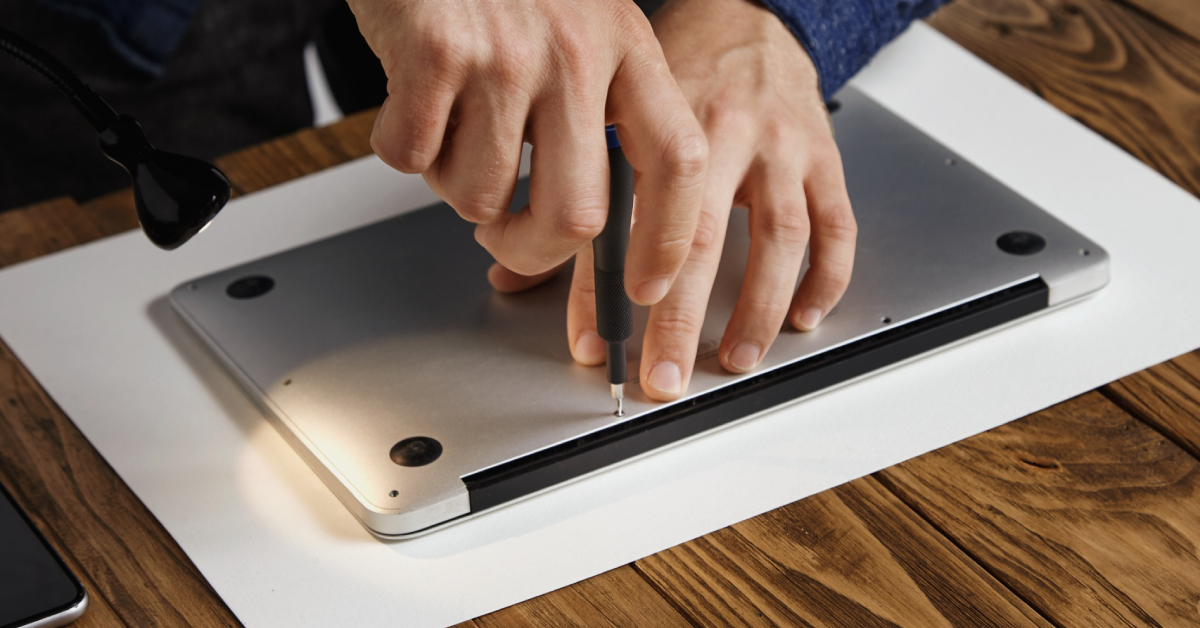
Is your MacBook Pro, Dell XPS, Lenovo ThinkPad, or HP Spectre constantly tethered to a wall outlet? Laptop batteries are high-capacity powerhouses that face extreme stress in Singapore’s heat.
At myhalo, our mission is a zero e-waste world. Replacing a tired or swollen battery is the most sustainable way to give your laptop another 3 to 5 years of life. Below is everything you need to know about laptop battery science, safety, and maintenance.
Laptop Battery Myths vs. Facts
| Factor | Myth or Fact? | The Technical Reality |
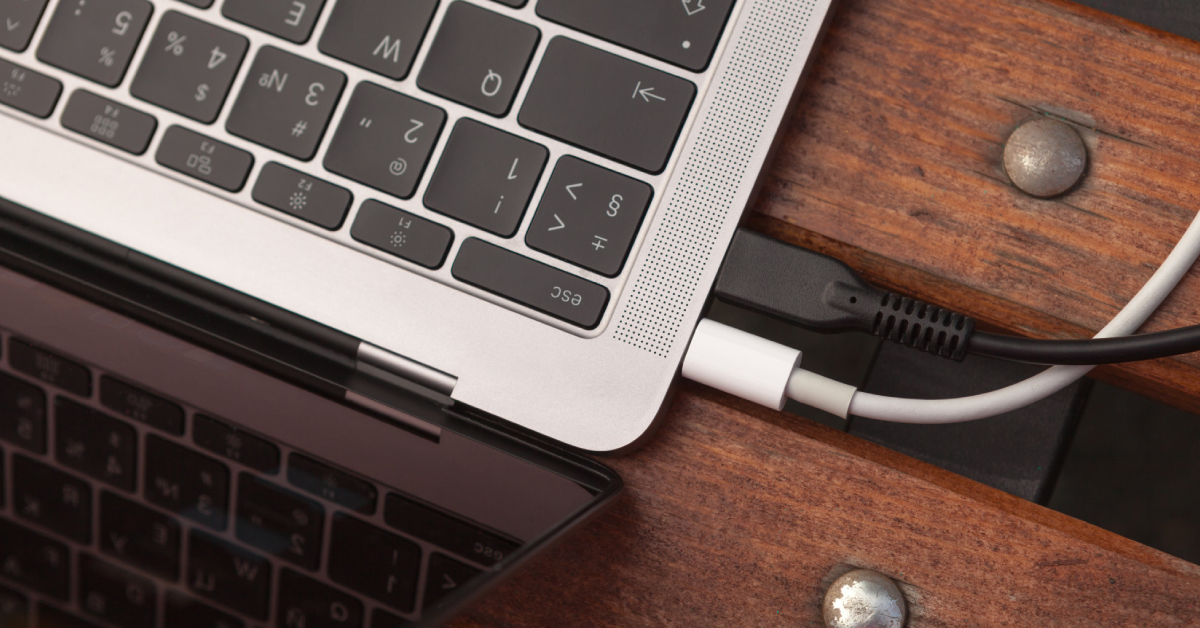
| Charging Overnight | ❌ Myth | Modern laptops have Smart IC chips that cut off power at 100%. It will not overcharge. |
| Keeping at 100% (Long-term) | ✅ Fact | Keeping a battery at 100% for years causes voltage stress, leading to chemical aging and swelling. |
| Higher Current (Amps) Charger | ❌ Myth | Using a 100W charger is safe if the voltage matches. The laptop only pulls what it needs. |
| Voltage Mismatch | ✅ Danger | Voltage must match exactly (19V–20V). Wrong voltage can instantly damage the motherboard. |
| Refrigerating Batteries | ⚠️ Risk | Cold slows aging, but condensation can cause corrosion and short circuits. |
| Using While Charging | ❌ Myth | Perfectly safe. Laptops often perform better when plugged in (e.g., ASUS ROG, Razer Blade). |
| Draining to 0% | ✅ Fact | Frequent deep discharges can permanently brick the battery controller. |
Why Laptop Batteries Swell (And How to Prevent It)
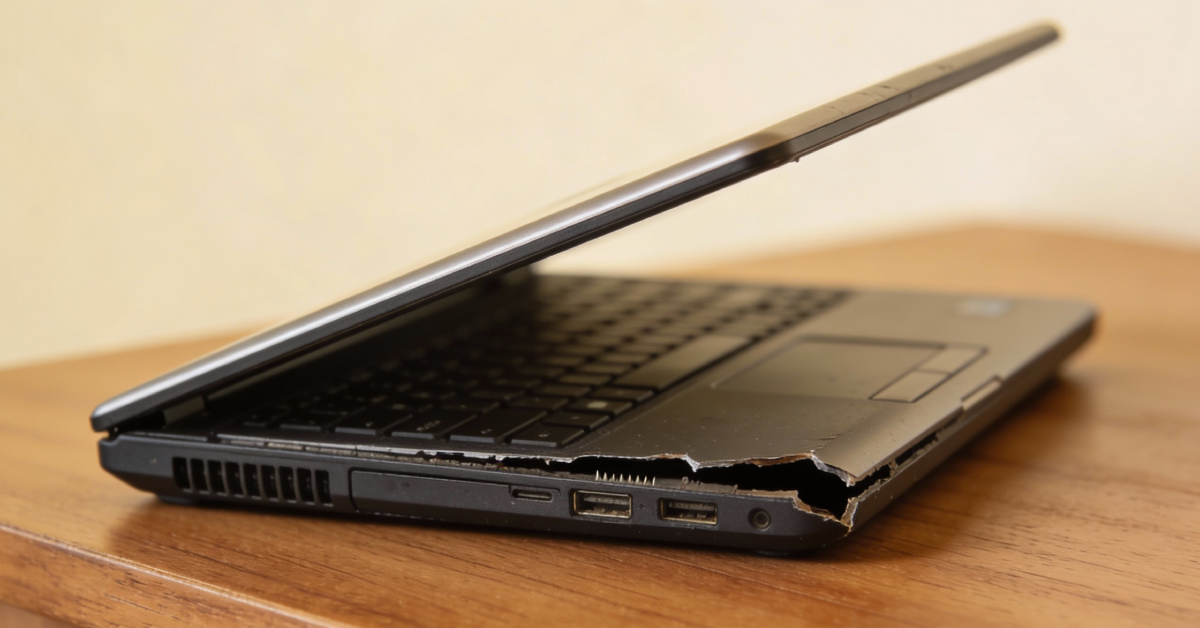
A swollen battery (bloating) is more than just a nuisance; it is a serious fire hazard. If your trackpad is hard to click, your keyboard is “lifting,” or your laptop casing is bulging, the battery has begun “outgassing.”
What causes the swelling?
- Chemical Outgassing: As cells age or are kept at a high voltage (100%) in a hot environment, the electrolyte breaks down and releases gas.
- Heat + High Voltage: Intensive tasks (gaming or video editing) combined with a constant 100% charge create the perfect conditions for cells to expand.
- Clogged Cooling: If your Dell, HP, or Lenovo fans are dusty, the trapped heat accelerates the gas buildup inside the battery.
How to prevent swelling:
- Set a Charge Limit: Use Lenovo Vantage, Dell Power Manager, or MyASUS to cap charging at 80% if you always use your laptop at a desk.
- The “Exercise” Rule: At least once a week, unplug your laptop and let it run down to 20% to keep the ions moving.
- Clean the Dust: Ensure your vents are clear to allow heat to escape. If the laptop feels hot, the battery is suffering.
Understanding Chargers: Voltage vs. Current
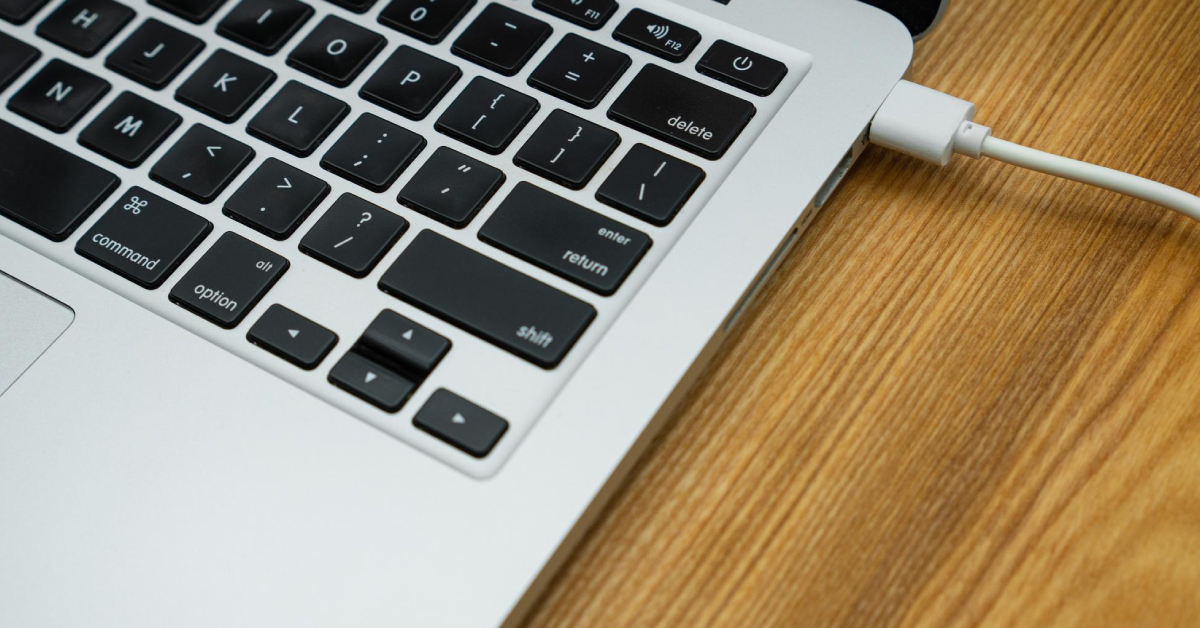
When buying a replacement charger for your Acer or ASUS laptop, remember these two rules:
- Voltage must be the SAME: Most modern laptops require 19V, 19.5V, or 20V. Check the sticker on your original brick.
- Current (Amps) can be HIGHER: A charger with higher Amperage (e.g., 6.0A) can replace a lower one (e.g., 3.42A). The laptop will only take the current it needs.
How to Check Your Laptop Battery Health
- MacBook (Air & Pro): Go to System Settings > Battery > Battery Health. If the status is “Service Recommended,” the capacity has dropped below 80%.
- Windows (Dell, HP, Lenovo, ASUS, etc.): 1. Open the Command Prompt (Admin).
2. Type powercfg /batteryreport and press Enter.
3. Open the file to see your Design Capacity vs. Full Charge Capacity. - Lifespan: Most Windows batteries last 300–500 cycles, while MacBooks are rated for 1,000 cycles. Once you pass these numbers, you will likely need a laptop battery replacement.
Frequently Asked Questions (FAQ)

Q: Will keeping my laptop at 100% for 2 years spoil the battery?
A: Yes. It causes the battery to lose its chemical “elasticity.” After 2 years of constant 100% charge, you may find the battery dies instantly when the power cord is pulled.
Q: Is it safe to put my laptop battery in the fridge?
A: We do not recommend it. While cold can help, the moisture from condensation when you remove it can cause corrosion and permanent short circuitry on the battery’s protection board.
Q: Why does my laptop die at 30% suddenly?
A: This is a sign of a “dead cell.” One part of the battery can no longer hold voltage, causing the system to crash as it can no longer draw stable power.
Q: Can a third-party charger cause battery swelling?
A: Yes. Low-quality chargers often have poor voltage regulation and “noise,” which leads to excessive heat—the primary cause of battery swelling.
Restore Your Laptop’s Mobility Today

Don’t let a “bloated” or “tired” battery force you into buying a new laptop. Replacing the battery is the most sustainable choice for your pocket and the planet.
1. Get a Professional Repair Quote
We support Apple MacBook, Dell, HP, Lenovo, ASUS, Acer, Razer, Microsoft Surface, and more.
Get a Laptop Battery Replacement Quote
2. Join Friends of myhalo
Sign up for our membership to enjoy exclusive rates on battery services and tech repairs while supporting a zero e-waste Singapore.
3. Chat With Our Technical Team
Got a bulging trackpad or a laptop that won’t turn on? WhatsApp us for a diagnostic today.
Message us at +65 8068 0100