
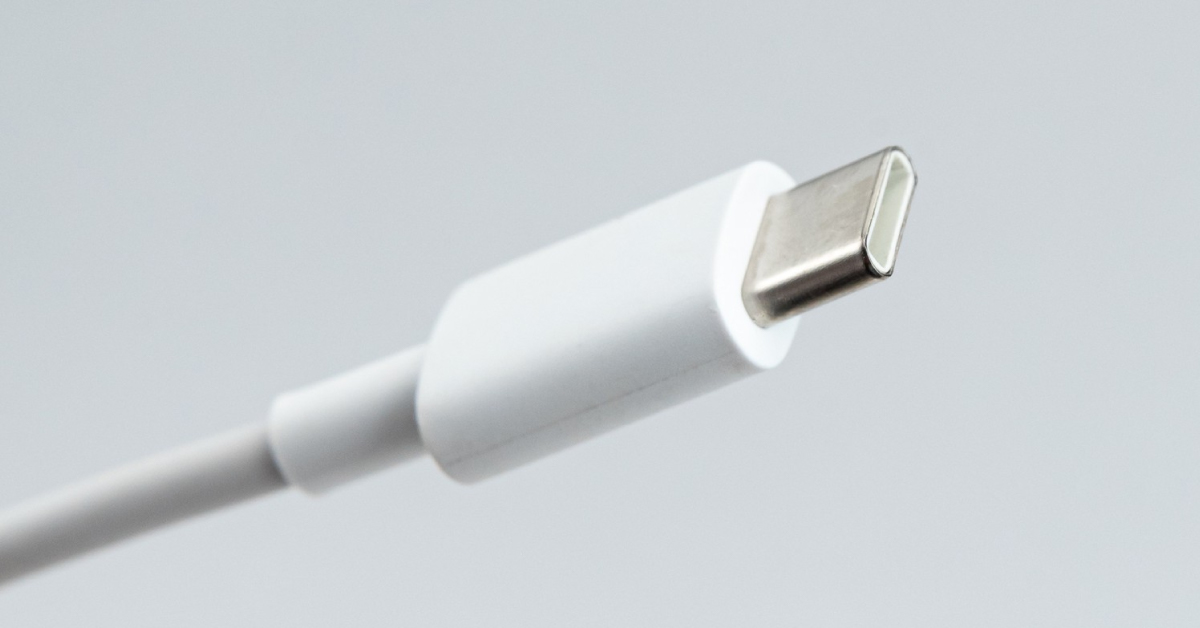
USB-C Fast Charging: Cables, Chargers, and Power Delivery Speeds
USB-C fast charging becomes simple when you match a PD-capable charger with a properly rated USB-C cable for your device. Whether you’re topping up a smartphone, powering a laptop, or keeping a tablet ready for travel, the right usb-c cable and usb-c charger can transform charging efficiency and charging speed. We’ll explain usb power delivery (USB-C PD), how a device and charger negotiate power, and why compatibility matters for safe, faster charging speeds. Choosing certified, well-matched gear improves speed, safety, and sustainability while reducing e-waste.
Understanding USB-C Technology
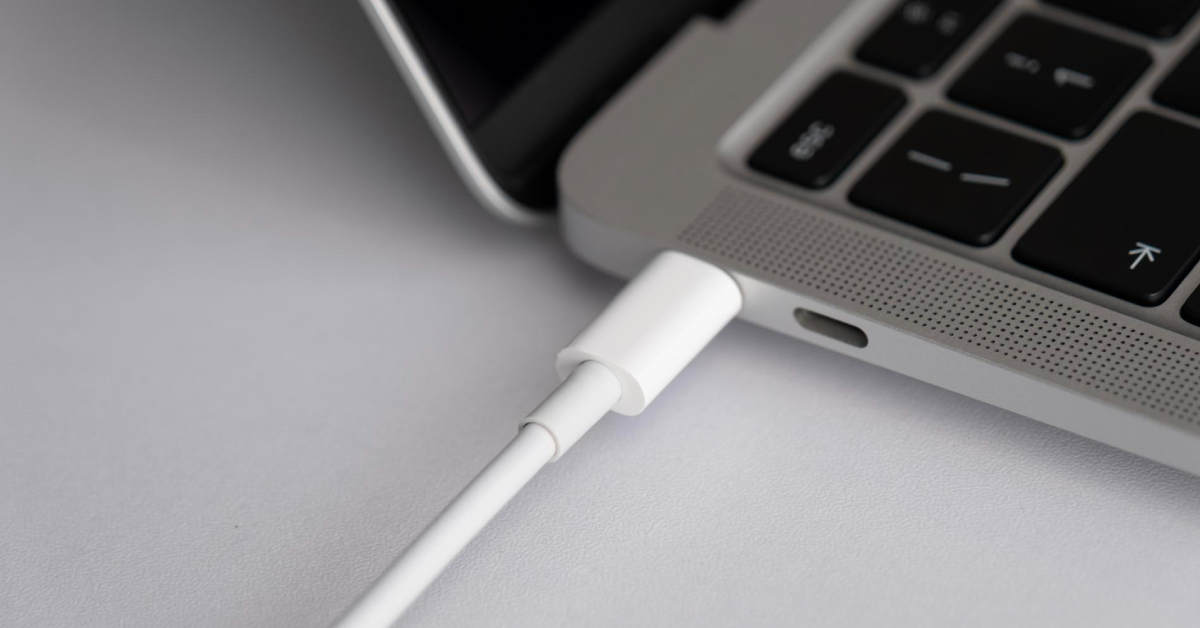
USB-C, also called usb type-c, is a small, reversible connector designed to handle charging and data transfer with one universal cable. With usb-c connectors and usb-c ports, you can charge devices and move files using the same charging cable, simplifying life and cutting clutter. USB Power Delivery lets chargers and devices negotiate safe, optimal wattage across a wide power range—from phones to high-power laptops, ensuring fast data transfer. This standard usb-c approach helps ensure compatibility, charging safety, and a cleaner, kinder tech setup for everyone.
What is USB-C?
USB-C is a modern usb connector that’s reversible and built for both charging and data transfer. It enables usb-c pd, where a device and charger negotiate power to match the right charging power, from small wearables to a 100W laptop. With PD 3.1, power delivery can reach up to 240W for demanding gear. Unlike older usb such as usb 2.0 or usb-a, usb-c supports fast charging technology and efficient power supply in one compact port. When paired with a usb-c charger and a quality cable, it brings faster charging speeds and reliable performance across many categories.
Benefits of USB-C over Previous Standards
USB-C offers faster charging, broader compatibility, and a single-cable solution versus older USB standards. Power delivery supports a wide power range, letting a single adapter handle smartphones, tablets, and laptops with higher power needs. Data transfer speeds can improve, too, with usb 3.0, usb 3.1 gen 2, and even 3.1 features depending on the cable. Reversible usb-c connectors reduce wear and tear and make daily use easier. With usb-if certified options from the USB Implementers Forum, you gain charging safety, consistent wattage, and better charging efficiency, so your charger and cable combination works smoothly without guesswork or waste.
Compatibility with Devices
Today’s ecosystem is broad: many smartphones, tablets, and laptops support usb-c charging, including apple’s usb-c iPhone models and devices from brands like Anker accessories. Always match charger wattage, cable rating, and certification (USB-IF) to your device’s requirements to prevent slower charging speeds. A usb-c to usb-c cable can power a laptop with a PD charger, while an anker usb-c to usb-c cable may support 100W or even 240W depending on the rating. Always match charger, cable length, and power levels to your device needs, and check usb-if certification for peace of mind. Even when using a usb hub or mixing usb 2.0, 3.0, or 3.1 data transfer speeds, the device and charger will negotiate power for safe, fast-charging performance.
The Importance of Fast Charging
Fast charging works safely when PD negotiates the right power level—speed without sacrificing battery health, especially with type-C cables. With usb power delivery and usb-c pd, a device and charger negotiate power to match safe power levels, so you enjoy faster charging speeds without compromising charging safety. When you pair a USB-C charger, the right USB-C cable, and a compatible adapter, charging efficiency goes up, energy waste goes down, and you can achieve the fastest charging possible. This kinder approach lets you charge devices from smartphones to a laptop or tablet with one standard usb-c solution, simplifying cables and adapters and supporting a greener routine.
How Fast Charging Works
Fast charging technology starts when usb-c connectors link a device and charger and immediately negotiate power through pd. The charging standard announces voltage and current steps, scaling charging power from a gentle trickle to higher power profiles such as 100w or even 240w with pd 3.1. This PD handshake ensures the power stays within safe limits and matches the cable and device capabilities. Using usb-if certified gear and the best usb-c cables helps maintain reliable wattage and charging speed. Together, usb-c charging and power delivery create a friendly, efficient flow that adapts moment by moment as conditions change.
Charging Speed Comparisons: USB-C vs. Other Standards
USB-C PD typically outpaces older USB-A/USB 2.0 chargers by delivering higher, negotiated wattage safely. With usb 3.0 or usb 3.1 gen 2, data transfer speeds also improve, though charging speed mainly depends on pd profiles and wattage. Standard usb-c with a pd charger routinely outpaces legacy adapters by safely delivering higher power levels, while still allowing charging and data transfer through the same connector. Even when a usb hub is involved, a quality charger and cable can maintain charging efficiency. The result is kinder convenience with modern usb-c ports and fewer compromises.
Devices That Benefit from Fast Charging
Phones, tablets, and laptops see the biggest gains from PD fast charging when paired with correctly rated cables and chargers. Smartphones and apple’s usb-c iphone top up quickly for busy days, while a laptop benefits from higher power pd for sustained work. A tablet gains smooth streaming and study time, especially with a usb-c charger and an anker usb-c to usb-c cable rated for 100w or more. Wearables and earbuds also enjoy gentle, efficient refills via a compact adapter that supports PD and QC for optimal power transfer. When you choose usb-if certified options, match cable length to your setup, and support usb-c on your accessories, you extend battery health and reduce clutter. Thoughtful usb-c charging makes it easy to care for devices and the planet alike.
Choosing the Right Charger
Match charger wattage to the device: ~20–30W for phones like the Samsung Galaxy, 30–45W for tablets, 60–100W+ for laptops. Selecting a USB-C charger is easier when you focus on compatibility, power delivery, and build quality, ensuring it works well with your phone and charger. Look for USB-IF certified options to ensure charging safety and honest performance. Pair a quality USB-C cable with a suitable cable length and a reliable adapter to keep charging efficiency high and accommodate the extended power range. Together, the right charger and cable create faster charging speeds with kinder energy use and fewer cables and adapters in your life.
| Device Type can significantly affect the charging speed and data transfer efficiency, particularly with USB PD 3.1 implementations. | Recommended Charger Wattage should align with the requirements of your devices to ensure efficient power transfer and avoid slower charging speeds. |
|---|---|
| Phones | ~20–30W |
| Tablets | 30–45W |
| Laptops benefit greatly from using USB-IF certified chargers and type-C cables for efficient power delivery. | 60–100W+ |
Types of USB-C Chargers Available
Choose GaN multi-port or compact single-port PD chargers based on power needs and number of devices. You’ll find compact single-port bricks for everyday fast charging, multi-port hubs that charge devices together, and desktop chargers that power a laptop plus smartphones and a tablet at once. Many use GaN to deliver higher power in a small body, while travel adapters offer universal plugs for USB-C ports abroad, accommodating various cable designs. Some chargers include a usb-a port for older usb 2.0 accessories, and others focus on pure usb-c charging for simplicity. Whether you pick an anker unit or another brand, aim for a pd charger with clear power levels, a trusted power supply, and support for the standard usb-c charging standard.
Power Delivery (PD) Explained
PD negotiates voltage and current so devices receive only what they can safely use—up to 240W with PD 3.1. USB power delivery is the fast charging technology that lets a device and charger negotiate power safely. Through usb-c connectors, they agree on voltage and current steps, setting charging power within the right power range. With usb-c pd 3.1, profiles now reach up to 240w, while earlier PD supports 100w—great for a laptop. This handshake keeps charging speed steady without risking the battery. PD also coexists with charging and data transfer, so your charging cable can move files while topping up. Choosing usb-if certified chargers and the best usb-c cables ensures reliable performance, honest wattage, and caring efficiency for daily use.
Best USB-C Chargers for Various Devices
Use a PD charger and a cable rated for the same wattage to achieve advertised speeds. For smartphones and Apple’s USB-C iPhone, a 20–30W PD charger offers faster charging speeds without excess heat. Tablets feel at home around 30–45W, while many laptops appreciate 60–100W; creators and gamers may prefer PD 3.1 chargers capable of 140W to 240W. Multi-port chargers help charge devices together, and a compact adapter keeps travel light. Pair the charger with a USB-C cable rated for the target wattage—an Anker USB-C to USB-C cable or similar, verified as USB-IF certified, is a friendly pick. Keep cable length practical, and use a USB hub only when needed to maintain charging efficiency and compatibility.
| Device Type | Recommended PD Wattage varies based on device type, with specific recommendations for phones and chargers. |
|---|---|
| Smartphones & USB-C iPhone | 20–30W |
| Tablets | 30–45W |
| Laptops | 60–100W |
| Creators & Gamers (PD 3.1) | 140–240W |
| Accessory Tip | Details |
|---|---|
| Cable choice | Use a USB-C cable rated for the target wattage; an Anker USB-C to USB-C cable or similar, USB-IF certified, is ideal for transferring data and power. |
| Practical extras | Multi-port chargers for multiple devices, compact adapter for travel, keep cable length practical, use hubs only when needed. |
Essential USB-C Cables and Adapters
Pick USB-IF certified cables with wattage and data ratings that match your device and charger. Getting the essentials right makes usb-c charging feel effortless. Start with a quality usb-c cable that matches your device’s power range and data transfer needs, then add a friendly usb-c charger that meets the wattage your laptop, tablet, or smartphones require. Honest, usb-if certified picks protect charging safety and improve charging efficiency, while keeping e-waste low. If you need flexibility, small adapters bridge older usb-a accessories and modern usb-c ports, or connect a usb hub for charging and data transfer. With caring choices and the right charger and cable pairing, you’ll enjoy faster charging speeds and dependable, planet-kind power.
Choosing the Right USB-C Cable
Verify the cable’s power rating (e.g., 100W/240W) and data spec (USB 2.0 vs. USB 3.x) before buying. A great USB-C cable balances charging power, data transfer speeds, and durability, making it a single cable solution for both charging and transferring data. Check the wattage rating first: if your laptop needs 100W or more, look for labels like PD 3.1 or 240W to support higher power. For everyday smartphones and Apple’s USB-C iPhone, a sturdy cable rated for fast charging and USB Power Delivery is perfect. Confirm USB-IF certification for safety, and match cable length to your setup so you don’t lose convenience. If you also move files, choose a cable that supports USB 3.0 or USB 3.1 Gen 2, keeping compatibility and charging speed in sync.
| Need | What to look for |
|---|---|
| High-power laptops (≥100W) | Wattage labels like 100W, PD 3.1, or 240W; USB-IF certification |
| Everyday phones (including USB-C iPhone) | Fast charging with USB Power Delivery; sturdy build; suitable cable length |
| File transfers can be significantly improved with USB 3.1 Gen 2 cables that support fast data transfer alongside power delivery. | USB 3.0 or USB 3.1 Gen 2 data support; maintain charging compatibility for optimal power delivery and fast data transfer rates. |
Top Brands: Anker and Others
Buy from reputable brands with clear labeling and USB-IF certification to ensure performance and safety. Anker shines for reliable build quality and clear power levels, with options like an anker usb-c to usb-c cable that handles 100w or even 240w for pd 3.1 laptops. Many other makers offer usb-if certified choices, too—just verify the charging standard, usb-c connectors, and data specs such as usb 3.0 or 3.1 gen 2. Pair your cable with a matching pd charger from a reputable brand to protect your power supply and enjoy faster charging speeds. Honest labeling, solid strain relief, and eco-minded packaging are kind bonuses to look for.
Adapters: When and Why You Need Them
Use adapters to bridge gaps only when necessary, and ensure they’re rated for your target wattage and PD. Adapters help your usb type-c world play nicely with older usb. A compact usb-c to usb-a adapter lets legacy usb 2.0 gear connect to modern usb-c ports, while multiport dongles add hdmi, a usb hub, and extra connectors without replacing your favorite cable. Use adapters when you must bridge compatibility gaps, not as daily stand-ins for the best usb-c cables, since each link can affect charging efficiency and charging safety. If you need to deliver higher power to a laptop, choose an adapter rated for the target wattage and usb power delivery, so the device and charger can negotiate power securely.
Maximizing Charging Efficiency
Efficiency comes from a matched PD charger + rated cable + minimal adapters and sensible cable lengths. Maximizing efficiency is about harmony between charger and cable, plus the smart usb-c pd features inside your devices. When the device and charger connect, they negotiate power levels that fit the safe power range, keeping fast-charging reliable and kind to batteries. Choose a pd charger that meets your laptop or tablet needs, match it with a usb-if certified usb-c cable, and keep cable length practical to limit loss. Thoughtful habits—like avoiding unnecessary adapters and using a clean usb-c connector—add up. This honest, caring approach saves energy, protects gear, and makes every plug-in a small win for you and the planet.
Using the Right Cable and Charger Together
A low-rated cable will bottleneck a high-wattage charger—your speed is only as good as the weakest link. The magic appears when the charger and cable are aligned with your device’s needs. A 100W-ready USB-C cable plus a capable PD charger lets a laptop sip higher power, while a lighter combo suits smartphones or an iPhone, enhancing overall power transfer efficiency. Stick to usb-if certified gear so usb-c charging follows the standard usb-c rules for charging safety. If you mix a low-rated cable with a higher power supply, the connection may limit charging speed—or stop fast charging entirely. Keep cable length sensible, avoid worn connectors, and don’t daisy-chain adapters. This friendly pairing preserves charging efficiency and gives you faster charging speeds without fuss.
Understanding USB Power Delivery
PD dynamically adjusts power during charging to protect battery health while maintaining speed. USB power delivery is the fast charging technology that lets a device and charger negotiate power in precise steps, enabling the fastest charging experience. Over usb-c connectors, they agree on voltage and current so charging power stays inside a safe power range. Classic PD supports up to 100w, while pd 3.1 raises limits to 240w for hungry laptops and pro gear. The protocol adapts as batteries fill, protecting longevity and charging safety. It also coexists with charging and data transfer, so you can sync files over usb 3.0 or usb 3.1 gen 2 while topping up. With USB-IF certified hardware from the USB Implementers Forum, the experience stays honest, smooth, and kind.
Common Myths About USB-C Fast Charging
Myth: any cable gives the same speed. Truth: ratings and certification determine performance. Myth: higher power always charges faster. In reality, the device and charger negotiate power; a phone may not use a 240w supply. Myth: usb-a chargers are just as quick as usb-c pd. Older USB often lacks the power delivery features that enable faster charging speeds, making newer USB PD 3.1 implementations preferable. Myth: adapters always slow things down; in fact, using the right adapter can enhance both power transfer and fast data transfer capabilities. A proper adapter rated for your wattage can work well, though extra links may add loss. Choose honest, standard usb-c gear and enjoy reliable, caring performance.